Earbuds
How To Find My Lost Earbuds
Modified: 22 January 2024
Table of Contents
Before you start searching for lost earbuds
If you need to find lost earbuds, pause long enough to confirm that the necessary settings are already active, because most tracking features cannot be turned on after the fact. On an iPhone paired with AirPods, open the Find My app, tap Devices, and check that your earbuds appear there; if you never enabled Find My on the paired device before they went missing, the map cannot show their location. Android owners using Fast Pair headphones should visit Settings > Google > All services > Personal & device safety > Find My Device and confirm that Use Find My Device is switched on, then look under Settings > Connected devices to see whether the earbuds were added to the tracker. Samsung Galaxy Buds rely on the SmartThings Find network, which requires the buds to be set up through the Galaxy Wearable app on a phone or tablet in advance. A habit that helps you is storing them only in their charging case when they leave your ears, though a closed case may prevent them from being tracked. If the battery has already died or the lid is shut, the map you see is frozen at the last known spot, and your search should start there rather than chasing a live dot that no longer exists.
- not lose wireless earbuds — How To Not Lose Wireless Earbuds
Find just the case
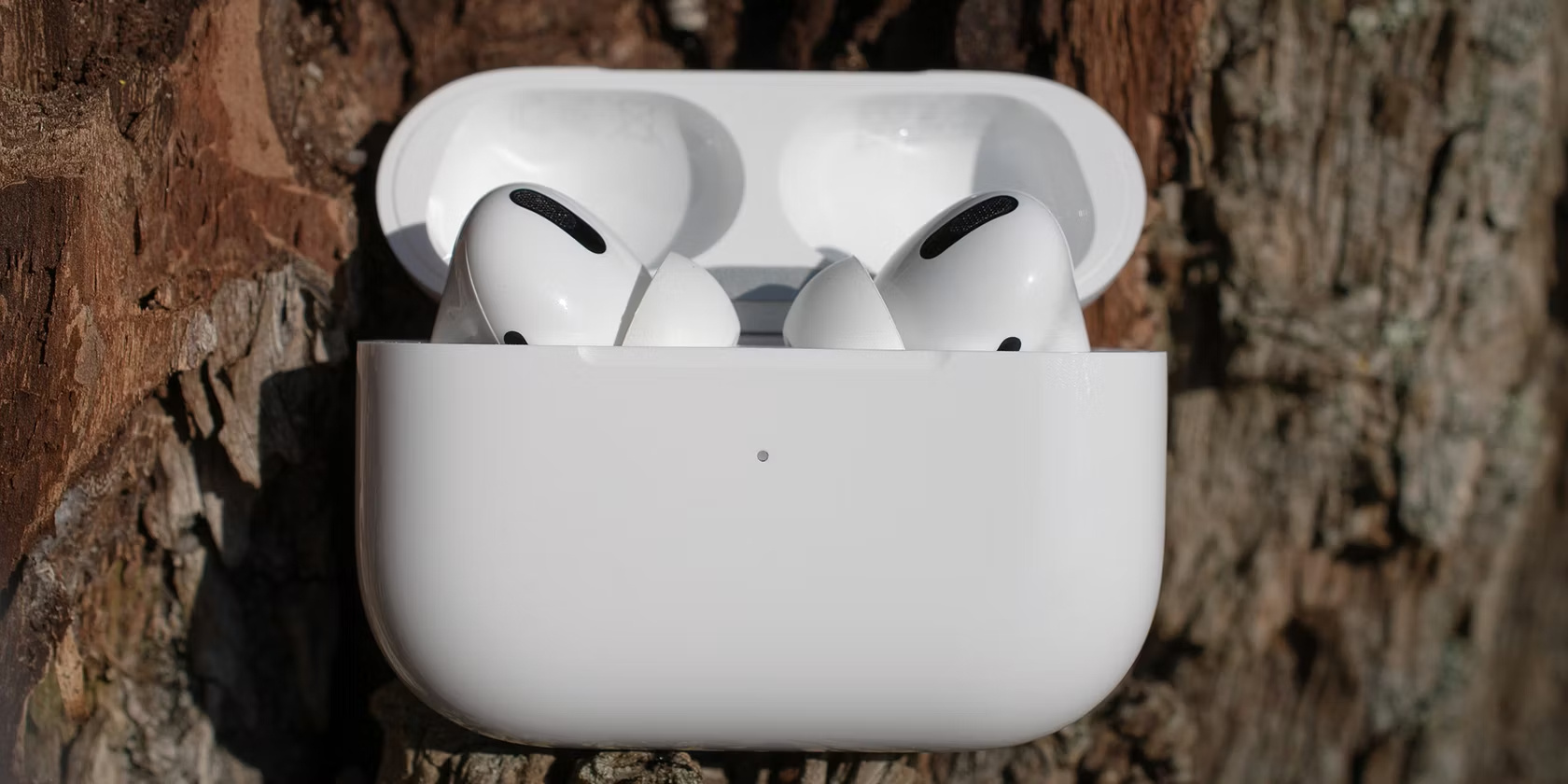
Unlike the earbuds themselves, a charging case is a silent object with no speaker and no active Bluetooth radio once the lid is closed, which makes the search feel blind. The way you attempt to find my earbuds case depends entirely on which brand you own, because the feature is not universal. If you use supported models like AirPods 4 (ANC), AirPods 5 with Wireless Charging Case, or AirPods Pro 2 and later, Apple lets you open the Find My app, tap your AirPods under Devices, and use the More button to mark the case as lost separately from the buds. On Android, Google allows Pixel Buds owners to open the Find My Device app and ring the case directly with a loud chime. HUAWEI takes a different route: on a supported phone, going to Settings > Bluetooth and tapping the Setting icon next to your FreeBuds Pro 2 or FreeBuds 5i reveals a Find My Earphones option, though the tool focuses on the whole set rather than isolating the case. In every scenario, the map you see is only as current as the last moment the case was open, so your best bet is to retrace your steps to that spot and look low, between cushions, and inside bag pockets where a small plastic shell easily disappears.
Track with a manufacturer app
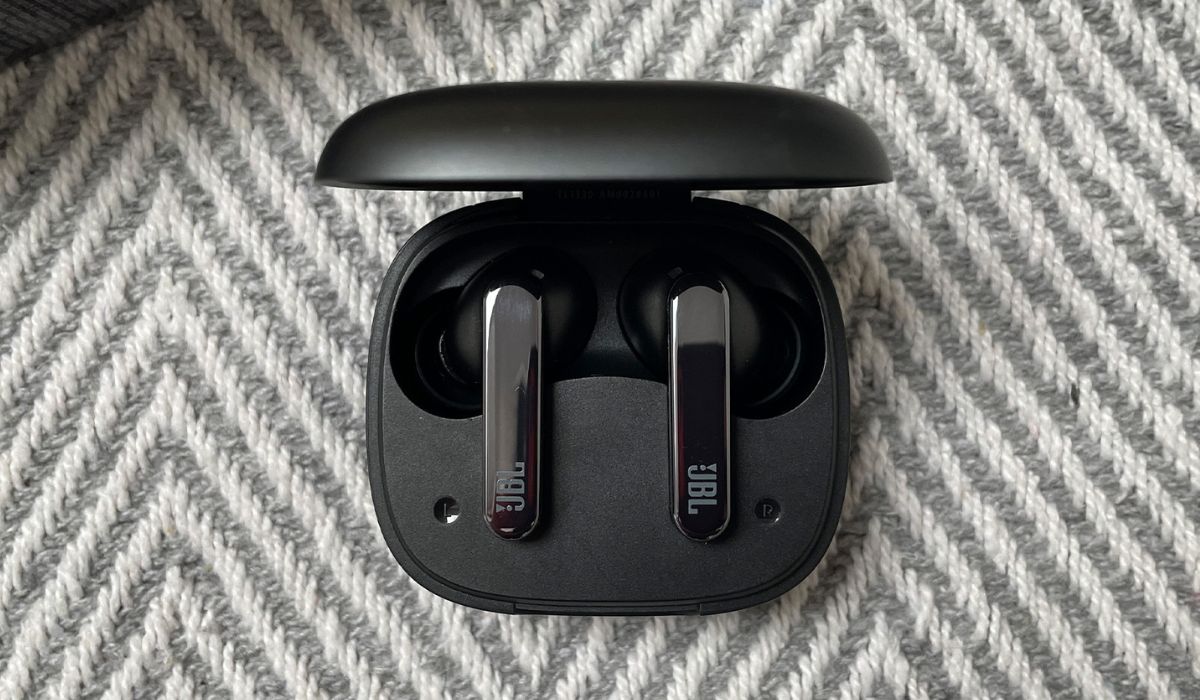
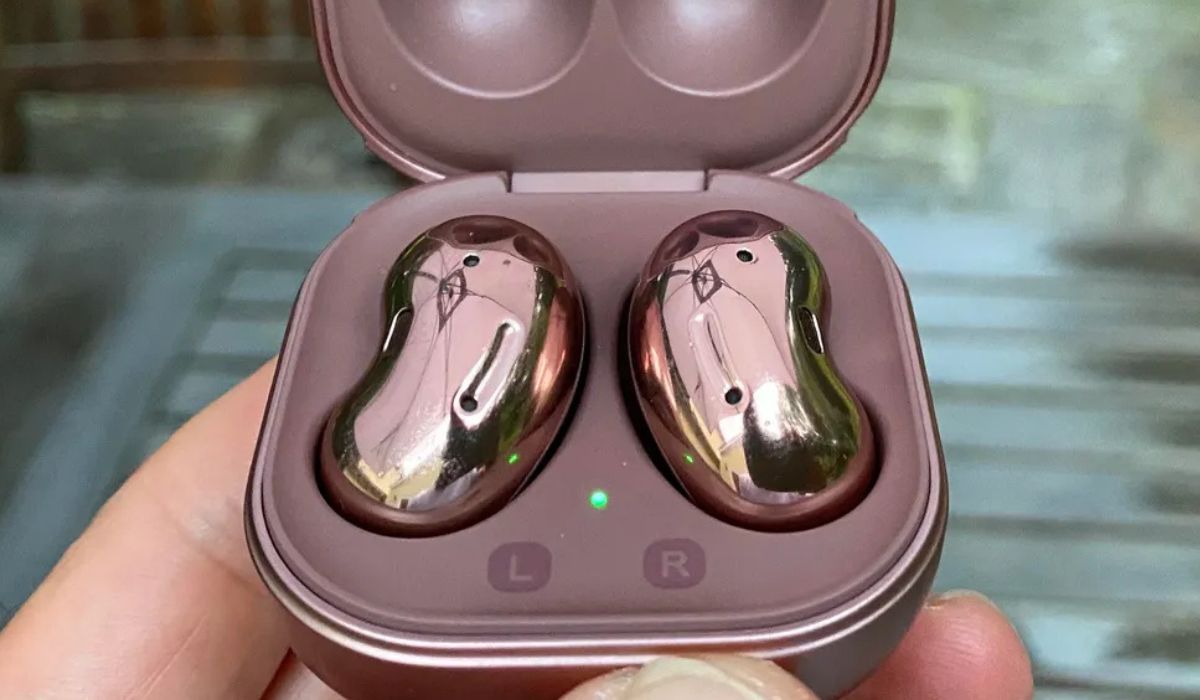
When a single earbud slips between the couch cushions, the quickest way to make it reveal itself is often through the companion app that came with it. If you need to find my onn wireless earbuds, the onn. Connect app provides a straightforward beeping feature that helps you locate them quickly. JBL owners can open the My JBL Headphones app and tap the left or right earbud to trigger a beeping sound, and if you need to find a lost JBL earbuds, this tool is essential for pinpointing them. The signal relies purely on a Bluetooth connection and fades out beyond roughly 8 meters. Samsung users get a more layered set of tools through the Galaxy Wearable app, which is exactly what you need to find my Samsung earbuds when they go missing. For older Galaxy Buds or Buds+, tapping Find My Earbuds and then Start makes them beep until you press Stop. Newer models like the Buds2 Pro can ring, navigate via Google Maps where offered, and even show the most recently recorded location on a map through SmartThings Find or Samsung Find. If you want to find my beats earbuds, the search path changes depending on your phone. On an iPhone, you go straight to the Find My app. Android users must launch the Beats app and use the Locate My Beats feature to track down supported models such as Powerbeats Pro or Beats Studio Buds. Because every manufacturer builds this tool a little differently, we have assembled a group of quick-start guides for specific brands. If you need to find my skullcandy earbuds, the Tile integration in the Skullcandy app works perfectly for that task. Pick the one that matches the earbuds in your hand to see the exact screen taps that force a ring, stop a ring, or pull up a last-known map pin. Those looking to find my Soundcore earbuds can rely on the Soundcore app's built-in finder, while those who want to find my wireless earbuds in general will find universal tips in our main guide. If you need to find lost JLab earbuds, the JLab app provides a clear beep function, and for those who want to find your JBL earbuds, the My JBL Headphones app is your best bet. Anyone hoping to find my tozo earbuds can use the Tozo app's locate feature, and if you simply need to find my lost earbuds.