This website uses cookies so that we can provide you with the best user experience possible. Cookie information is stored in your browser and performs functions such as recognising you when you return to our website and helping our team to understand which sections of the website you find most interesting and useful.
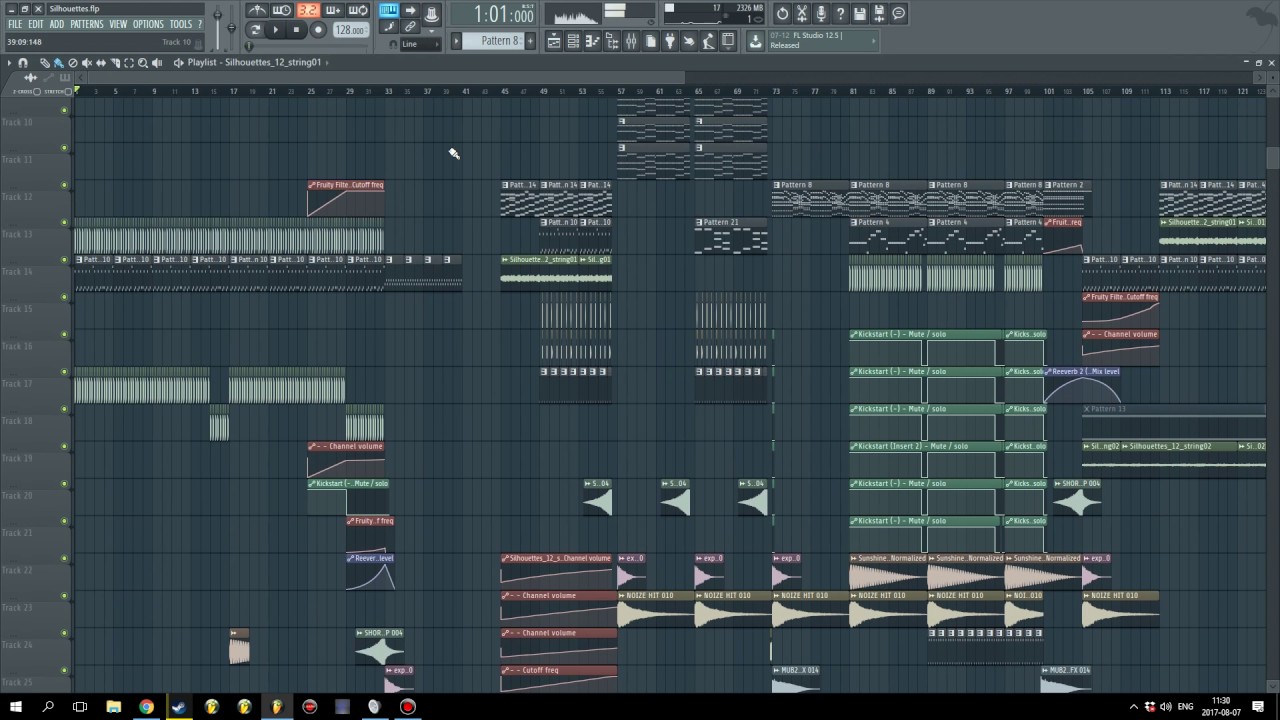
Explains using audio interfaces with OBS, proper gain settings, reducing FL Studio CPU load, and making loopback cables.
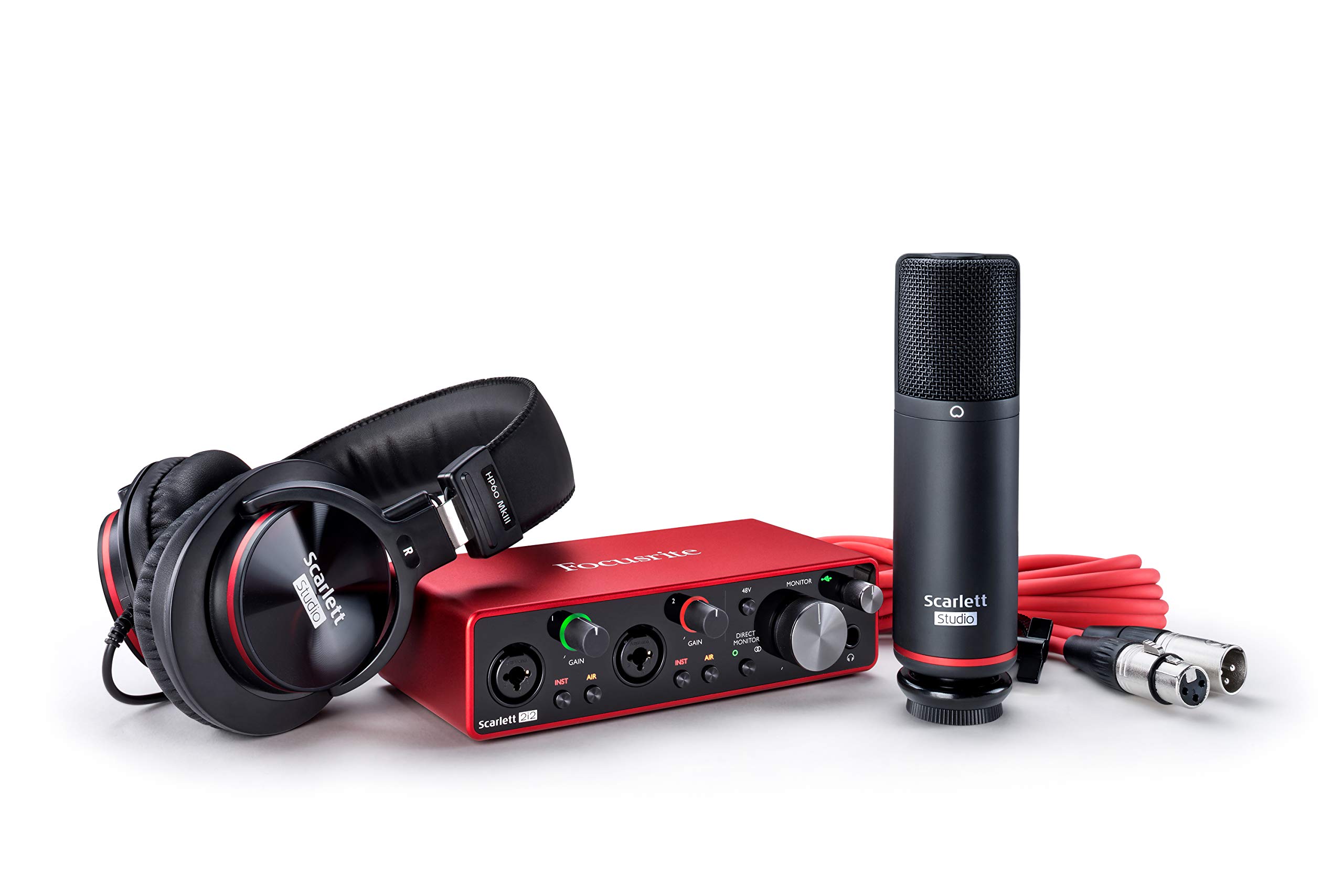
First, understand your audio interface Before you connect instruments to an audio interface, it helps to recognize that a USB audio interface is fundamentally a translator, not a mixer. Its...

What an audio interface setup actually does A proper audio interface setup begins with understanding that an audio interface is the unit that converts your microphone and instrument signals into...
What audio interface features actually do Understanding audio interface features starts with the basics: at its simplest, an audio interface is the bridge that lets your computer or phone use...
Do i even need a recording microphones interface Whether you genuinely face an audio interface necessity often comes down to the recording microphones interface already in your hand. If you...
Audio interface setup and driver basics Treat your audio interface setup as a complete replacement for your computer’s built-in sound card, not just an add-on. Install any necessary drivers or...
Planning your audio interface setup and signal flow Before you plug anything in, think of your audio interface setup as the command center that routes every sound in and out...