
Home>Production & Technology>Cover Song Licensing, Credits and Recording
Production & Technology
Cover Song Licensing, Credits and Recording
Modified: 3 October 2026
Cover song licensing and clearances
Before you post anything, understand cover song licensing and the difference between audio-only distribution and video. For a streaming-only track, secure a mechanical license. This is essentially paying to record a cover song through services that handle the required licensing. Your performance appears with moving images. Even a simple lyric video triggers a new requirement. You also need to obtain sync license for cover song use from the publisher or rights holder. This permission is famously harder to get.
Once the song is recorded, performance royalties need a home. Register a cover song with ASCAP by signing into Member Access. Sign into Member Access and choose Register a Work under the Works menu. For a faster writer and publisher split, use Quick Registration inside the ASCAP mobile app. When you are ready to legally put cover song on YouTube, the practical hurdle is that a sync license is often difficult to obtain directly. The platform’s blanket agreements usually cover the audio side. Without that separate sync license from the rights holder, your video can still be claimed or taken down. To upload a cover song without copyright infringement, confirm the original has already been commercially released in the United States and contains no unlicensed samples. Then, pair a mechanical license with documented video permission before you hit publish.
Recording your cover
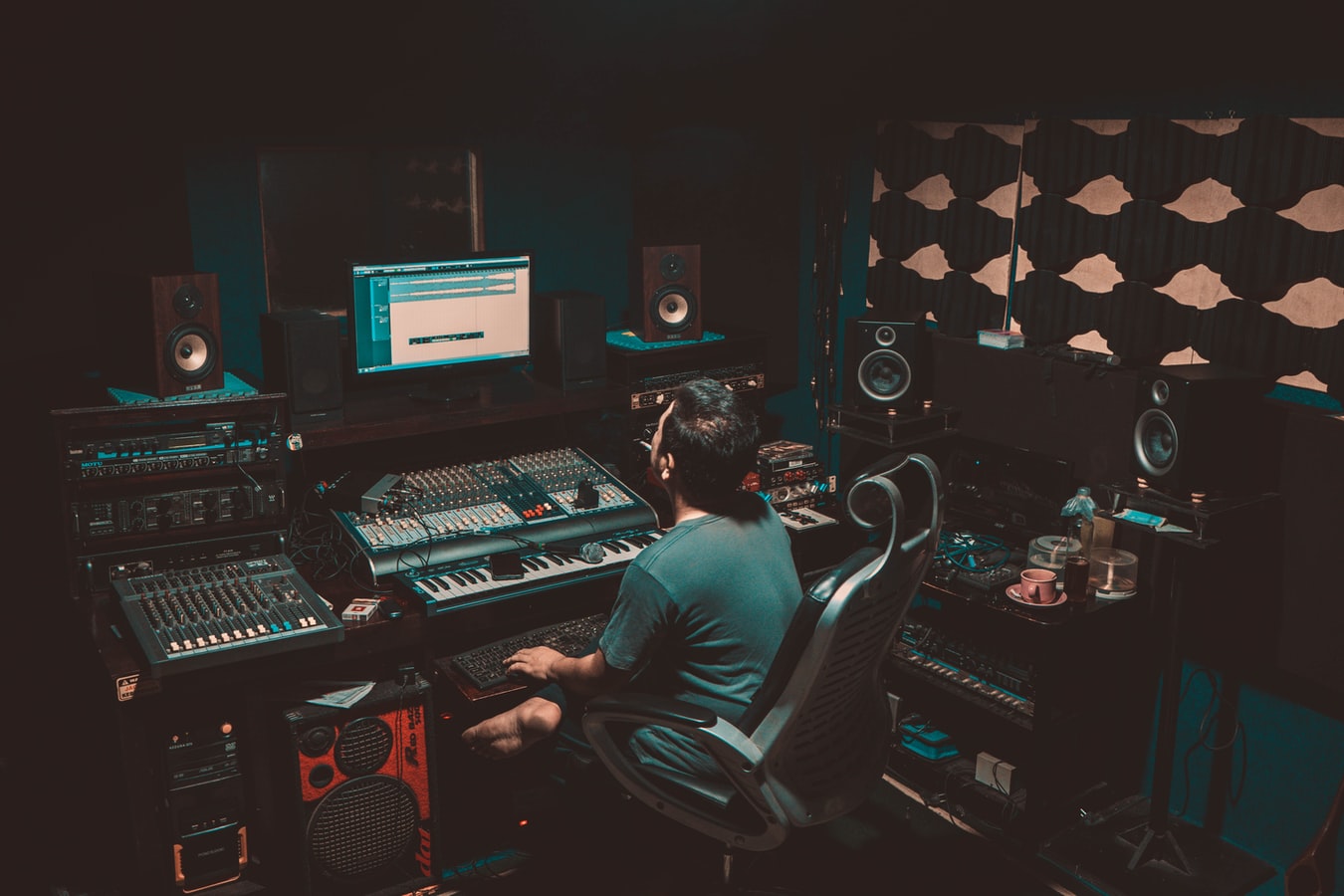
Before you hit record, get your levels under control. In Audacity, use the Recording Meter input slider to set your gain while watching the meter. A healthy signal should peak around -6 dB. This leaves enough headroom to avoid clipping when you sing with more energy. Choose your interface in the Audio Setup Toolbar. Confirm 2 (Stereo) Recording Channels in Preferences. Press the Record button or tap R. Your take drops onto a new track if the project is empty. This straightforward chain is all you need to record cover song on computer without the software getting in the way.
To make a cover song with Audacity, connect your microphone or instrument. Find it under Recording in Audio Settings. Watch that meter hover just below the yellow zone.
You can record a cover song on GarageBand for iPhone. Open the Audio Recorder from the My Songs browser. Plug in an external microphone for a cleaner signal than the built-in mic. Switch from Fun view to Studio view using the Controls button. Use the In level slider and a Channel button to select Input 1, Input 2, or Stereo if your gear supports it. Tap the Record button in the control bar, play your part, and tap Play to stop. Adjust the section length in song section controls before you start if your arrangement runs longer than the default loop. For percussive or melodic one-shots, skip the standard track and open the Sampler instrument. Tap Record beside the Sampler, capture the sound, and it is instantly playable on the on-screen keys.
Publishing and crediting
Getting the title and credits right determines whether your cover reaches listeners or gets lost in a takedown queue. When you title a cover song on YouTube, include the song name and indicate it is a cover so the platform’s Content ID system can recognize the track as a licensed reinterpretation rather than an unauthorized upload. If you are pressing a physical or digital release, the way you give cover song credits on album liner notes matters just as much as the audio itself; list the original writers by name in the credit line to ensure proper attribution and avoid disputes. When you make a cover song on SoundCloud, confirm you composed the music and lyrics yourself or have permission for the recording and any samples before you upload, which helps you avoid copyright flags and build a legitimate catalog. On social platforms, the rules shift again. For the Facebook cover song method, post your video without expecting permanent clearance, as Meta openly warns that music added to a post, Story, or Reel can later be blocked or muted if rights lapse, so knowing this method can save you from sudden takedowns.
- give cover song credits on album — How To Give Cover Song Credits On Album
- make a cover song on SoundCloud — How To Make A Cover Song On SoundCloud
- to submit songs as a songwriter — Where To Submit Songs As A Songwriter
- title a cover song on YouTube — How To Title A Cover Song On YouTube
- Facebook cover song method — How To Do A Cover Song On Facebook











