Home>Devices & Equipment>CB Radio Tuning and Settings
Devices & Equipment
CB Radio Tuning and Settings
Modified: 3 October 2026
Table of Contents
First, understand your cb radio tuning basics
CB radio tuning starts with understanding the basics of a CB radio before you touch a single knob or setting. Citizens Band is a two-way voice communication service the FCC authorizes for personal use, and knowing what the letters CB stand for in CB radio tells you it was designed for the general public, not just radio technicians. That service lives within specific CB radio frequency bands in the 27 MHz range, where the regulator has carved the spectrum into 40 channels running from 26.965 MHz to 27.405 MHz. The CB radio channel frequencies map is straightforward: Channel 19 sits at 27.185 MHz and has become the unofficial highway calling frequency. Your effective CB radio range depends far more on your antenna setup and terrain than on raw power output, which is why chasing watts with a mismatched antenna never fixes a dead signal. When you are ready to move beyond basic AM chatter, single side band radio is a modulation mode that uses the same channel frequencies but concentrates your allowed power into a narrower signal. The FCC permits up to 12 watts PEP on SSB compared to 4 watts on AM, and a common convention uses Lower Sideband for frequencies below channel 19 and Upper Sideband for frequencies above it.
Get your equipment and installation right
Getting everything physically installed and verified matters far more than most newcomers realize. When you are ready to buy a CB radio, consider the antenna you pair with it carefully, as even a premium transceiver cannot overcome a poor match between the radio and the air.
Once the gear is in hand, the way you set up CB radio in a vehicle follows a consistent pattern. Mount the bracket securely under the dash, connect the red power lead to a switched fuse such as the AM/FM radio circuit so the unit powers off with the ignition, and find a clean chassis ground for the black wire. If your radio has three power leads, the red and orange wires go together to the center tip of a cigarette plug, though you will lose channel memory when the vehicle is off.
Before making any adjustments, it is worth knowing how to test a CB radio when it refuses to light up. Pull the in-line fuse first, and if it is blown, replace it before chasing deeper problems. A quick temporary connection straight to the battery terminals tells you whether the radio itself is faulty or the wiring needs rechecking. Many operators also encounter a 10 meter radio while shopping and wonder if it works on CB channels; these are amateur transceivers designed for the 28.0-29.7 MHz band and operate under a different license class with different rules.
Tune your antenna and match the radio
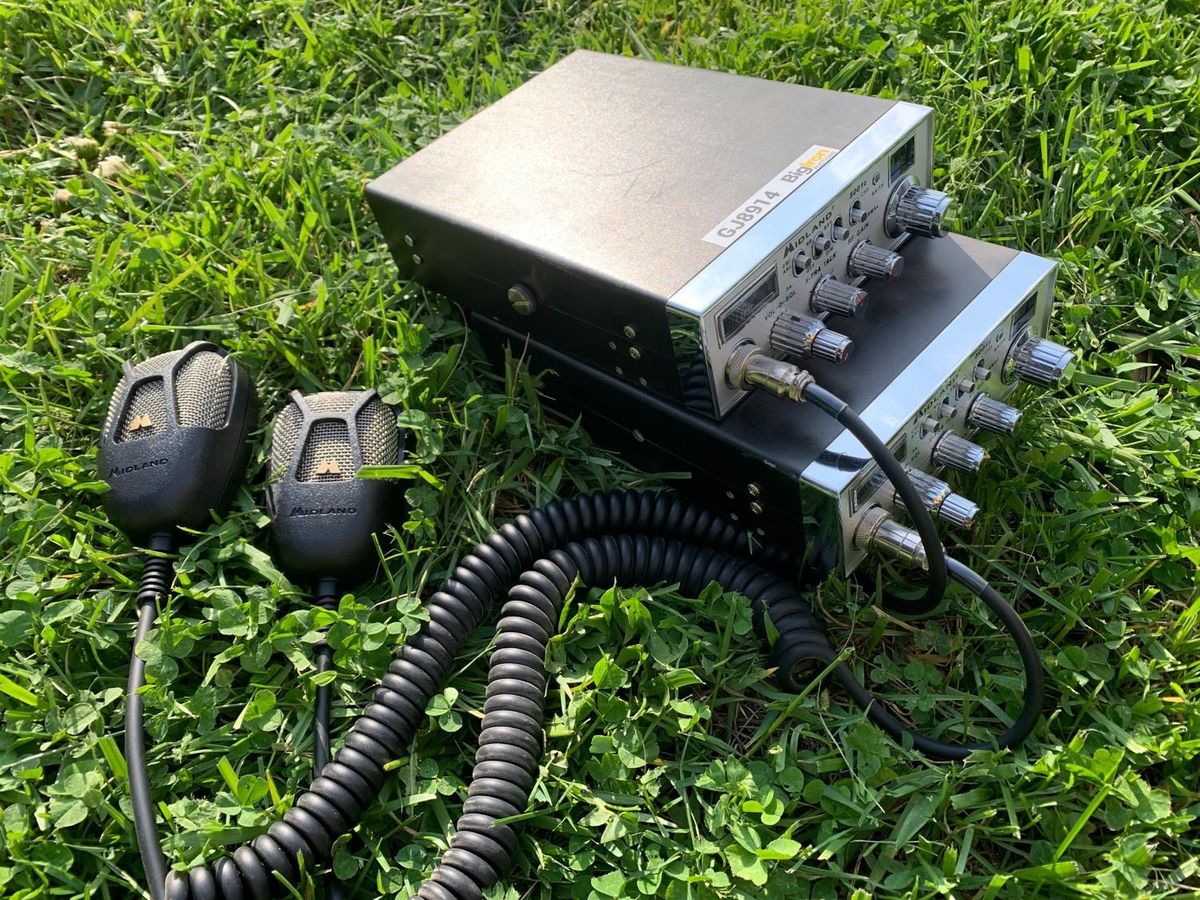
Getting a low SWR reading is an important step you can take to protect the transmitter inside your radio. A severe antenna mismatch forces energy back into the final amplifier stage where it becomes destructive heat. On many Cobra models with a built-in meter, you can set SWR on CB radio by first setting the meter switch to CAL or FORWARD. You then key the microphone and rotate the calibration knob until the needle reaches the CAL marker or triangle at the far right or upper-right of the meter. Once that reference is established, you flip the switch to SWR while still holding transmit. You then read the actual standing wave ratio directly off the meter face. If your particular unit lacks an integrated meter, you will need to calibrate CB radio with an external device placed in line between the radio and the antenna. The core principle stays identical: you are measuring reflected power as a percentage of forward power. The process to tune your CB radio is not about adjusting the internals of the chassis. It is about physically altering the length of your antenna until channels 1 and 40 show nearly identical readings that stay below 3. If SWR is lower on channel 1 the antenna is too long and should be shortened. If SWR is lower on channel 40 the antenna is too short and should be lengthened. If you specifically need to tune CB radio Cobra gear, the front-panel markings to look for are CAL and SWR. You should always perform the check outdoors with vehicle doors, hood, and trunk fully closed to avoid false reflections. Ignoring a rising SWR does not just reduce your range; it can cause the transmitter to overheat and eventually fail.
Adjust receive and transmit controls for real-world use
Once you are confident the antenna is properly matched, the front-panel controls become tools for managing real-world noise rather than fixing a weak signal. Setting the squelch on CB radio correctly means turning the knob up slowly until the background hiss just disappears; pushing it higher unnecessarily reduces your receive range. When a nearby station overpowers your speaker, understanding what the RF gain do on a CB radio matters. Leaving the control fully clockwise gives maximum sensitivity, and you only roll it back to make a strong local signal quieter without touching the volume. For persistent interference from your vehicle’s ignition or electrical buzz, engaging NB/ANL on a CB radio provides a noise filter, with the recommended setting on most units being the combined position that activates both the Noise Blanker and Automatic Noise Limiter. If you are tempted to search for ways to increase watts on CB radio, know that the authorized power limit is capped at 4 watts PEP for AM and 12 watts PEP on SSB, and no legal user adjustment or menu setting exists to raise output beyond that threshold.