This website uses cookies so that we can provide you with the best user experience possible. Cookie information is stored in your browser and performs functions such as recognising you when you return to our website and helping our team to understand which sections of the website you find most interesting and useful.
Shows how to route audio to specific playback devices, set up virtual audio cables, and connect optical cables to a computer.
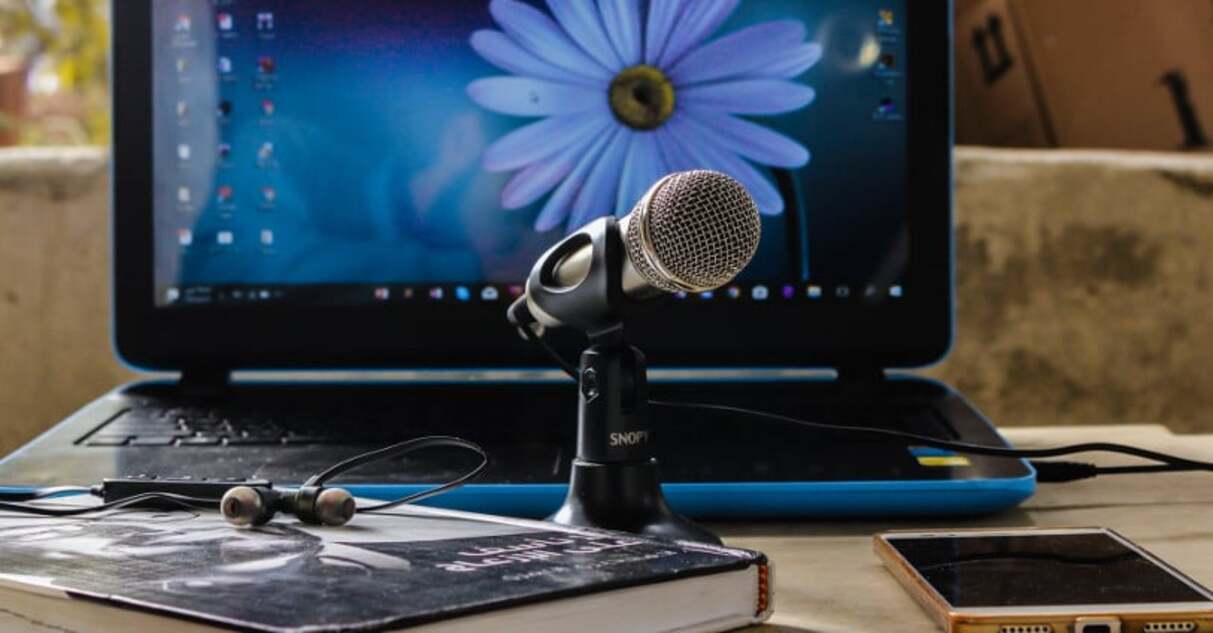
How to use a microphone: before you plug anything in Learning how to use a microphone properly shapes your sound significantly, so keep a consistent distance of about four to...

Test and check your microphone settings Before you dive into your microphone settings, take a moment to confirm the hardware itself is working, a loose connection or pocket-lint clog can...
Understanding your stereo system and computer connection When you want to connect a computer to stereo equipment, the process is straightforward because computers already output a line-level signal you can...
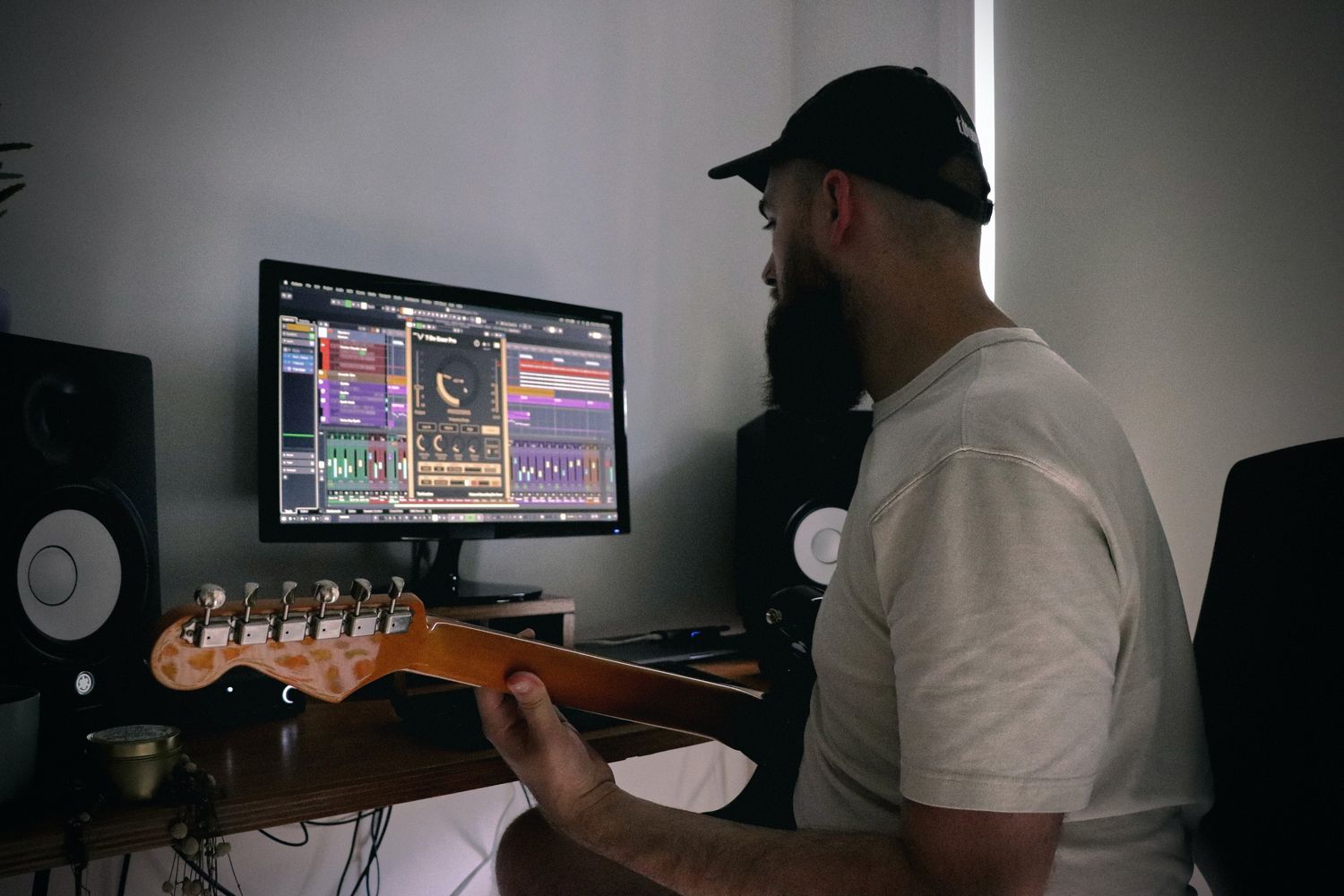
Audio interface setup and driver basics Treat your audio interface setup as a complete replacement for your computer’s built-in sound card, not just an add-on. Install any necessary drivers or...
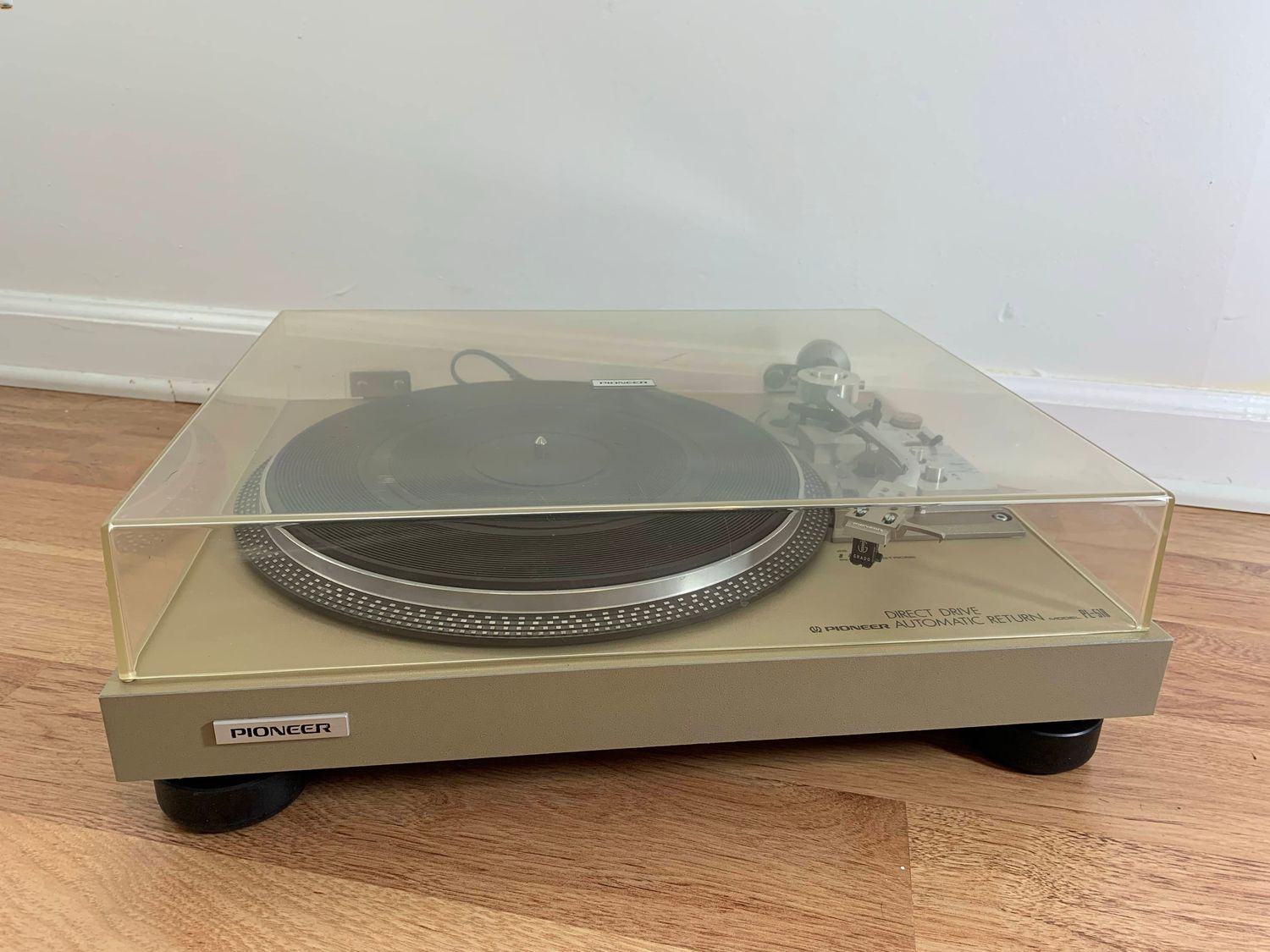
Before you plug anything in: turntable computer connection basics Before you attempt a turntable computer connection, gather your turntable setup essentials, including the turntable itself and a way to hear...