Earbuds
How Do I Charge My Earbuds
Modified: 20 December 2023
Table of Contents
Charge earbuds: basics and how to do it
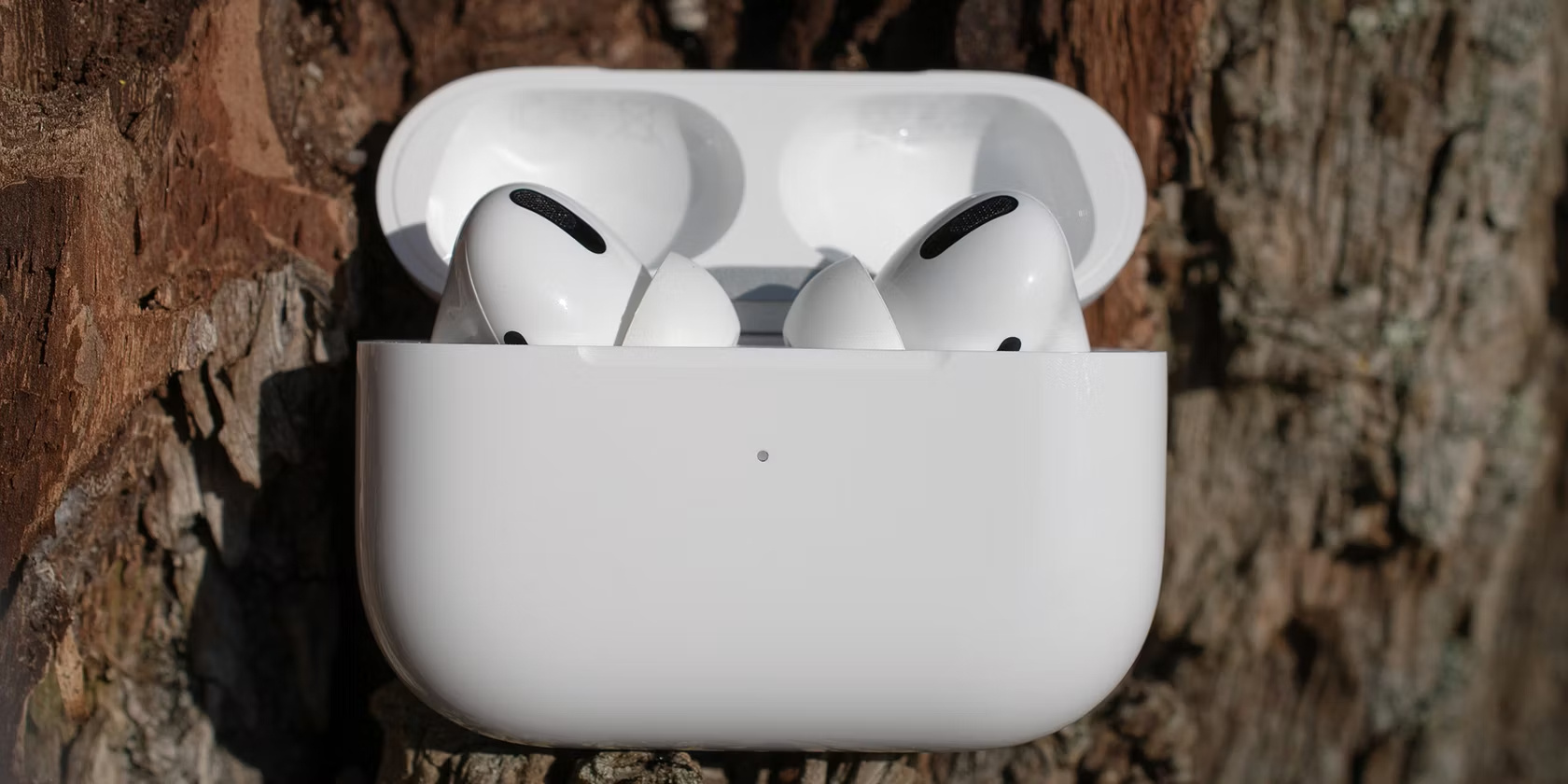
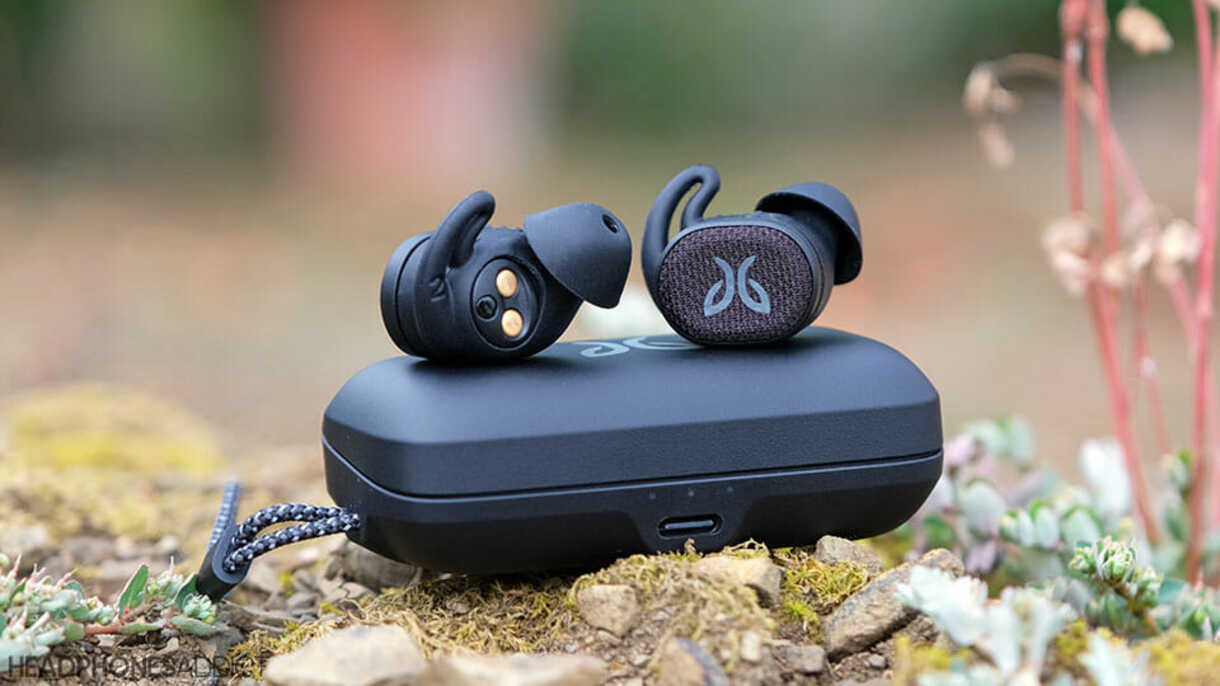
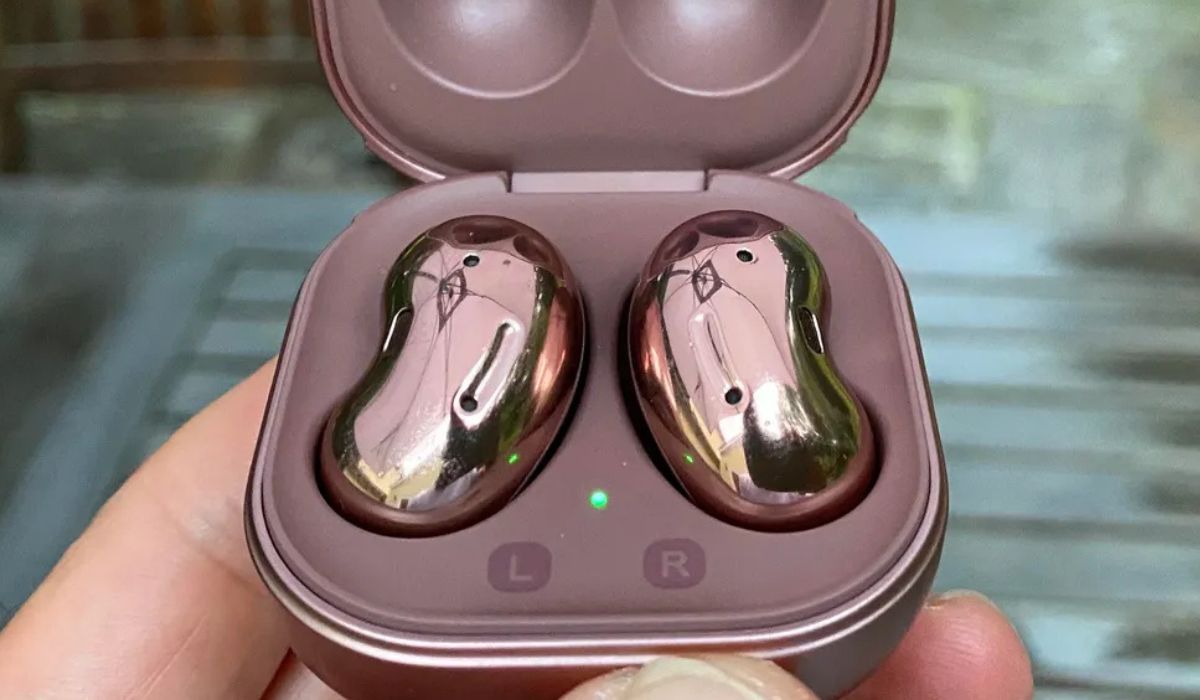
When you need to charge earbuds, start with the universal basics before you ever plug anything in. Metal contacts on the earbuds and inside the case collect dust and skin oil, eventually blocking the connection, so wipe those tiny gold or silver points with a dry cotton swab and confirm the case itself still has battery life. Once the contacts are clean and the case is charged, seat the earbuds in their correct slots, close the lid, and connect the case to power using the cable that came in the box. Samsung Galaxy Buds owners should use a Samsung-approved wall adapter; the earbuds and case charge simultaneously whether you plug into the USB port or set the case on a Qi wireless pad, and for supported models you can swipe down with two fingers to open Quick settings on a compatible Samsung phone and tap the Wireless PowerShare icon. Apple’s Beats Studio Buds and Beats Studio Buds + follow the same pattern with the included USB-C cable, while the neckband-style Beats Flex connects directly to the cable without a case. JLab Work Buds automatically power off and start charging once they drop into their dock, and the LEDs pulse blue until full. When you need to charge my earbuds, start with the universal basics. When you need to charge Samsung earbuds, remember the power-sharing trick. When you need to charge beats earbuds, check whether you have a case or a neckband. When you need to charge JLab earbuds, just dock them and watch for the blue pulse.
How long charging takes
Charging times vary enough between brands and models that knowing what to expect helps you spot a problem early. As a reference point, the charging time for Skullcandy Dime earbuds is 1 hour to reach full power inside the case, while the case itself needs a much longer 5-hour session to completely refill. JLab earbud charging time depends entirely on the specific model you own, so you cannot apply one number across the whole lineup; the JBuds Air Sport buds take roughly 1.5 hours and their case 3 hours, whereas the Work Buds need a full 2 hours for the earbuds and 3 hours for the case. When charging Onn wireless earbuds, you can expect the process to finish in about 2 hours. If your buds are still dead well past these windows, do not assume battery failure. Return to the basics by pulling out a dry cotton swab and cleaning the metal contacts on both the earbuds and inside the case, and double-check that the case itself has enough battery life to do its job.
Is it actually charging?
Before you reach for a return label, the LED lights on your case and earbuds will usually tell you exactly what is happening. If you are trying to tell if Raycon earbuds are charging, watch the capsule LED. A breathing or blinking amber light means power is flowing to the buds. Once that light holds steady green, they are ready to pull out. Just be aware that the capsule LED shows only capsule battery and does not reflect earbud battery. A green light does not guarantee the earbuds inside are at one hundred percent. To know if JLab earbuds are charging, look at the buds themselves as soon as you seat them in the dock. Pulsing blue LEDs confirm the connection is live. They will switch off completely when full. If your JLab case has its own blue light, a blink means the case is refilling. Solid blue means it is done. Samsung Galaxy Buds owners get an extra layer of detail. A red light on the earbud means charging is active. Green means finished. A flashing red light warns of an error or abnormal temperature. On a Samsung phone, you can also open the Galaxy Wearable app to see an exact battery percentage. iPhone users with iPhone 7 or later running iOS 10 or higher can do the same through the Samsung Buds app.
When charging goes wrong
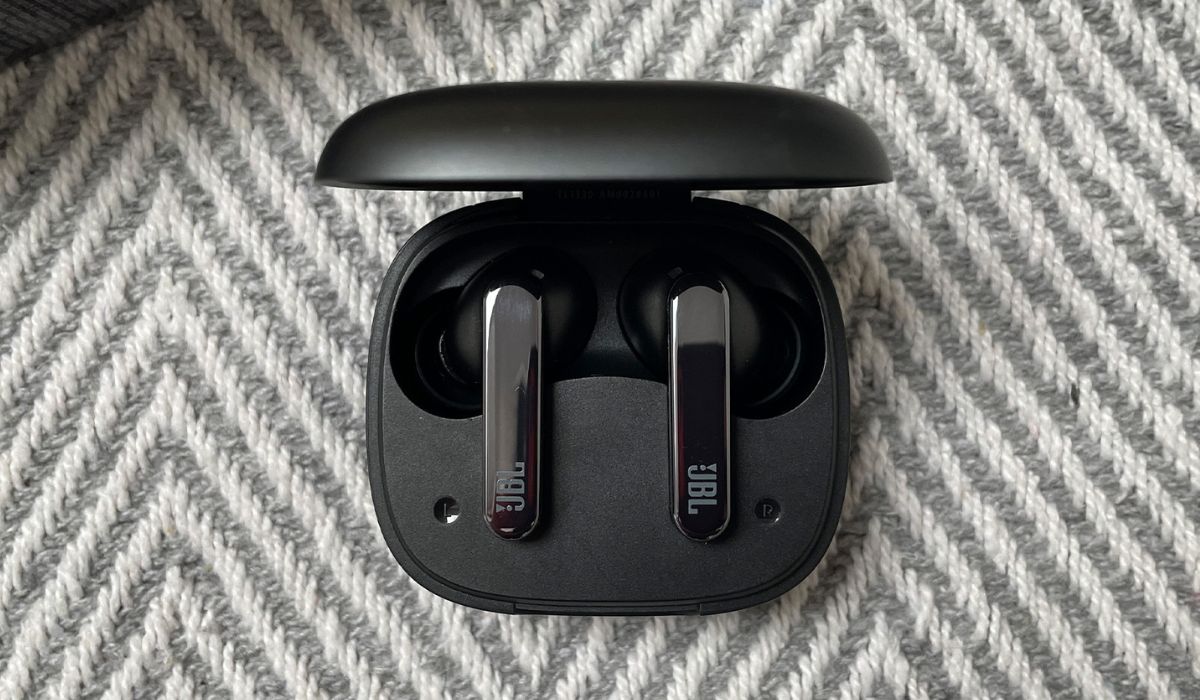
When your earbuds stay silent even after sitting in the case, the fix is usually simpler than a warranty claim. For persistent JBL earbuds charging problems, the first step is a thorough cleaning of every gold contact point on both the buds and inside the case using a cotton swab with rubbing alcohol. Let everything dry completely before you try again. If that fails, swap in a different USB cable and a wall charger rated at least 2.0A, then leave the case plugged in overnight for a full eight hours to rule out a deeply depleted battery.
With JLab charging issues, the retrieved support page only documents charging the case from a computer or a USB 5V 1A or lower output device for the Epic Lab Edition. You can often resolve the charging issue with Skullcandy earbuds by checking for debris blocking the USB-C port or the charging pins, and making sure any removable ear gels are not twisted or slipping off, since a poor fit can prevent the buds from seating correctly in the dock. If nothing happens at first, wait a few seconds after plugging the case in on a flat surface, and remember that a completely dead case will not wake the earbuds up until it has regained a little life of its own.
Turning earbuds on
Once the charging case shows a solid green or steady blue light, getting the buds to wake up is the next step, and the exact method depends entirely on the brand in your hand. You turn on JBL earbuds by holding the earbud’s power button for at least seven seconds while the earbuds are off, a deliberate press that prevents them from turning on accidentally in your bag. To turn on JLab earbuds, you press and hold both buttons for 3+ seconds until the LEDs flash. Many TOZO models take a different approach entirely: you turn on tozo earbuds simply by taking them out of the charging case, and they connect within 10 seconds with no button press needed. If they do not wake up on their own, you can turn on tozo t6 earbuds by tapping and holding the touch control on both earbuds for over 3 seconds to force them on manually. To turn off beats earbuds or turn off JLab earbuds, the required button combinations and touch gestures vary, so we have broken out the precise steps for the most popular lineups below.
Turning earbuds off and pairing them
Before you spend time troubleshooting a connection, it is worth shutting the buds down manually to save battery when they will be out of the case for a while. On many true wireless models you can do this by pressing and holding both buttons until the LEDs flash. If your left and right buds have become separated and are acting as two independent devices rather than a stereo pair, you will need to connect JLab earbuds together again with an in-case reset. Keep the earbuds seated in the charging case, open the lid, and tap the Right earbud 7 times, then the Left earbud 7 times. Pull out the Right earbud first, followed by the Left earbud after a second, and wait until one bud blinks blue and white while the other stays solid white. That handshake signals the pair is unified and ready to appear in your phone’s Bluetooth menu under Other Devices or Pair new device. If they still do not show up, turn off Bluetooth on any previously connected device nearby to free the earbuds to latch onto the phone in your hand.