Earbuds
How To Pair Earbuds Together
Modified: 20 December 2023
Table of Contents
Before you start: the universal pairing method for wireless earbuds
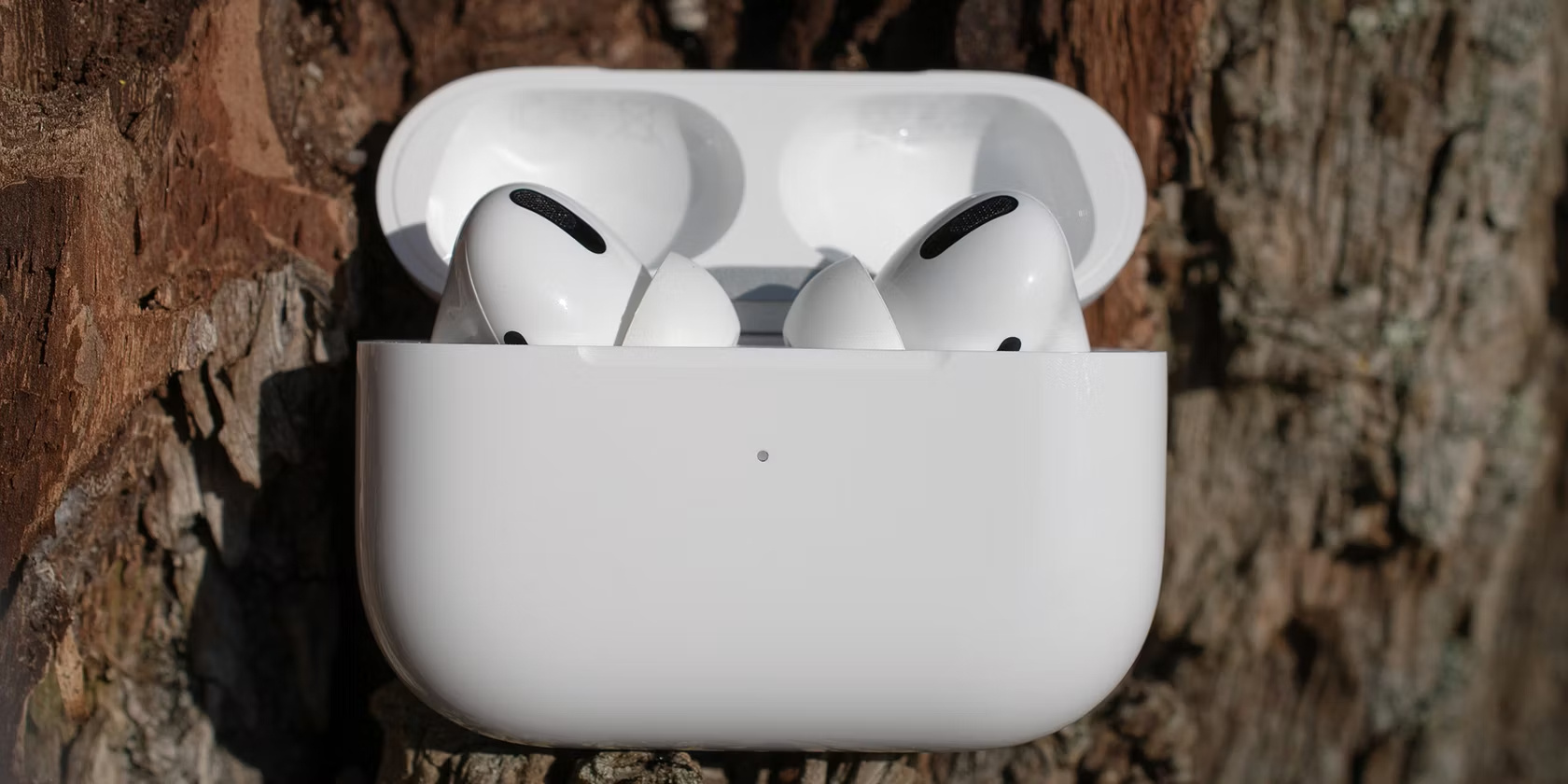
Before you get into model-specific instructions, it helps to know that nearly all true wireless earbuds rely on the same core behaviour, so you can pair wireless earbuds with almost any device using a universal method. The most common way to put wireless earbuds in pairing mode is to take them out of their charging case for the first time. If they were previously connected to another device, you usually hold the multifunction button or touch sensor from a powered-off state until the indicator light flashes rapidly, which is the universal signal that the earbuds are broadcasting.
Once the earbuds are discoverable, the steps on your phone or tablet follow a consistent path. If you need to pair my earbuds to my phone running Android, swipe down from the top of the screen, touch and hold the Quick Settings tile for wireless connections, then tap Pair new device. On a Pixel, you can also go through Settings, Connected devices, Connection preferences, and the wireless menu. When you need to pair my earbuds to my iPad or iPhone, open Settings, tap the wireless connection option, make sure the toggle is turned on, and wait for the accessory name to appear. If the earbuds do not show up, a quick press-and-hold on the case or stems is the logical first check. If you are prompted for a PIN on Android, try 0000 or 1234.
Connecting JBL earbuds to any device
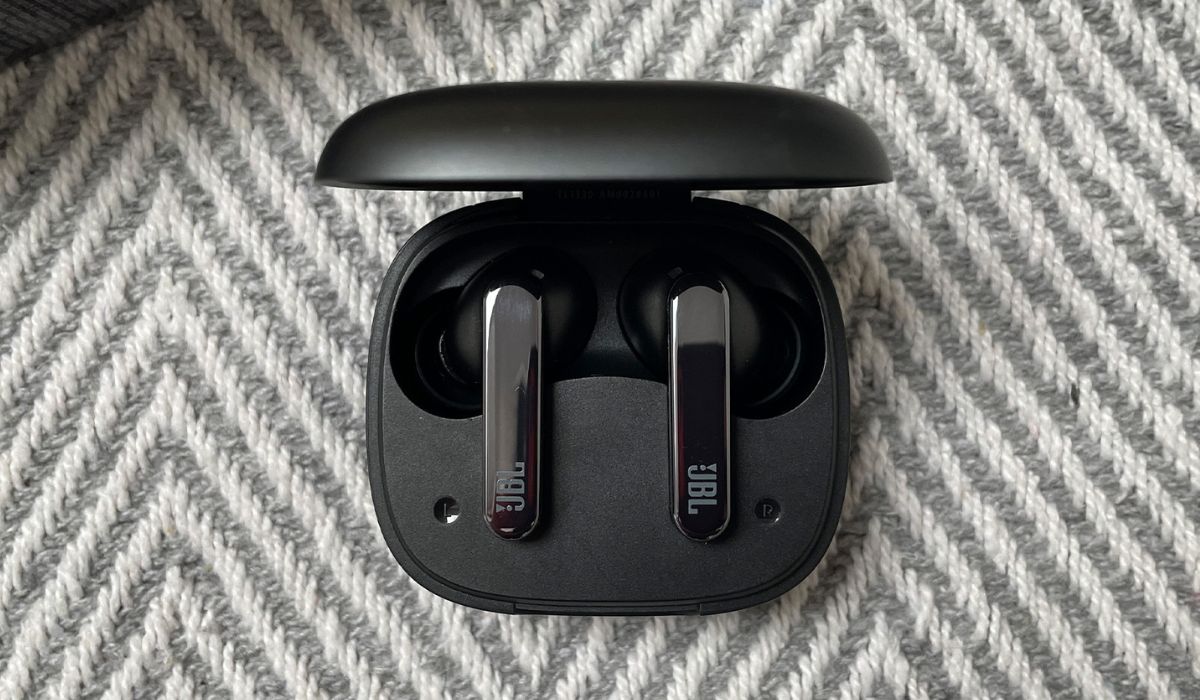
Connecting JBL earbuds follows that core principle. The button sequence changes depending on which line you own.
For the standard lineup, the process to connect Bluetooth JBL earbuds starts by opening the Settings app. Tap Bluetooth. Make sure the toggle is on. Once the earbuds are flashing in pairing mode, you simply tap the model name when it appears.
The JBL Free series requires a specific manual trigger. To pair JBL wireless earbuds to iPhone from the Free line, press and hold the Right ear piece for five seconds. Wait until the LED alternates blue and white. Then look for JBL Free in the device list. If the left and right buds lose sync, press the buttons 3 times on each ear piece to re-establish the connection between them. Should pairing fail, disconnect other active audio gear nearby. An existing link can block the new handshake.
Pairing budget and off-brand earbuds
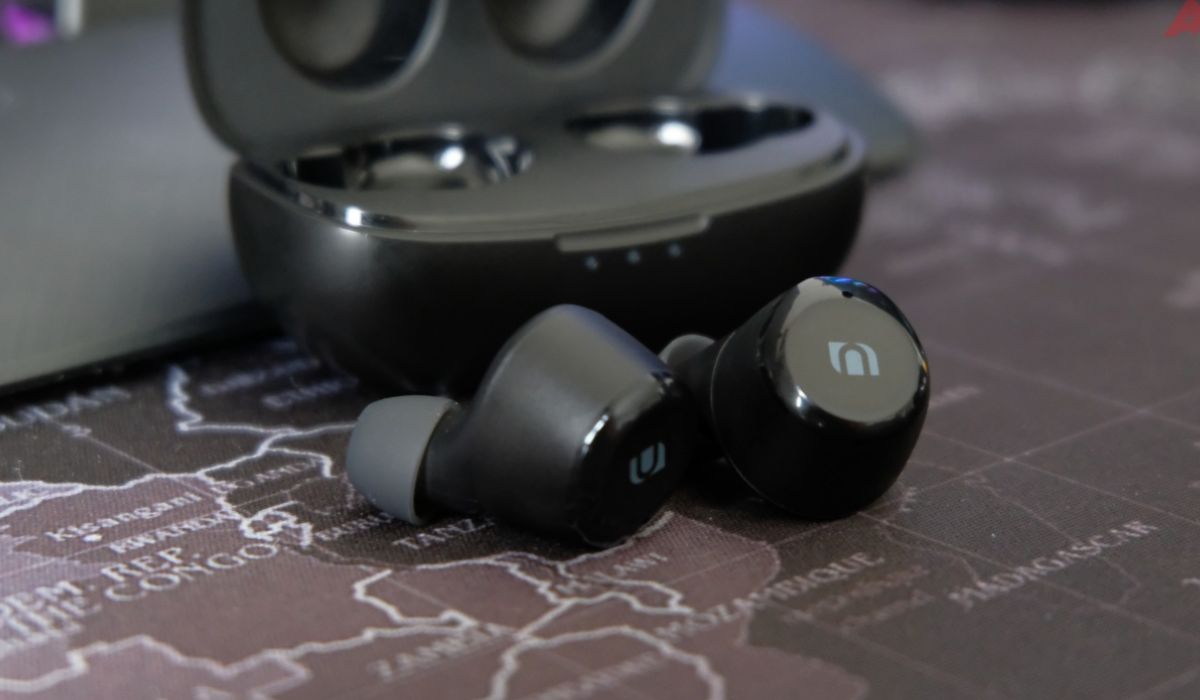
When you pick up a set of earbuds from a brand you have never heard of, the pairing logic is almost always a variation of the same theme. Most generic models enter discovery mode the moment you pull them out of the charging case for the first time. They can also do this by holding the touch area from a powered-off state until an LED flashes red and blue. If you are staring at a poorly translated manual, you can usually skip straight to the generic method for wireless earbuds. Open your phone’s settings and look for a name that matches the model printed on the case, then tap it. For one Vivitar model, the connection appears as “novelty earbuds.” A slowly pulsing blue light on both sides confirms you are linked. LG’s TONE Free line offers a reminder that the fundamentals do not change much even among bigger names; if you need to pair LG tone earbuds, the same straightforward process applies. On a T90 set you simply turn on the wireless radio in your device settings. The TFP5, TFP8, and TFP9 models support a quick tap on the Fast Pair prompt. The same stripped-down approach applies across a wide range of budget labels, so whether you want to pair Lenovo thinkplus earbuds, pair JBL wireless earbuds, pair JLab go air earbuds, pair brookstone earbuds, pair sennheiser earbuds, pair Soundcore earbuds, pair JBL free earbuds, pair sesh evo earbuds, pair kurdene earbuds, pair edifier earbuds, pair Apple earbuds, pair aukey earbuds, or pair PLT earbuds, you will find the process similarly intuitive. This includes how to pair vivitar earbuds, how to pair travelocity earbuds, how to pair TWS earbuds, and how to pair comiso earbuds. Pick the one that matches the name on your box or charging case.
Setting up sport and fitness earbuds
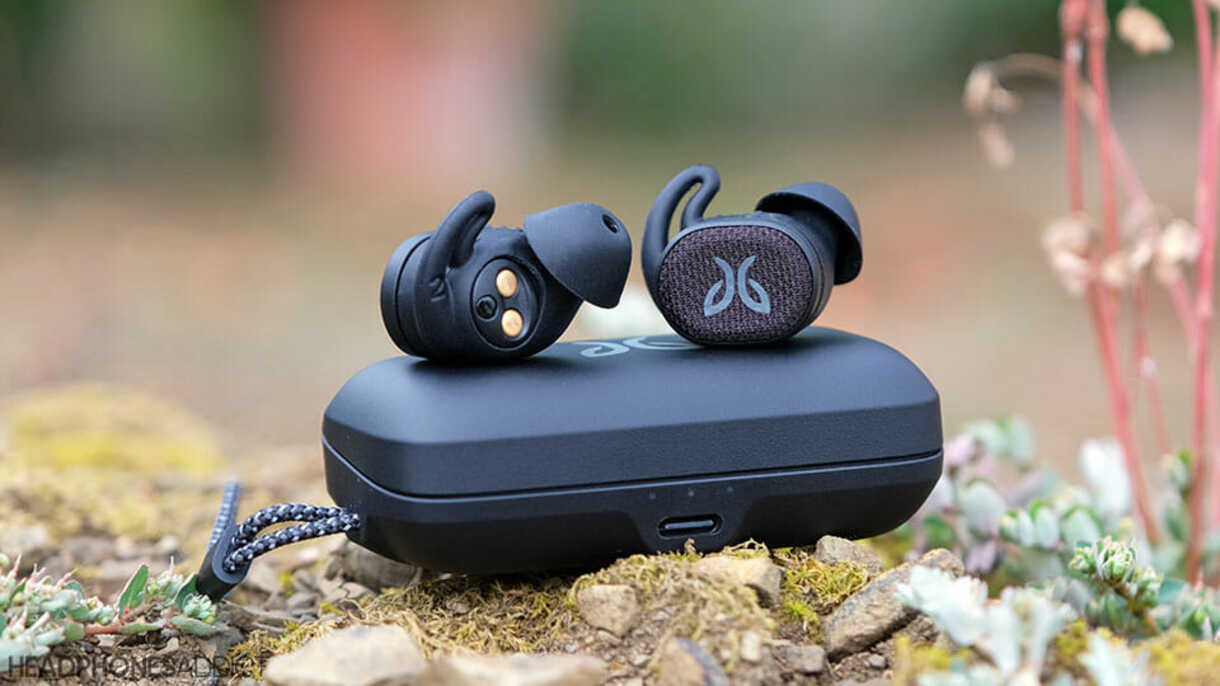
Sport and fitness earbuds are built to handle sweat and movement, which is why they often rely on physical button presses instead of touch sensors that can misfire during a run. When you need to connect mifo earbuds, the process starts by taking both earpieces out of the charging case at the same time so they automatically link to each other, then opening your phone’s settings and selecting the device name. If you only want to use a single earbud, remove just one from the case, hold its power button for three seconds, and choose the same name in your available devices list. To connect JLab sport earbuds, the approach shifts slightly depending on the model, but the general rule is to press and hold the button on each earbud for over three seconds until you see the pairing flash. The GO Sport+ supports Google Fast Pair for Android devices, and once paired, you can count on a stable wireless link with a 30-plus-foot range.
Pairing specific business and accessory brands
If you are trying to get skullcandy earbuds to pair, the process is refreshingly uniform across the brand’s true wireless lineup. Remove both earbuds from the case and listen for the “Ready to pair” voice prompt while the LEDs flash red and blue, then open your phone’s settings and select the earbuds name, accepting any confirmation prompt that appears. On Android, for the Indy ANC you may need to tap “+ Pair New Device” before the earbuds show up. For a second connection on multipoint-compatible models like the Crusher ANC 2, Riff Wireless 2, Rail, Rail ANC, Mod, Method 360 ANC, Push Play Active, or Sesh ANC, press and hold either earbud for one to three seconds until you hear the pairing cue again, then add the new device. If the connection refuses to stick, delete the old profile and try fresh, or hold both earbud buttons simultaneously for several seconds to reset them. Moving to a budget staple, onn Bluetooth earbuds how to pair typically follows the same script: open your settings and scan for new devices. Depending on the model, the listing may appear as “Onn TWS Noodle” or a similar name like “onn. Earbuds.” Tap whichever name matches the label on your case and the wireless link should establish itself within moments. If it fails, return the buds to the charging case, close the lid, wait ten seconds, and start again.