Audio
Best Hdmi Audio Extractor
Modified: 26 October 2023
Table of Contents
- The 10 best HDMI audio extractor picks
- J-Tech Digital JTECH-4KAE: Best for eARC/ARC setups
- J-Tech Digital JTD18G-H5CH2: Best for high-bandwidth video
- J-Tech Digital JTECH-EXD2: Best with built-in Dolby decoding
- VPFET HDMI audio extractor: A versatile budget option
- Product 5: J-Tech Digital JTD4KATSW
- Product 6: 4K HDMI Audio Extractor Splitter Converter
- Product 7: HDMI2.1 Audio Extractor
- Product 8: Tendak HDMI 2.0 Audio Extractor
- Product 9: avedio links HDMI Audio Extractor Converter
- Product 10: HDMI Audio Extractor Splitter
- Buyer's guide: How to choose the right HDMI audio extractor
- Frequently Asked Questions
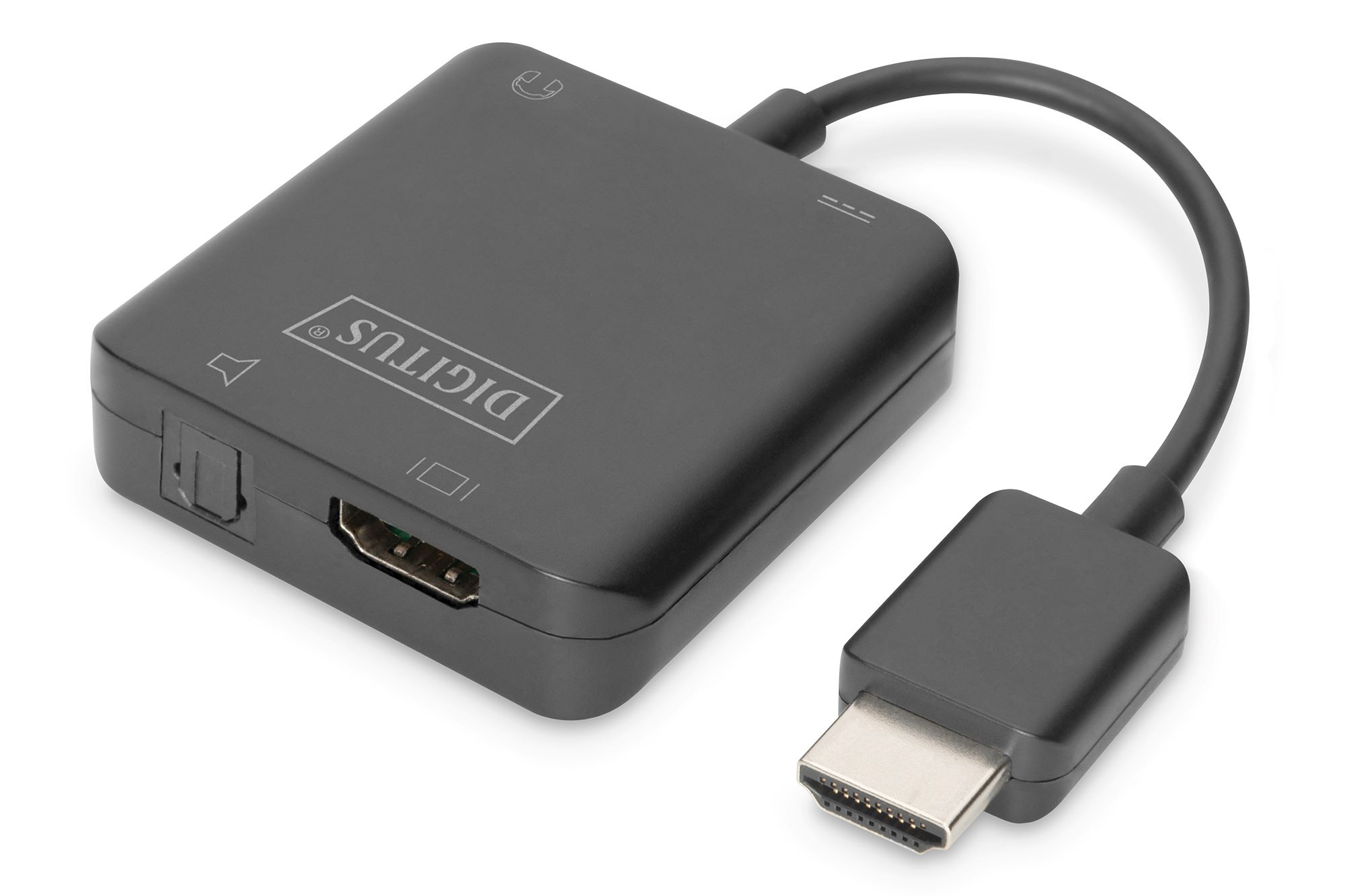
An HDMI audio extractor is the essential tool for separating audio from an HDMI signal, allowing you to connect modern devices like streaming sticks, game consoles, and Blu-ray players to older amplifiers, soundbars, or headphones that lack HDMI inputs., the best overall pick is the J-Tech Digital JTECH-4KAE, which excels at pulling audio back from your TV's eARC or ARC port to feed legacy stereo equipment.
The 10 best HDMI audio extractor picks
This list solves the common problem of connecting new HDMI sources to older audio gear or upgrading a sound system without replacing everything. Each extractor is ranked for specific use cases, from budget-friendly adapters to professional-grade units with Dolby decoding. The top pick, the J-Tech Digital JTECH-4KAE, is the most versatile for home theater setups that need to bridge modern TVs with legacy receivers.
J-Tech Digital JTECH-4KAE: Best for eARC/ARC setups
The J-Tech Digital JTECH-4KAE is a 4K 60Hz HDMI eARC/ARC audio extractor that solves a specific problem: getting audio from your TV back to an older sound system. It outputs HDMI to RCA L/R, HDMI to optical SPDIF, and HDMI audio out, making it ideal for connecting a TV's ARC or eARC port to a stereo receiver or soundbar that lacks HDMI. Its extracted TV-audio function depends on ARC/eARC support on both the TV and sound system, so verify compatibility before purchase. This model is the best choice for users who want to improve TV audio without upgrading their entire audio chain. Note that there are occasional audio disruptions, inconsistent performance, flimsy build quality, and a lack of clear instructions.
J-Tech Digital JTD18G-H5CH2: Best for high-bandwidth video
The J-Tech Digital JTD18G-H5CH2 is a 4K 60Hz HDMI audio extractor with optical and 3.5mm outputs, designed for users who prioritize video quality. It supports 4K2K@50/60Hz (YUV444), HDR10, and is HDCP 1.4 and 2.2 compliant, ensuring no loss in video fidelity when extracting audio. This model is ideal for gamers and home theater enthusiasts who need to maintain the highest possible video bandwidth while routing audio to external speakers or headphones.
J-Tech Digital JTECH-EXD2: Best with built-in Dolby decoding
The J-Tech Digital JTECH-EXD2 is a 4K@60Hz HDMI audio extractor with built-in Dolby Digital decoding and audio downmixing. It simultaneously sends surround sound to a soundbar or AV receiver via SPDIF while downmixing to stereo analog for headphones or hearing aids through RCA outputs. This simultaneous audio downmixing feature makes it the top choice for users who need to listen privately with headphones while others enjoy full surround sound through a home theater system.
VPFET HDMI audio extractor: A versatile budget option
The VPFET HDMI audio extractor is a 4K HDMI to Optical 3.5mm AUX adapter that supports LPCM 5.1/DTS/DSD according to a listing. This is a budget-friendly option for users who need basic audio extraction without advanced features. Note that details come from retailer listings, not official manufacturer documentation, so verify compatibility with your specific devices. It does not support ARC and eARC, and is not compatible with TVs as an input source. It may not output 4K resolution. It works well for connecting a streaming stick or game console to an older soundbar or amplifier that only has optical or 3.5mm inputs.
Product 5: J-Tech Digital JTD4KATSW
The J-Tech Digital JTD4KATSW is an HDMI audio extractor that supports up to 4Kx2K video and a wide range of digital audio formats. It explicitly supports DTS-HD, Dolby True HD, LPCM7.1, AC3, DTS, and DSD audio formats. This model is the best documented option for users who need explicit support for high-resolution audio formats like Dolby True HD and DTS-HD, making it ideal for Blu-ray and high-end streaming setups.
Product 6: 4K HDMI Audio Extractor Splitter Converter
This 4K 60Hz HDMI audio extractor splitter converter supports HDMI 2.0, 18Gbps bandwidth, Dolby Digital/DTS, PCM, and HDR10. It offers three working modes (2.0CH, 5.1CH, TV mode) and has low power consumption with USB connection. The multiple working modes provide flexibility for different audio setups, whether you need stereo for headphones or surround sound for a home theater. Note that there are issues with sound detection in Linux.
Product 7: HDMI2.1 Audio Extractor
This HDMI2.1 audio extractor supports 8K resolution and multiple audio formats including Dolby Atmos. It allows sharing video and audio from 2 different HDMI sources with 1 HDMI display. The plug-and-play design makes it easy to use with gaming consoles, media players, and streaming devices. This is the best option for users who need to extract audio from 8K sources or want Dolby Atmos support from their gaming consoles. Note that it lacks VRR support, has limited input/output options, may get hot, and has a short power cord.
Product 8: Tendak HDMI 2.0 Audio Extractor
The Tendak HDMI 2.0 Audio Extractor supports 4K Ultra HD resolution and includes multiple output options: optical SPDIF, 3.5mm stereo, and RCA L/R audio. It features a volume control for the analog output, providing flexibility to adjust audio levels directly from the extractor. This model is ideal for users who need a simple way to add volume control to their audio setup without relying on their source device or amplifier. Note that it may not work with monitors that require manual resolution adjustment and may interfere with the downscaling function.
Product 9: avedio links HDMI Audio Extractor Converter
The avedio links HDMI Audio Extractor Converter supports 4K 60Hz high-resolution video, HDR 10, and HDCP 2.2. It outputs audio via optical SPDIF or RCA L/R stereo and offers three audio output modes. Wide compatibility with various HDMI source devices makes it a reliable choice for connecting streaming devices, game consoles, and Blu-ray players to older audio equipment. Note that it does not support ARC, has a short power adapter cord, and lacks an on/off switch.
Product 10: HDMI Audio Extractor Splitter
This HDMI audio extractor splitter supports 1080P and 3D compatibility, making it suitable for connecting PS4, Fire Stick, and Blu-Ray players to audio receivers. It supports multiple video color formats and is compatible with HDMI V1.4 and HDCP 1.4. Its compact design and detachable connections make it convenient for portable use or tight spaces. Note that it does not support ARC function, does not allow TV sound to be transmitted to amplifiers or headphones, and some users reported occasional audio cutouts.
Buyer's guide: How to choose the right HDMI audio extractor
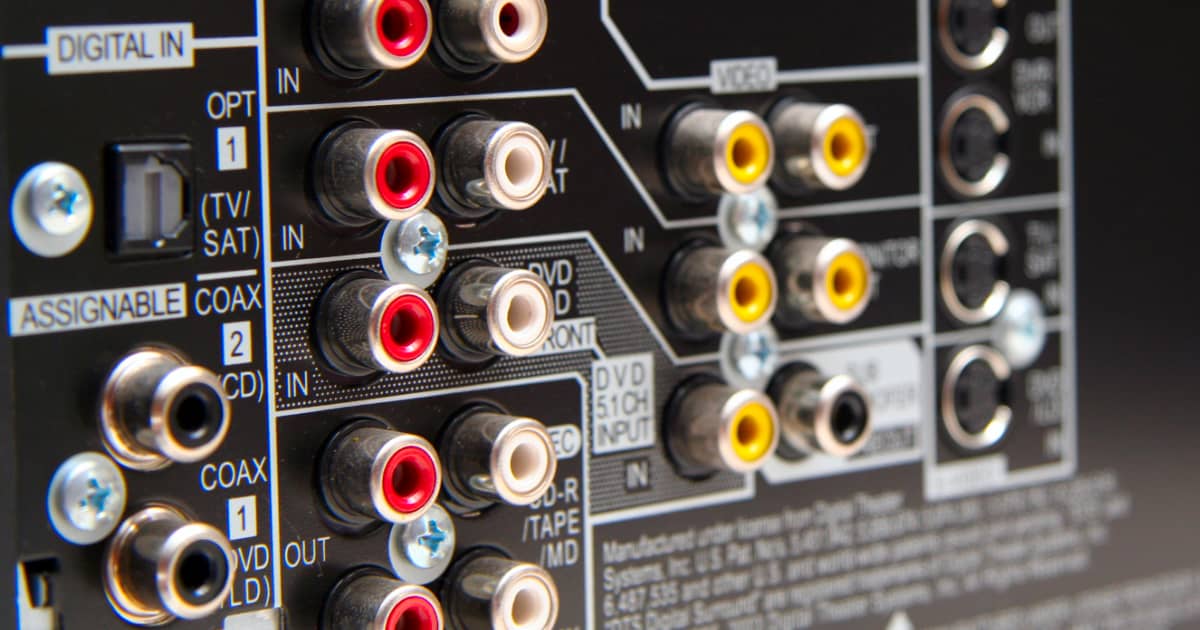
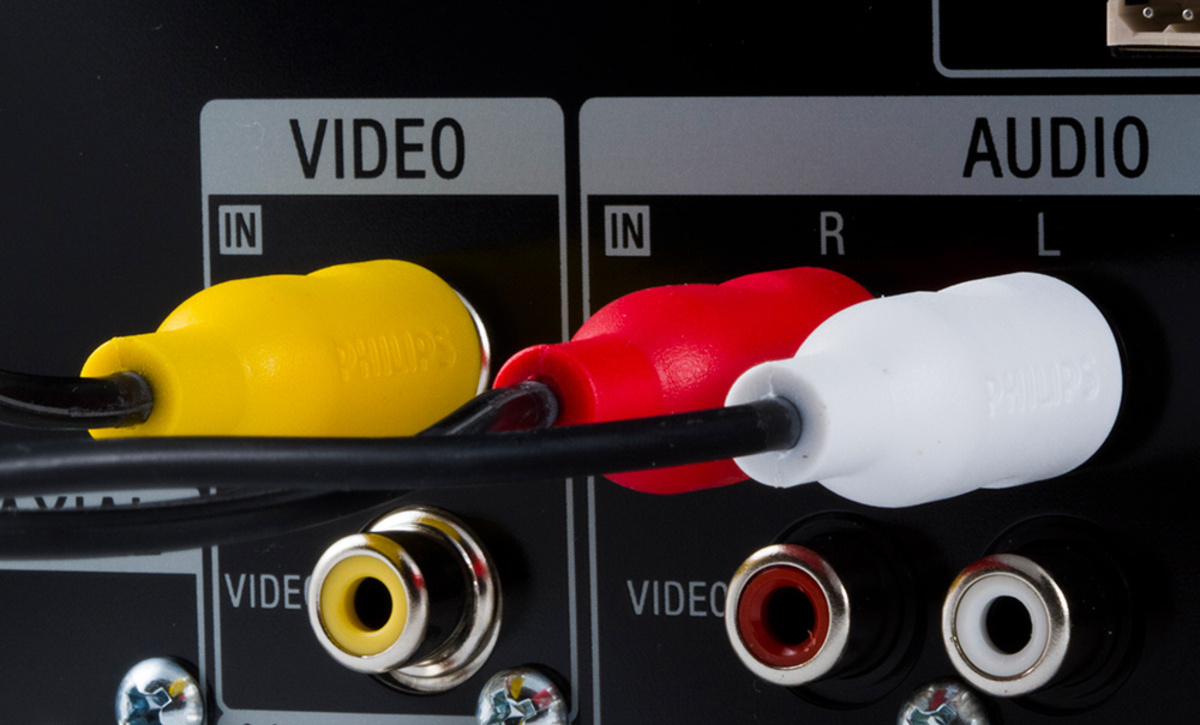
Choosing the right HDMI audio extractor requires understanding your audio format needs, HDMI version, and output connections. First, check audio format support: Dolby Digital and DTS are common for surround sound, while LPCM is needed for uncompressed stereo. If you need high-resolution formats like Dolby True HD or DSD, verify the extractor explicitly supports them. Second, match HDMI and HDCP versions to your source devices; HDCP 2.2 is required for 4K streaming and Blu-ray content. Third, determine if you need ARC or eARC support for pulling audio from your TV back to an external system. Finally, consider output connection types: optical SPDIF for soundbars and AV receivers, RCA for older stereo equipment, and 3.5mm for headphones or portable speakers. The phrase "audio cable compatibility" refers to ensuring your extractor has the correct output jacks for your existing cables, such as RCA for analog stereo or optical for digital audio. Adapter selection matters if you need to convert between connector types, but most extractors include the necessary ports for common setups.
Frequently Asked Questions
Can I use an HDMI audio extractor with my television?
Yes, an HDMI audio extractor can be used with televisions to extract audio and route it to external speakers or soundbars. For TVs with ARC or eARC support, models like the J-Tech Digital JTECH-4KAE are specifically designed to pull audio back from the TV's HDMI port.
Will an HDMI audio extractor degrade the video quality?
No, a high-quality HDMI audio extractor should not degrade the video quality if it supports the maximum resolution of your HDMI source. Models that support 4K 60Hz with HDCP 2.2 compliance, like the J-Tech Digital JTD18G-H5CH2, pass video through without alteration.
How do I connect multiple audio devices using an HDMI audio extractor?
Most HDMI audio extractors come with multiple audio output options. Simply connect the desired output devices to the corresponding audio connectors on the extractor, such as optical for a soundbar and RCA for headphones simultaneously.
Can I extract audio from HDMI sources without connecting the video output?
Technically, it is possible to extract audio without connecting the video output, but not all HDMI audio extractors support this function. Check the product specifications to confirm if the extractor can operate without a video display connected.
Can I use an HDMI audio extractor with my gaming console?
Absolutely. An HDMI audio extractor can be used with gaming consoles to route audio signals to your preferred audio devices, providing an enhanced gaming experience. Models with low latency and high bandwidth support, like the HDMI2.1 Audio Extractor, are ideal for gaming.