Audio
Best Audio Splitter
Modified: 26 October 2023
Table of Contents
- What is an audio splitter and why you might need one
- Wired audio splitters: Y-cables and headset adapters
- How to use a wired audio splitter
- Wireless audio sharing on iPhone with AirPods and Beats
- Wireless audio sharing on Android with Bluetooth LE Audio
- Wired vs. wireless audio sharing: which should you choose?
- What to look for when buying an audio splitter
- Frequently Asked Questions
An audio splitter is a small adapter that lets you share audio from one device with two or more headphones or speakers, or adapt a headset's single plug for separate mic and headphone jacks on a PC. You need one when you want to watch a movie with a friend on a plane, take a call hands-free with a gaming headset on a laptop, or connect a single phone to multiple speakers.
What is an audio splitter and why you might need one
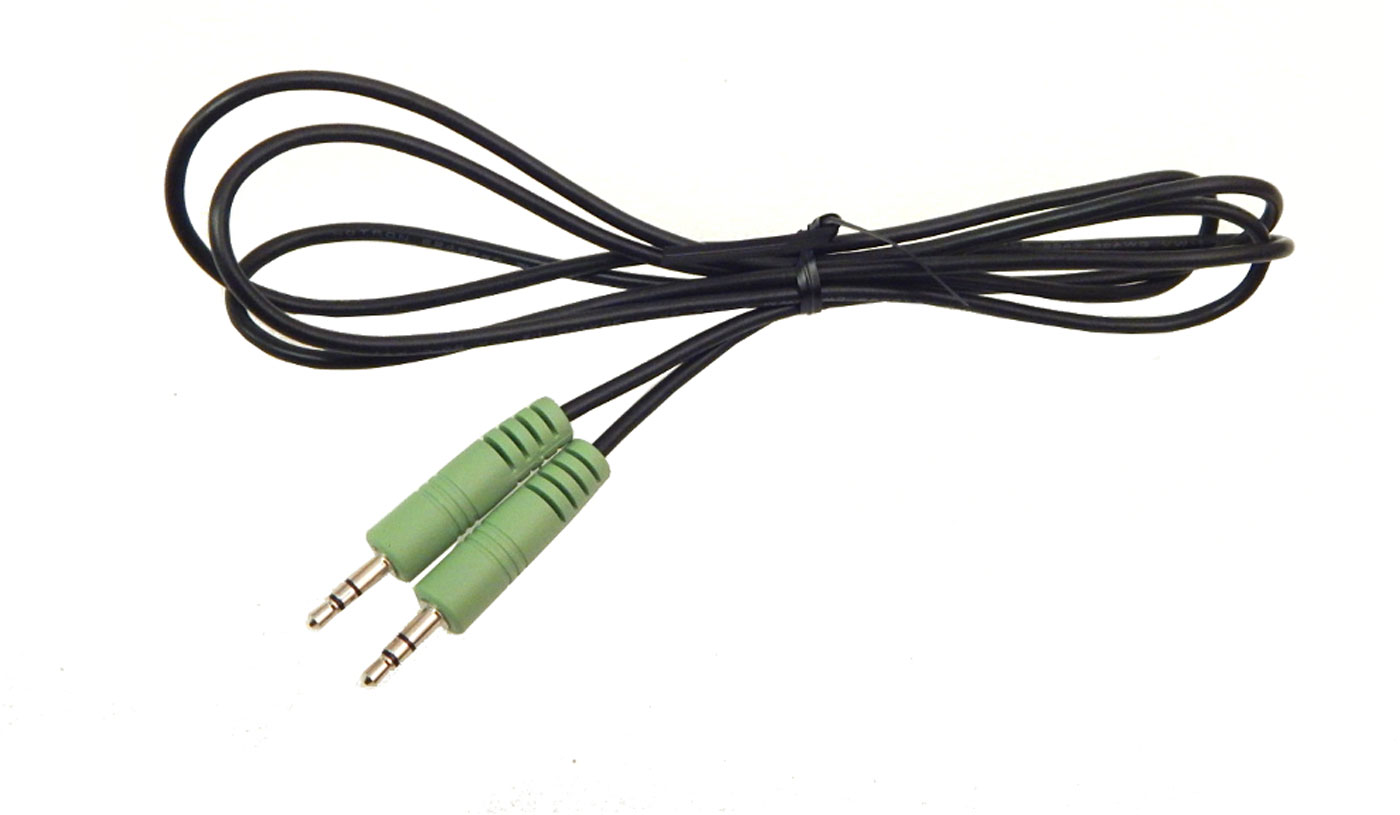
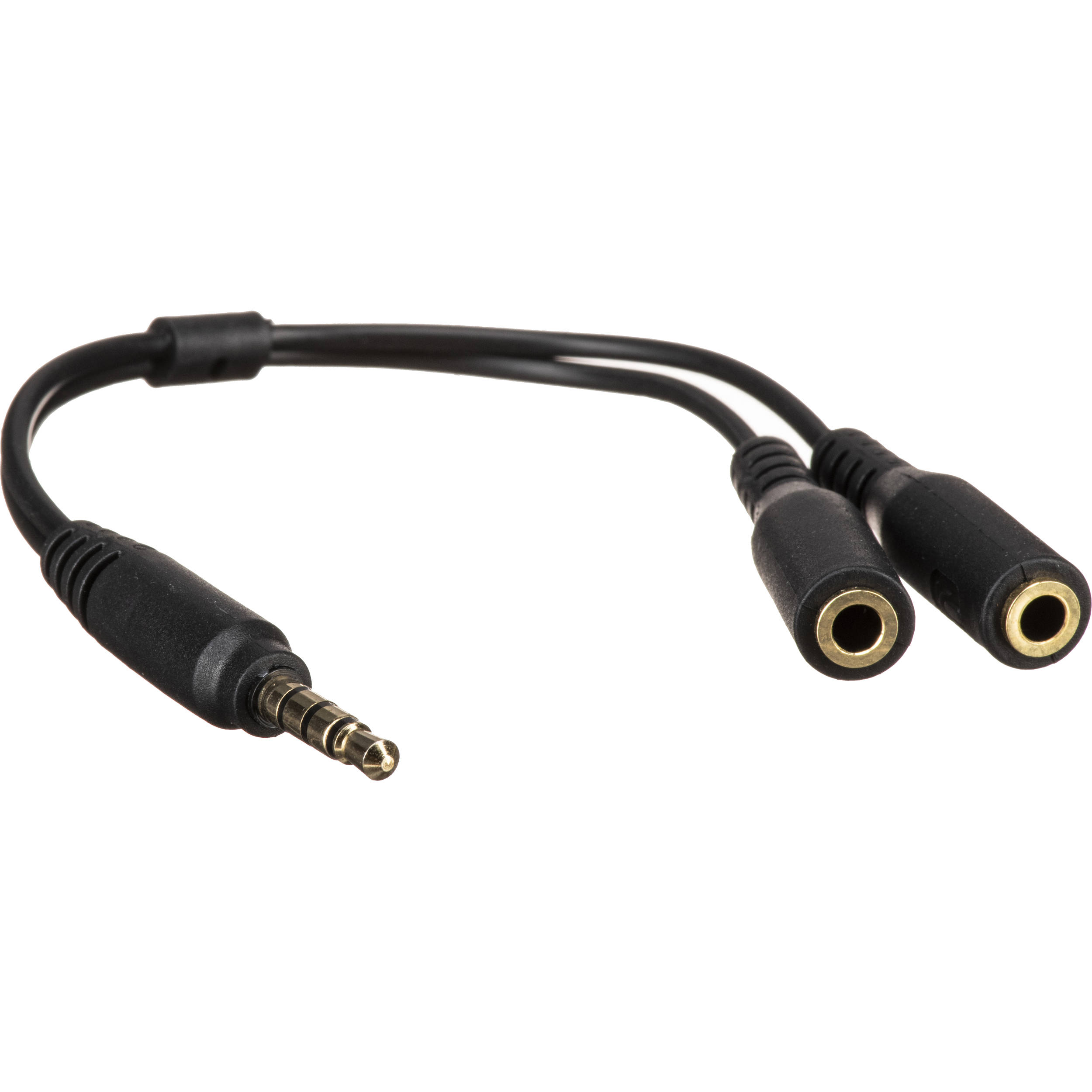
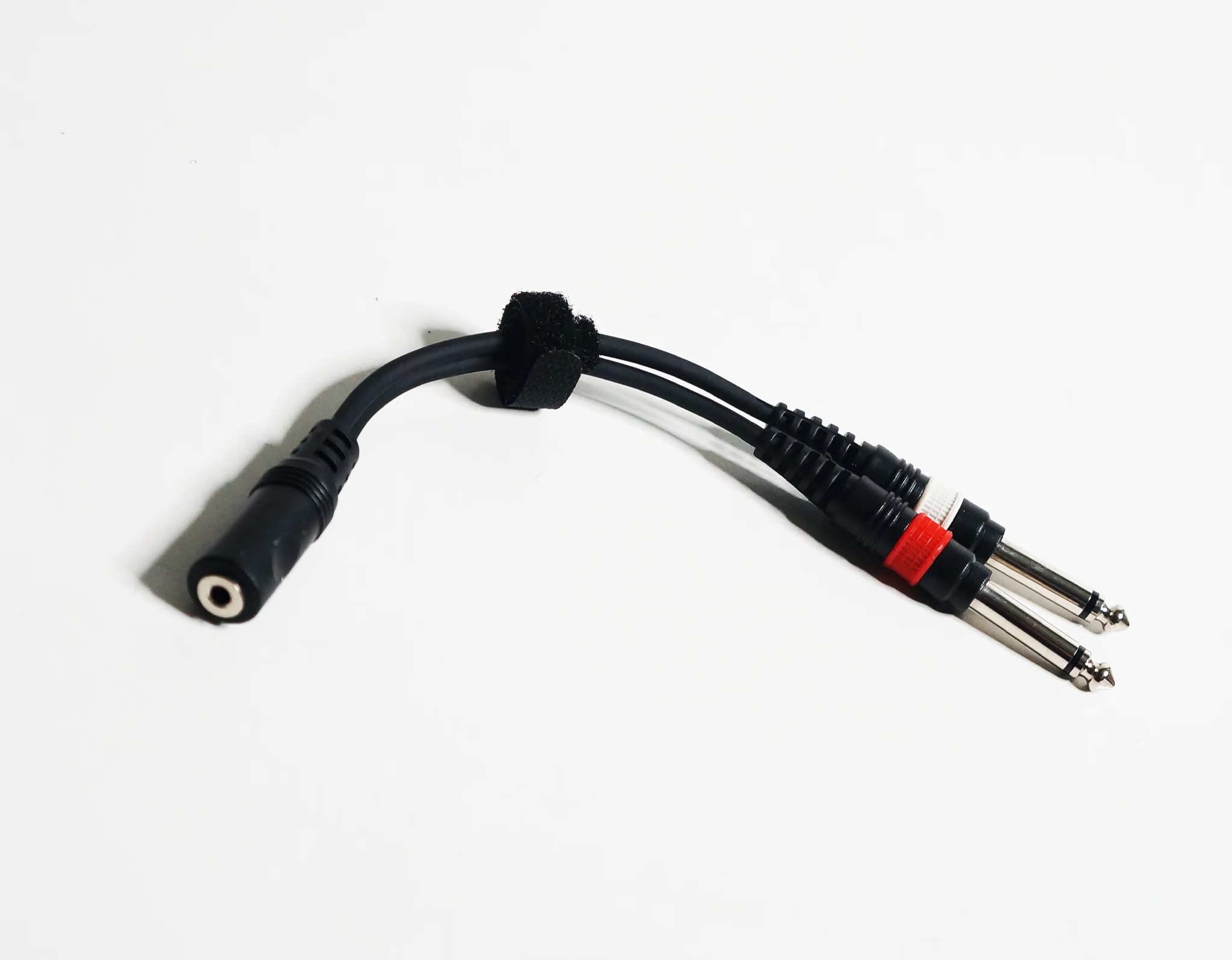
An audio splitter comes in two main types. The first is an audio-only Y-splitter, which takes a single 3.5mm output and splits it into two or more outputs so multiple people can listen at once. The second is a headset splitter, which converts a single TRRS plug (the four-pole connector found on many modern headsets) into separate TRS jacks for the microphone and headphones, letting you use a smartphone headset on a PC with separate mic and audio ports.
Wired audio splitters: Y-cables and headset adapters
A 3.5mm Y-splitter works by taking one stereo signal and duplicating it across two or more headphone jacks. Plug the single end into your phone, tablet, or laptop, then plug two pairs of headphones into the split ends. Everyone hears the same audio at the same volume. Headset adapters work differently: they accept a single four-pole TRRS plug from a gaming headset and split it into a three-pole TRS plug for the microphone and a three-pole TRS plug for the headphones, matching the two separate jacks on most desktop PCs and laptops. Popular models include the D & K Exclusives Headphone Splitter for Computer 3.5mm Female to 2 Dual 3.5mm Male Mic Audio Y Splitter Cable Smartphone Headset to PC Adapter, Syncwire Headphone Splitter, UGREEN Headphone Splitter, JSAUX Headphone Splitter 3.5mm, KINGTOP Headphone Mic Splitter 3.5mm, Versatile Headphone Splitter for Computer, onelinkmore Headphone Splitter (connects up to five headphones), Computer Headphone Splitter Mic Cable by KOOPAO, SaiTech IT 2 Pack Gold Plated 3.5 mm Headphone Splitter, UGREEN Headphone Splitter for Computer (CTIA standard only, not compatible with Apple Earbuds or Beats), MAOYE 5-Way Multi Headphone Audio Splitter Connector, and Ancable 6ft 3.5mm Stereo Female to 2-Male Y-Splitter Audio Cable.
How to use a wired audio splitter
- Identify the audio output port on your device, typically a 3.5mm headphone jack on a phone, laptop, or tablet.
- Plug the single male end of the Y-splitter into that port.
- Plug the first pair of headphones or speakers into one of the splitter's female ports.
- Plug the second pair of headphones or speakers into the other female port.
- Start playing audio on your device; both outputs will play the same sound simultaneously.
Wireless audio sharing on iPhone with AirPods and Beats
Apple documents a Share Audio feature for supported wireless headphones, not for wired splitters. On an iPhone 8 or later, you can share audio from your phone with a second pair of AirPods or Beats headphones. The setup path is: open the item you are listening to, tap the AirPods or Audio control on the Lock Screen, in Control Center, or on the Now Playing screen, tap Share Audio, bring the second pair of headphones close, then tap Share Audio again and have the other person tap Join. Apple also documents a proximity-based path: while wearing supported headphones, move the iPhone close to the other person's open charging case, then tap Temporarily Share Audio. Both sets of headphones must be paired with the iPhone, iPad, or iPod touch. For AirPods Max, iOS 14.3 or later is required.
Wireless audio sharing on Android with Bluetooth LE Audio
Google documents a Share audio feature for Android phones with Bluetooth LE Audio headphones and hearing aid devices. This allows two or more people to use audio from the same Android phone. The documented path is: open Settings, tap Bluetooth, then tap Share audio at the bottom left.
Wired vs. wireless audio sharing: which should you choose?
Wired splitters work with any device that has a 3.5mm headphone jack, require no battery or pairing, and have no latency. They are the most compatible option for older devices, gaming consoles, and laptops. Wireless sharing on iPhone and Android is more convenient for moving around, but it requires specific hardware, AirPods or Beats on iPhone 8+, or Bluetooth LE Audio headphones on Android, and both pairs must be paired to the same phone. Wired splitters are also typically less expensive and do not depend on software updates or Bluetooth versions.
What to look for when buying an audio splitter
When choosing a wired audio splitter, consider these factors:
- Number of ports: Most Y-splitters offer two outputs, but five-way splitters are available for group listening.
- Audio quality: Look for gold-plated connectors and oxygen-free copper wire, which reduce signal loss and corrosion.
- Connector compatibility: Check whether you need a TRS splitter (three-pole, audio only) or a TRRS splitter (four-pole, audio plus microphone). This is where audio cable compatibility matters most, a headset splitter for a PC will not work as a simple Y-splitter for sharing music.
- Build durability: Nylon-braided jackets and aluminum alloy casings resist fraying and bending.
- Portability: Shorter cables (around 20-30 cm) are easier to carry in a bag or pocket.
Frequently Asked Questions
Will an audio splitter affect audio quality?
A high-quality splitter with gold-plated connectors and proper shielding should not noticeably degrade sound. Lower-quality splitters may introduce a minor loss in clarity or a faint hum, especially when connecting multiple headphones.
Can I use an audio splitter with a microphone?
Standard Y-splitters are designed for audio output only. To use a microphone, you need a headset splitter that separates the TRRS plug into dedicated mic and headphone jacks. Check that your splitter is labeled for mic input.
Can I connect different types of headphones to the same splitter?
Yes, as long as each headphone uses a standard 3.5mm plug. You can mix earbuds, over-ear headphones, and even small speakers on the same splitter. The audio will play at the same volume through all connected devices.
Does a wired splitter work with a phone that has no headphone jack?
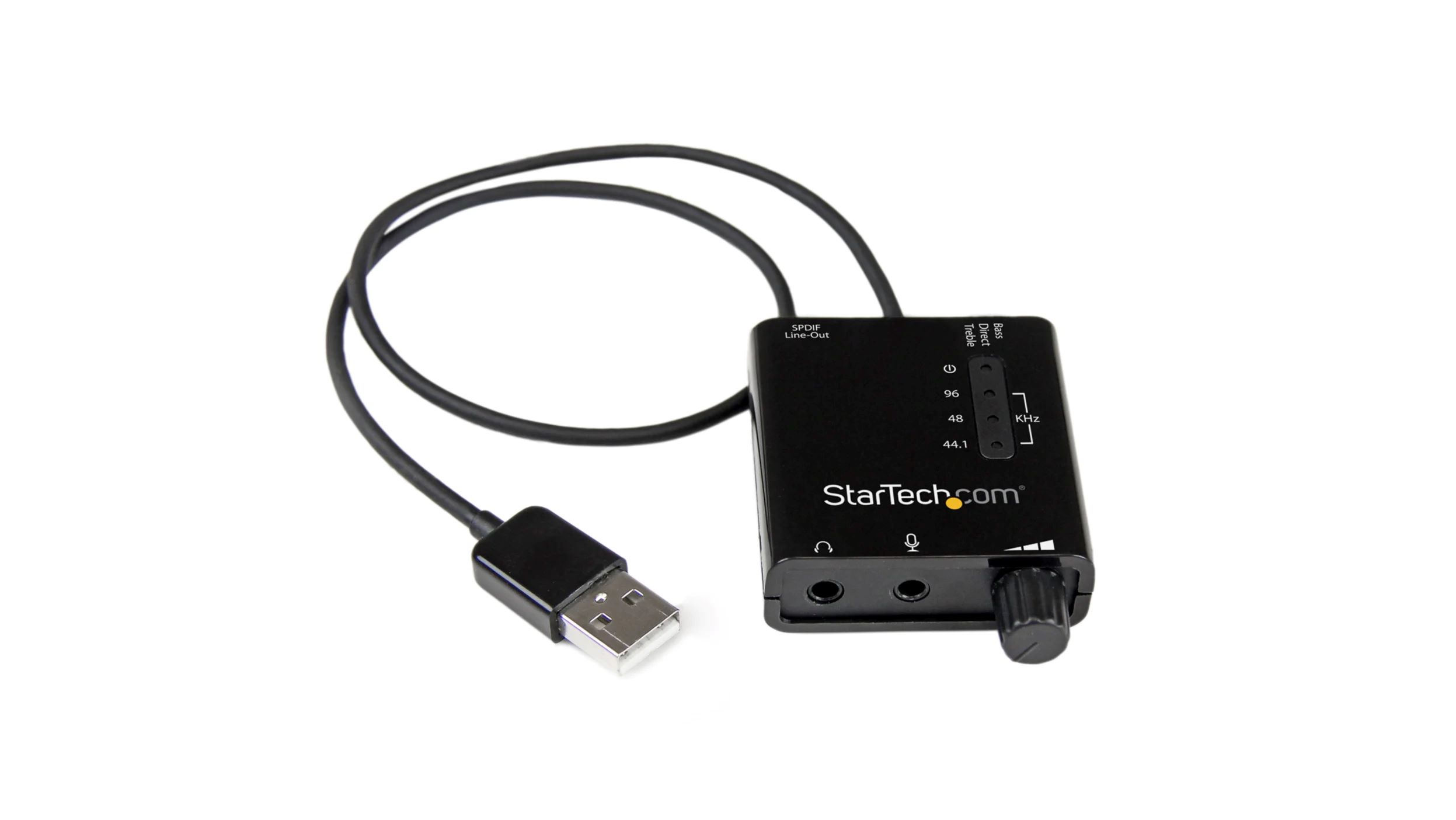
If your phone only has a USB-C or Lightning port, you will need a separate adapter to convert that port to a 3.5mm jack before you can use a wired splitter. The splitter itself does not convert digital signals.
Can I use a splitter to combine two audio sources into one set of headphones?
No. A standard Y-splitter is designed to split one signal into multiple outputs, not to combine two inputs. Using it in reverse can cause electrical noise and may damage your equipment.
For the wider topic, see audio cable compatibility.
\nRelated reading: Best Usb Audio Adapter.