
Home>Production & Technology>MIDI Fundamentals and Core Concepts
Production & Technology
MIDI Fundamentals and Core Concepts
Modified: 3 October 2026
Table of Contents
What MIDI fundamentals actually mean
MIDI fundamentals start with a simple shift in thinking: stop imagining sound and start imagining instructions. If you have ever wondered about the meaning of MIDI, it helps to stop thinking about sound altogether. When you press a key on a keyboard, you are transmitting a set of instructions covering which note was struck, how hard you hit it, and when you let go. This is why people often ask what does MIDI stand for, and the answer is Musical Instrument Digital Interface. It defines a conversation, not a soundtrack, which is exactly what musical instrument digital interface mean in music: a language that tells an instrument or app what to play without carrying any audio signal itself.
Because the MIDI standard was formalized in 1983, its core rules remain consistent across every modern cable and file you touch today. Any limits you see on velocity or channel numbers are part of the original specification. On Android, for example, when attached to the USB host you can switch a connected hardware unit into the correct mode by pulling down from the top of the screen and tapping USB for, then selecting MIDI. This lets the phone treat that hardware as a performance tool rather than a storage drive.
Cables, ports and signal flow
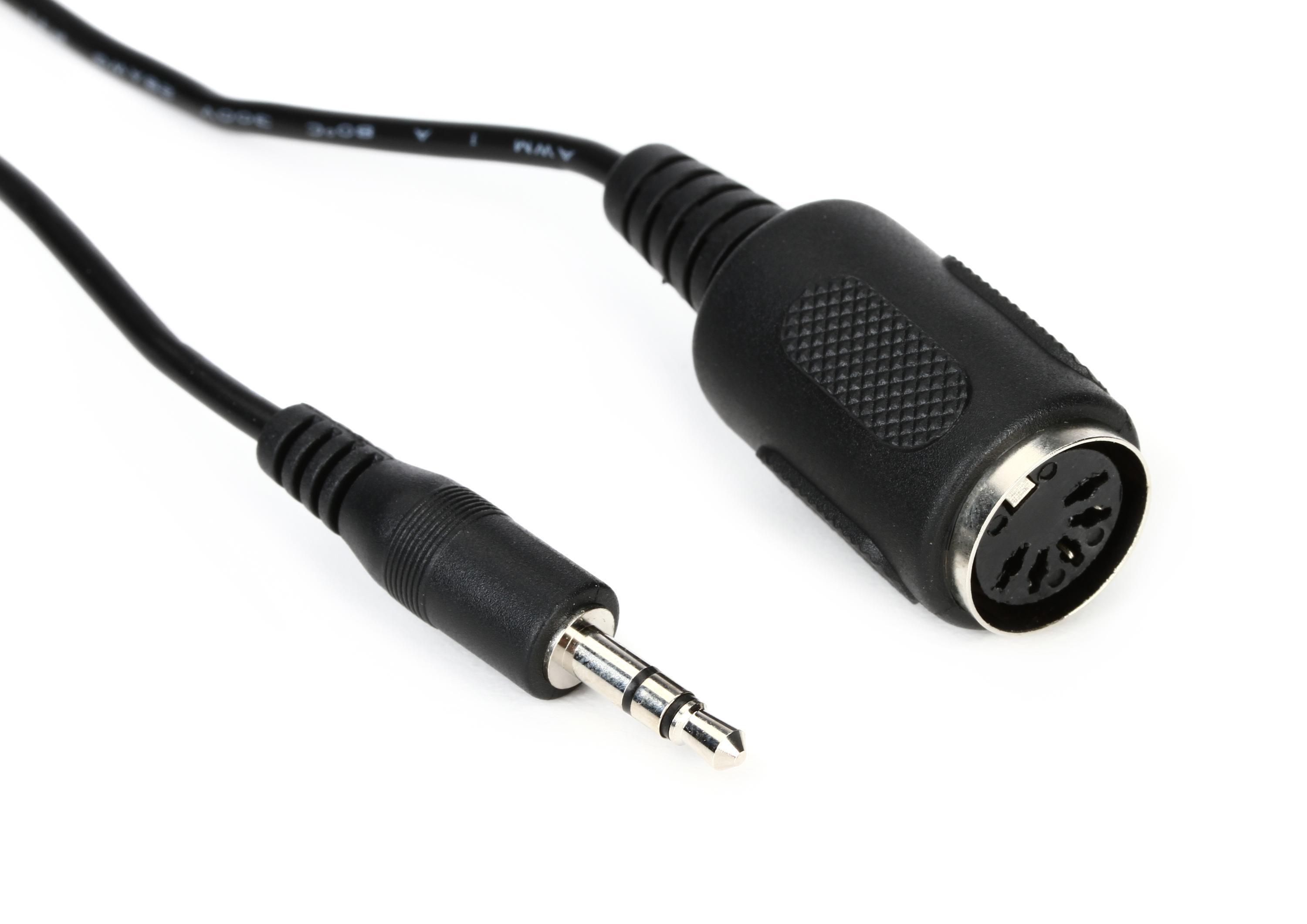
Before connecting any hardware, it helps to understand exactly what a MIDI cable do. It carries a stream of performance instructions, not sound, from a device’s sending port to another’s input. That serial data travels at the baud rate of MIDI, which is fixed at 31,250 bits per second. This speed was defined decades ago and still used by every DIN connection today. When you run those physical lines, keep MIDI cable length constraints in mind. The standard specifies a maximum reliable run of 15 meters, or roughly 50 feet, before signal degradation becomes a real risk. The function of MIDI output is straightforward. It is the originating port where a keyboard, sequencer, or pad controller transmits its messages. The signal path gets more flexible once you incorporate MIDI through. That passthrough port echoes incoming data right back out, which is what enables the daisy-chaining capability of MIDI devices without needing a separate output per synth. In practice, how many units you can link depends on your hardware and whether you introduce a dedicated thru box to split the signal cleanly to multiple destinations; one cited MIDI thru box is documented as a one-into-ten splitter that can drive up to ten slave devices in a star network, while another MIDI thru product is documented with four outputs.
Channels, tracks and the 127 rule
Every note and controller movement traveling down a single cable is stamped with one of 16 possible MIDI channels. This is how a single stream of performance data can independently address a drum machine on channel 10 while a synthesizer plays a bassline on channel 2. Because the number of MIDI channels available on one physical port is fixed at 16, larger setups rely on multiple outputs or interfaces to expand beyond that ceiling. This prevents all the instruments from merging into a single confused pile of instructions. When you start recording in a DAW, you need to understand MIDI track basics to keep your projects organized; a track stores a sequence of events. While it often targets a specific channel, nothing forces a one-to-one relationship between the two. You can place notes aimed at a dozen different channels inside a single track. You can also spread one channel's performance across multiple tracks for easier editing. The approach depends on how your software handles routing. Throughout all of this routing and recording, MIDI's 127 limit shows up in nearly every numerical field you touch, which is why you'll want to read about that constraint before you hit a wall during programming. It governs the velocity value that describes how hard a key was struck. It caps the program change message that recalls a stored sound. That 0-127 range is a direct consequence of the seven-bit data words defined in the original specification. It remains the hard boundary whether you are dialing in a fader box value or stepping through a bank select scheme that chains two of those ranges together for deeper preset libraries. To keep your performances from colliding on the wire, you should read up on MIDI channels to understand how each stream of data stays separate, and to make sense of how your sequencer organizes those streams you will benefit from reading about MIDI track basics; finally, to avoid confusion when your velocity or controller values top out, you will want to review MIDI's 127 limit so that constraint never surprises you.
- MIDI track basics — What Is MIDI Track
- MIDI's 127 limit — Why Does MIDI Go To 127
- MIDI channels — What Are MIDI Channels
Files, sequencing and sync
Open your DAW and create a new MIDI track. When you save a performance as a sequence of instructions rather than audio, you are using the MIDI file format, which time-stamps every note-on and controller change so the piece plays back in the proper order on any compatible device. To capture and arrange that data, you work inside a MIDI sequencer, which records incoming messages in a timeline and replays them using its own internal timing clock or an external source.
Getting multiple machines to stay in lockstep means understanding that MIDI sync combines what two types of sync: MIDI Clock and Song Position Pointer. You would want the article on this topic to see exactly how this pairing lets a device know not just the tempo but exactly which bar to jump to after a stop. Skip the software clock for this test and use the dedicated sync input on your interface.
The MIDI beat clock sync type is a tempo-dependent signal that advances one tick for every clock message; you would want the article on this sync type to learn how it differs from other timing references in a multi-device setup. Because the rate of MIDI clock in PPQN is fixed at 24 pulses per quarter note, the resolution of any tempo-synced effect or arpeggiator across your rig is always that same 24-division grid. Route a delay pedal to receive this clock, dial in a dotted-eighth note, and confirm the repeats lock to the downbeat.
- combines what two types of sync — MIDI Sync: Combines What Two Types Of Sync
- MIDI beat clock sync type — What Type Of Sync Is MIDI Beat Clock
Midi on phones and tablets
If you have ever wanted to trigger a synth from your pocket, understanding how to use Android as MIDI device starts with the transport type. Android directly supports USB, BLE, and virtual inter-app connections, with optional MIDI support included since Android 6.0 (Marshmallow). MIDI over BLE is always enabled if the phone’s hardware supports Bluetooth LE. On the Apple side, MIDI on phone hardware running iOS 8 or later and iPadOS 13 or later relies on the same Bluetooth MIDI service that a peripheral must advertise before Core MIDI can enable I/O. The connection appears as an ordinary MIDI device after pairing. When you want to go wireless, the Bluetooth MIDI service on either platform requires you to scan for and connect to the peripheral first, and on Android an app must call the function that opens a Bluetooth MIDI device for reading and writing before any notes flow. The broader concept of MIDI on Android means the OS can turn the device into a controller or a BLE host while respecting the same seven-bit control language that keeps velocity, channels, and program changes locked to that 0-127 ceiling.
Specialized gear and niche uses
Specialized setups often breathe new life into instruments and formats that predate modern DAWs. If you are connecting a digital piano or keyboard that sends note data rather than audio, you are working with a MIDI piano, and many apps that support standard General MIDI or USB MIDI input will recognize it immediately on a computer, though mobile support varies by host. For guitarists, making MIDI work with guitar effects usually means placing a foot controller at the front of the chain and routing its output to the MIDI input of the first pedal or processor so you can switch presets hands-free. When you encounter a monophonic ringtone file from an older phone, that is a MIDI ringtone, a compact sequence of note events that plays back through a device's synthesizer rather than streaming recorded audio. On Android, engaging the MIDI transport for any of these peripherals can be done through Settings > Developer options > Networking, then selecting MIDI in the "Select USB Configuration" dialog, or while attached to the USB host pull down the shade, select "USB for", then select "MIDI." These paths remain consistent for turning a phone into a command surface. The same 0-127 ceiling governs every program change and parameter value in these niche uses, a direct inheritance from the seven-bit data words that have defined the protocol since 1983, and it still shapes how deeply you can command a legacy effects rack or a vintage sound module.
History and the people behind it
Though it now feels like a permanent part of music technology, the protocol began taking shape between 1981 and 1983. During that period, engineers from competing synthesizer companies realized that a shared control language would let their instruments talk to each other for the first time. That collaboration led to a public demonstration in 1983. The question of when was the MIDI invented points directly to that brief window when a handful of visionaries hashed out the seven-bit data words that still cap your velocity and program changes at 127. The formal trade body followed soon after. The MIDI Manufacturers Association was formally created in May 1985 as a nonprofit to shepherd the standard's adoption across the industry. Today the work of maintaining and expanding the specification falls to the MIDI Association, an all-volunteer nonprofit that serves as the official source of MIDI technology specifications. Any device you plug in benefits from the stewardship of current MIDI Manufacturers Association members. Their ongoing updates ensure that a cable or file from a modern keyboard still speaks the exact same language as a vintage rack module from four decades ago.











