Home>Devices & Equipment>Earbuds & Headphones
Devices & Equipment
Earbuds & Headphones
Modified: 3 October 2026
Table of Contents
First-time pairing earbuds and setup
Most earbuds enter discovery mode the first time you open the case, but a long press on the case button or the earbud stem usually forces pairing and connecting earbuds manually if nothing appears. Before assuming the hardware is faulty, check that both earbuds are seated correctly in the charging case, as a misalignment often causes the uneven volume or one-sided silence that gets mistaken for a dead driver.
When connecting earbuds to Android and PC, keep the case lid open and hold it near the device. Android users on version 6.0 or higher with Bluetooth and Location enabled will see a Fast Pair notification to tap, while Windows or Mac users should head into their system Bluetooth menu and look for the earbuds in the discovered devices list.
The process for pairing Bose and Beats earbuds follows the same general rhythm but uses different cues. Bose QuietComfort Earbuds II and Ultra require holding the button on the back of the case until a blue light pulses, whereas Beats Fit Pro and Studio Buds rely on a system button inside the case that blinks white for manual pairing or Mac connection. If the connection stalls, remove the earbuds from your device’s saved Bluetooth list, place them back in the case for thirty seconds, and start fresh before diving into deeper troubleshooting.
Getting the right fit and sound
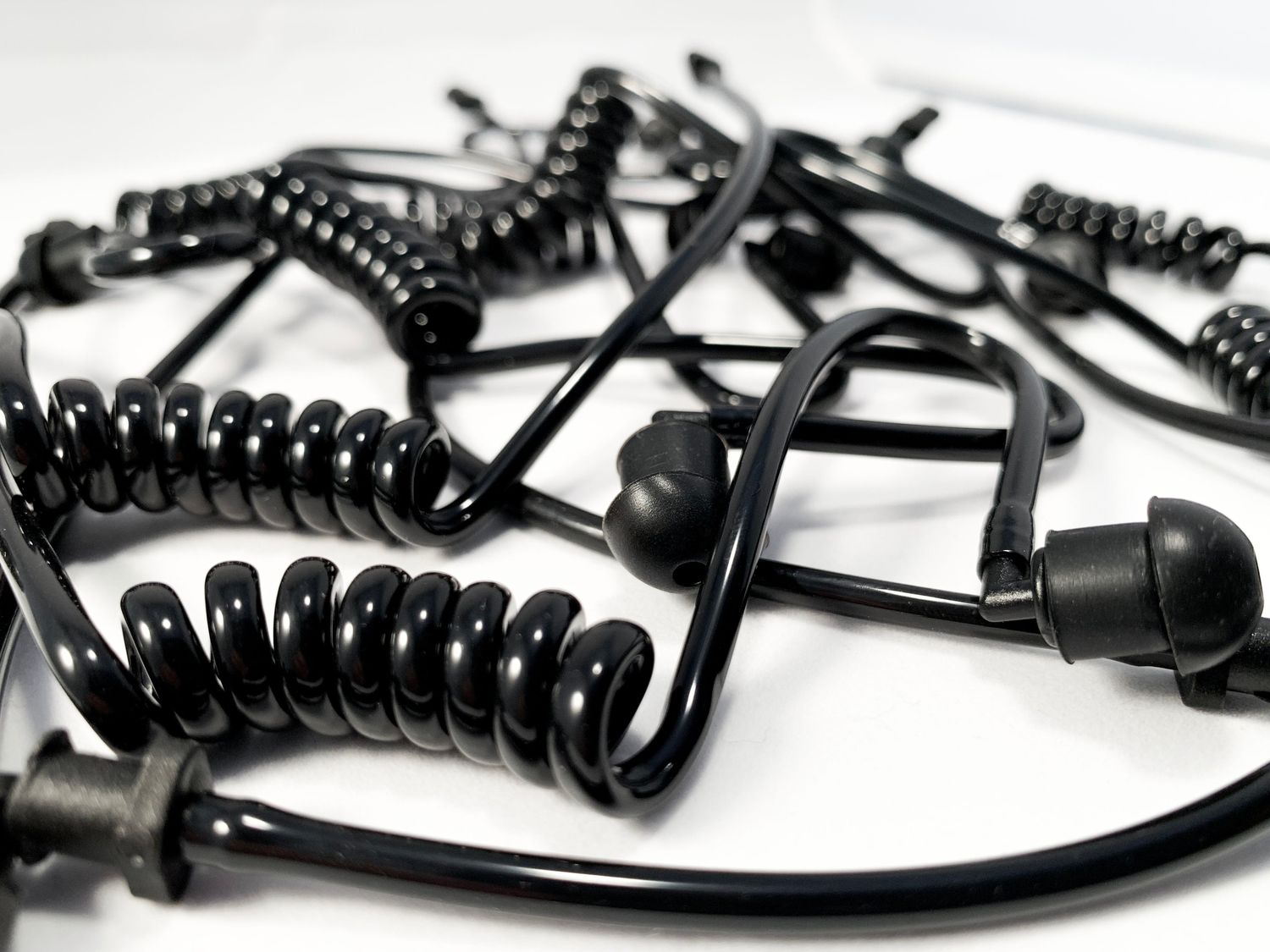
Getting the sound right starts with wearing and fitting earbuds in a way that stays put and seals out the world. For AirPods Pro and Beats models, choose the ear tip that feels snug, insert the bud, and rotate the stem downward toward your face until it locks into a comfortable, stable position. Apple recommends wearing them for 10 to 15 minutes during normal activity like walking, and swapping to a larger tip if anything feels loose. On iPhone or iPad, you can confirm the fit by going to Settings > Bluetooth, tapping More Info next to your AirPods, and running the Ear Tip Fit Test; newer software shows an Acoustic Seal Test instead. Both checks rely on the acoustic tube earpiece function, where a good physical seal lets the internal microphone measure low-frequency response and verifies that noise cancellation and bass delivery are working as designed. If the test says to adjust, try rotating the stem slightly or switching ear tips before you assume a hardware fault. When the seal is right but the overall level still feels low, you can make my earbuds louder by opening Settings > Accessibility > Audio & Visual > Headphone Audio and manually tuning the tone and amplification sliders to boost quiet passages without losing clarity.
Everyday use and care
Most problems that look like a dead or unbalanced bud come down to sync, not hardware, so before you assume the worst, try a manual reset through your phone’s Bluetooth menu.
When you are using wireless earbuds daily, keep the metal contacts on both the buds and the case pins clean; a dry cotton swab is all you need to clear the grime that blocks a proper connection.
For charging earbuds reliably, seat them firmly until the case light blinks, and if they have been stored for weeks, give them at least five minutes on the charger to wake up.
Extending earbud lifespan and maintenance is mostly about avoiding extremes: never leave them in a car that dips below freezing or bakes in direct sun, and wipe off sweat after a workout instead of letting it dry on the speaker mesh.
If you need to turn off raycon earbuds when they are not in the case, they are designed to power down automatically once they lose their Bluetooth link.
When finding lost earbuds, the approach depends on your brand: Apple users can open Find My on any device or visit the iCloud website to play a sound, Samsung owners should tap Find My Earbuds inside the Galaxy Wearable app, and Pixel Buds Pro 2 or 2a owners can use the Find device menu to ring a single missing bud or check its last known map location.
Fixing problems and buying right
When you start troubleshooting earbud issues, begin with the simplest check that is often overlooked: remove any case from your phone and inspect the earbud meshes for debris, cleaning them gently with a soft, dry brush to clear blockages that can mimic a dead driver. If one side still sounds lower than the other, confirm whether the problem lies with the buds or the phone by testing a second pair of headphones before contacting support. Many symptoms that seem like hardware failure are actually a sync glitch, which is where resetting wireless earbuds becomes the most reliable fix. For AirPods and AirPods Pro, the reset requires you to forget the device in your Bluetooth settings first, then hold the case's setup button until the light cycles from amber to white, re-pairing them from scratch. Beats earbuds take a different path: leave the case open and press the button above the logo on both buds for at least ten seconds to clear their memory. Once you are certain a bud is truly gone rather than just confused, you face the question of buying and pricing earbuds for a single replacement or a whole new set. While you can purchase a replacement through the manufacturer if Find My cannot locate a missing AirPod or case, options available for your model may vary.