Home>Devices & Equipment>Resetting Wireless Earbuds
Devices & Equipment
Resetting Wireless Earbuds
Modified: 3 October 2026
Table of Contents
Before you reset wireless earbuds
Before you commit to a full reset wireless earbuds process, a few quick checks can often clear up the trouble with less hassle. If you own a pair of Bose QuietComfort Earbuds, you will want to update Bose QuietComfort earbuds to ensure the firmware is current, as an outdated version can cause the exact dropouts or sync failures that feel like a hardware fault. You must connect them to your phone or tablet through the Bose QCE app. The main screen will display a "New Update Available" prompt, and tapping through to "Start Update" begins the process while the earbuds remain usable. The update pauses audio if playing, but do not place the earbuds back in their case during the process. For owners of the QuietComfort Earbuds II or Ultra models, the same logic applies through the standard Bose app. That app automatically sends the update and then asks you to tap "Install Update" and "Update Now." Sometimes the issue is not with true wireless earbuds at all, and you might need to repair audio technica ath-ad700x audiophile headphones by checking for common wired headphone issues. A partially seated plug is a common source of channel imbalance or static.
Reset by brand
Factory reset procedures vary by brand. Using the right button sequence is only half the job. After you complete the steps for your model, you must remove the earbuds from your phone’s Bluetooth device list before pairing them again. Skipping this often lets the phone re-sync old, corrupted connection profiles. The problems return immediately. For Bose earbuds, the process clears the pairing memory rather than restoring factory defaults. It requires connecting the charging case to power. Place the earbuds inside and close the lid for five seconds. Then open it and press and hold the Bluetooth button inside the case for roughly 30 seconds. Do this until the status lights blink white and then blue. Samsung Galaxy Buds take a different approach. They handle the reset entirely through the Galaxy Wearable app under Earbuds settings. There you tap Reset and confirm. You can also reset Galaxy earbuds by unpairing directly from the Bluetooth menu in your phone’s Connections settings. SoundPEATS users typically place both earbuds in the open case. They hold the case button for 10 seconds until the LED flashes red and white rapidly. Some manuals call for holding the multifunction buttons on the earbuds themselves. For quick reference, the list that follows groups straightforward reset guides for more than a dozen popular models. These include how to reset soundpeats earbuds, how to reset iluv earbuds, how to reset my JBL earbuds, and how to reset my beats earbuds. You can also find steps to reset bose earbuds, reset my earbuds, reset my sesh evo earbuds, reset indy evo earbuds, and reset jib true wireless earbuds. Additional guides cover how to reset onn earbuds, reset tozo earbuds, reset skull candy earbuds, reset tozo nc2 earbuds, and reset JLab go air earbuds. Choose the entry that matches the name on your charging case.
General reset methods
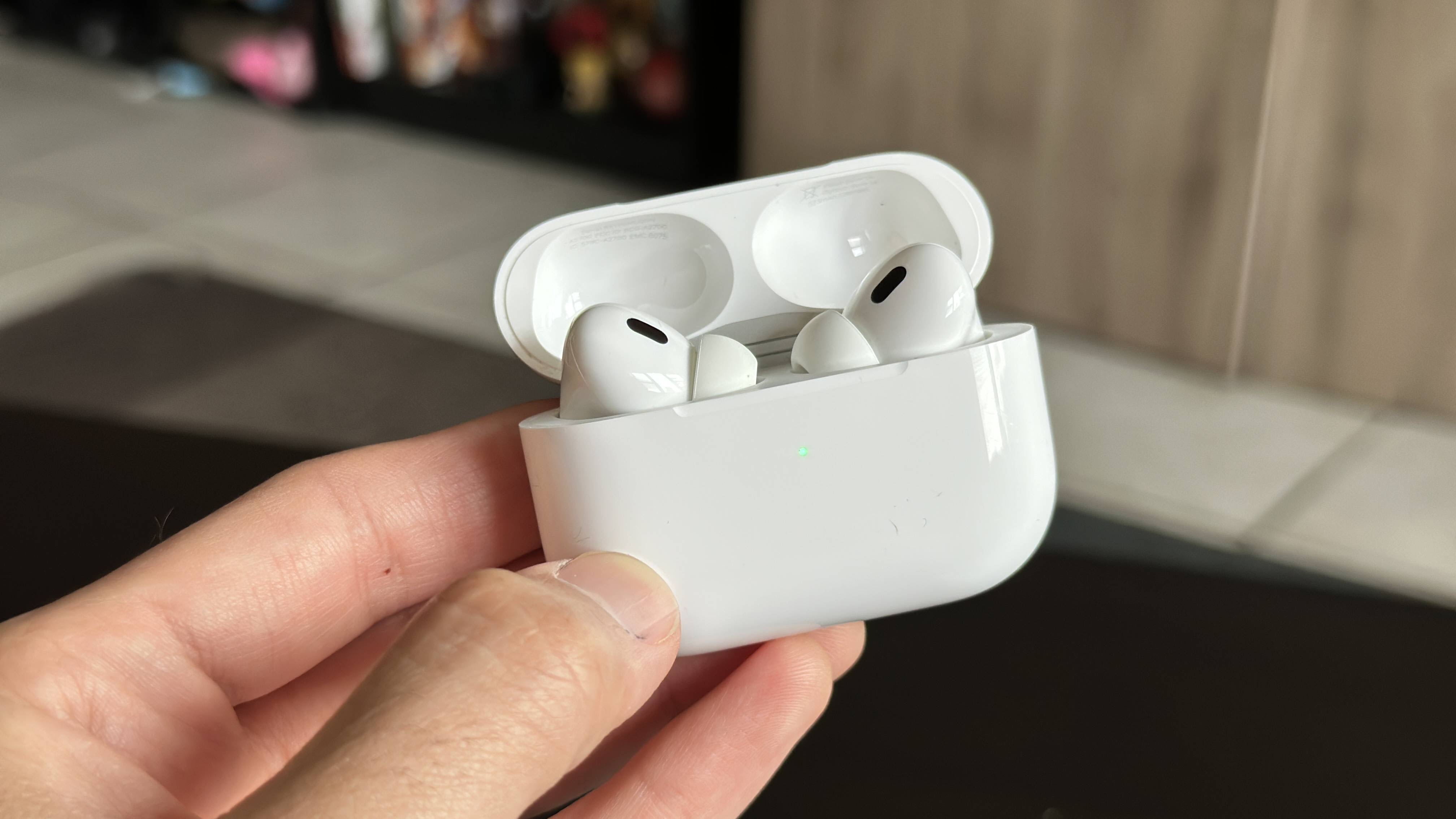
When your earbuds don’t appear in any brand-specific guide, a few universal sequences can often force a fresh start. JBL has published a button combination that successfully performs a factory reset TWS earbuds for generic or unlisted models and applies to many of its True Wireless Stereo models. JBL documents this method for generic or unlisted TWS earbuds. With both earbuds powered on and out of the case, double-tap the button on the right earbud. On the third tap press and hold for more than 5 seconds until the unit shuts off and clears its paired-device memory. Some earbuds also offer a hardware-level option via the charging case itself. On designs that include a pinhole or a small button on the bottom or back near the USB-C port, pressing and holding that for more than 5 seconds can interrupt a frozen state. This type of case reset does not always erase the pairing list. If you need to reboot Raycon earbuds, the method is tied to your specific model rather than a single cross-device trick. For the Everyday Earbuds Pro and the Fitness Earbuds, the process involves placing the buds in the capsule. Locate the reset button near the charging port and hold it until the LED flashes yellow three times before closing the lid. After any of these sequences, remove the earbuds from your phone's Bluetooth settings to prevent an automatic re-sync with a corrupted profile. On iPhone, open the AirPods in Bluetooth settings if they appear in 'My Devices,' tap the More Info button next to the earbuds, tap 'Forget This Device,' then tap again to confirm.