Home>Sound Effects>How Do I Make My Own Sound Effects
Sound Effects
How Do I Make My Own Sound Effects
Modified: 17 February 2024
Table of Contents
Understanding the craft of adding sound effects
Adding sound effects starts before you open any software or pick up a microphone. It begins with a simple but demanding question: what should the audience hear, and why? The craft is about making intentional choices. You select a source, shape its texture, place it in a believable space, and time it so it supports the story rather than distracting from it. In practice, the role of a sound engineer in film, often credited as a Sound Recordist or Production Sound Mixer, is to capture and check clean audio on set. This gives the post-production team material they can actually use. That foundation matters because adding effects later is not about fixing bad recording. It is about building a world.
Thinking like a designer also means knowing where a sound lives before you make it. When you write sound effects in a script, the convention is to put the important cue in an action line in all caps. A door that SLAMS in the hallway works as a clear example. Keep the description short and specific so it flows inside the scene rather than breaking the read. The rules shift completely for broadcast. Good sound effects to have for radio are the ones a listener can identify instantly. Describe what the sound is first and then how it should be played. It might be faded up, faded down, or held under dialogue for a set length. Getting the format right before you begin saves you from creating a perfect effect that has no clear place in the production.
Recording and making effects from scratch
Treat the microphone as an instrument rather than a simple capture device when you set out to record sound effects that feel truly original. The texture you get from crumpling cellophane for fire, snapping a celery stalk for a bone break, or layering your own vocal hisses and pops often beats anything you can pull from a library. In Adobe Firefly on the web, open the homepage, select Audio in the left panel, and choose Generate sound effects to reach the workspace where these raw recordings become finished material. Upload a video or audio clip as a timing reference, position the playhead exactly where the effect should hit, select Record voice, and perform the sound directly into your microphone. A short text description added before you select Generate gives the tool enough context to shape your performance into something polished. The same workflow works in the Firefly app by tapping Audio, selecting Voice to sound effects, and using the timeline to place the result precisely where the frame needs impact. Once a generated clip sits on the timeline, you can reposition it, mute it, or adjust its volume without leaving the tool.
Beyond the core recording technique, the real craft lies in tailoring the approach to specific sources, such as how to make wind sound effects, how to make gunshot sound effects, and how to make footstep sound effects. Learning how to make my own sound effects means understanding the unique physical action behind every noise you want to produce, rather than trying to adapt a generic method to a sound that requires a completely different performance and processing chain. The same principle extends into more creative territory when you learn how to make monster sound effects by combining animal vocalizations with processed human performances and unexpected object resonances, or how to make animal sound effects by studying the actual physiology of the creature and mimicking the resonant cavities with your own mouth, throat, and chest.
Making effects with audio software
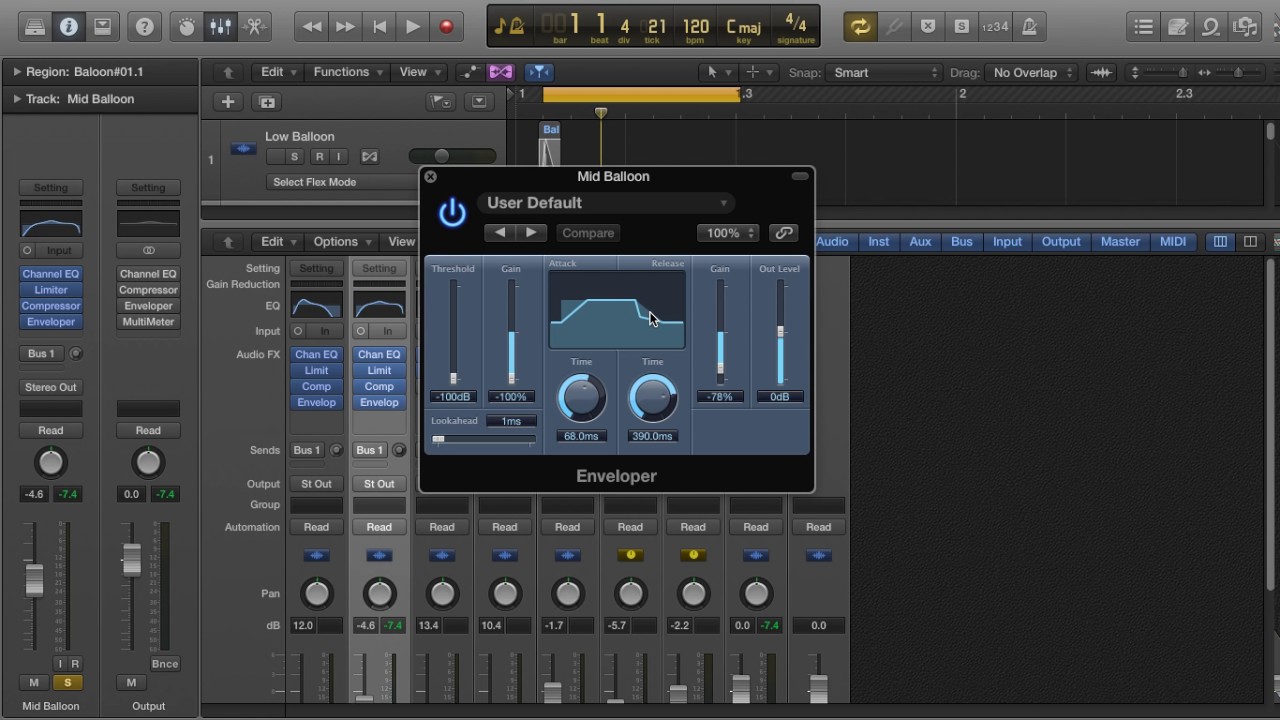
When you want to shape a sound from nothing instead of hunting through a library, desktop audio software gives you the control to build exactly what you hear in your head. The core distinction to remember is that generators create brand-new audio from scratch while effects change audio that already exists. Keeping those two workflows separate will save you hours of clicking the wrong menu. You can make sound effects with fl studio by opening the Plugin Picker with F8 and dragging an effect plugin to the desired mixer track or FX slot, then layering and processing the signal until the texture matches your cue. A completely different approach is to create sound effects in audacity, where you can start with a generator like Noise or Chirp from the Generate menu. Click the gray background first to deselect any existing tracks, then choose your generator to place audio into a fresh track, or select a specific region beforehand if you want to replace only part of a recording. Once the raw tone is sitting on the timeline, highlight the portion you want to change and open the Effect menu to dial in the processing that turns a simple waveform into a door slam or a radio glitch.
Adding effects in video editors
Placing a sound effect starts once you have your raw recordings or library files ready. The actual placement work happens on the timeline. Import your audio into the media pool and drag it down to an empty audio track on the Edit page. You can snap it directly to the frame where the action hits. If you need surgical control over the tail of a reverb or the exact curve of a fade, switching over to the Fairlight page lets you adjust level and dynamics with the precision the job demands.
The same principle applies when you want to add sound effects in CapCut. Open the left sidebar, click Audio, and under the Sound effects tab you can browse categories or search for a specific texture. Drop the clip onto your timeline with the plus button or by dragging it into place. After it lands, you can trim and adjust the audio clip right in the editor without jumping to a separate module.
The workflow shifts slightly when you need to find sound effects in Sony Vegas Pro. You would typically use the editor's browser and media bins for pulling a door slam or ambient bed into the project. No matter which editor you use, the task is purely about placement and timing. If you prefer a different approach, you can also add sound effects in DaVinci Resolve to keep all your audio work inside the same powerful environment. Keeping it separate from the craft of original recording keeps you moving fast instead of stalling out on the wrong tool.
Working with live audio
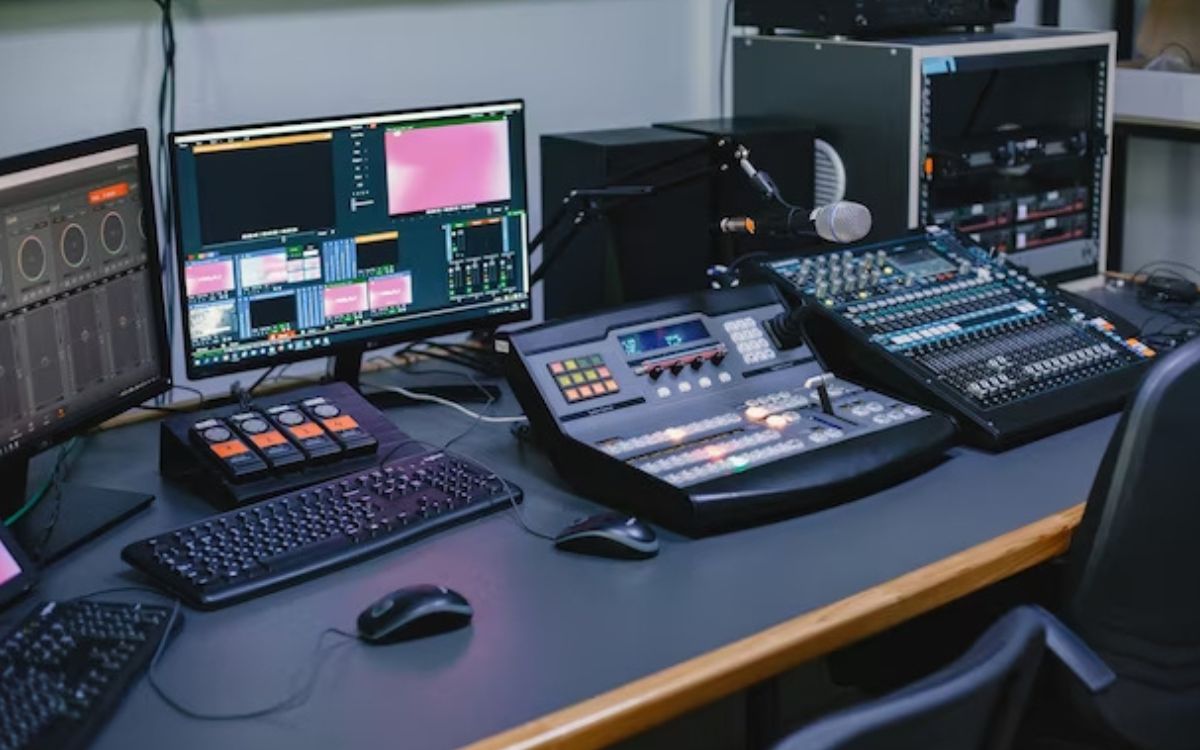
You can add sound effects to microphone inputs in Ableton Live by dropping effects like EQ, compression, or reverb into an audio track's device chain, where their order changes the resulting sound, which is why you would want the article on how to add sound effects to microphone. The same principle extends to hardware when you use sound effects on a mixer in a live streaming or broadcast environment, which is why you would want the article on how to use sound effects on a mixer. Blackmagic Design’s ATEM Mini includes a Fairlight mixer with a built-in 6-band EQ, expander, gate, compressor, and limiter on each channel, plus access to 30 native plug-ins and third-party AU or VST effects for shaping the signal before it hits your program feed.
Creating sound for social media
You edit a sound on TikTok inside the platform’s own camera and editor rather than in a separate desktop timeline. You start by tapping Add post + at the bottom of the screen and then Add sound at the top of the recording screen, where you can search the library, pick from your Favorites, or trim a clip with the Edit button before it ever touches your video. There is no feature path for how to upload your own sound to TikTok, nor a separate sync control for sound sync on TikTok; you either get the trim right on that first Edit screen or you reshoot the clip.
Over on Instagram, the Story camera gives you a Music option under the record button that lets you search for a song and select the exact segment you want while recording. Instagram does not provide a dedicated panel to add sound effects on Instagram story, so the effect you want usually needs to be baked into the music choice or the original video file before you upload.
The same platform-first logic holds even when you step outside music and dialogue. No official source retrieved here documents how to change the Roblox death sound or how to make a soundtrack.