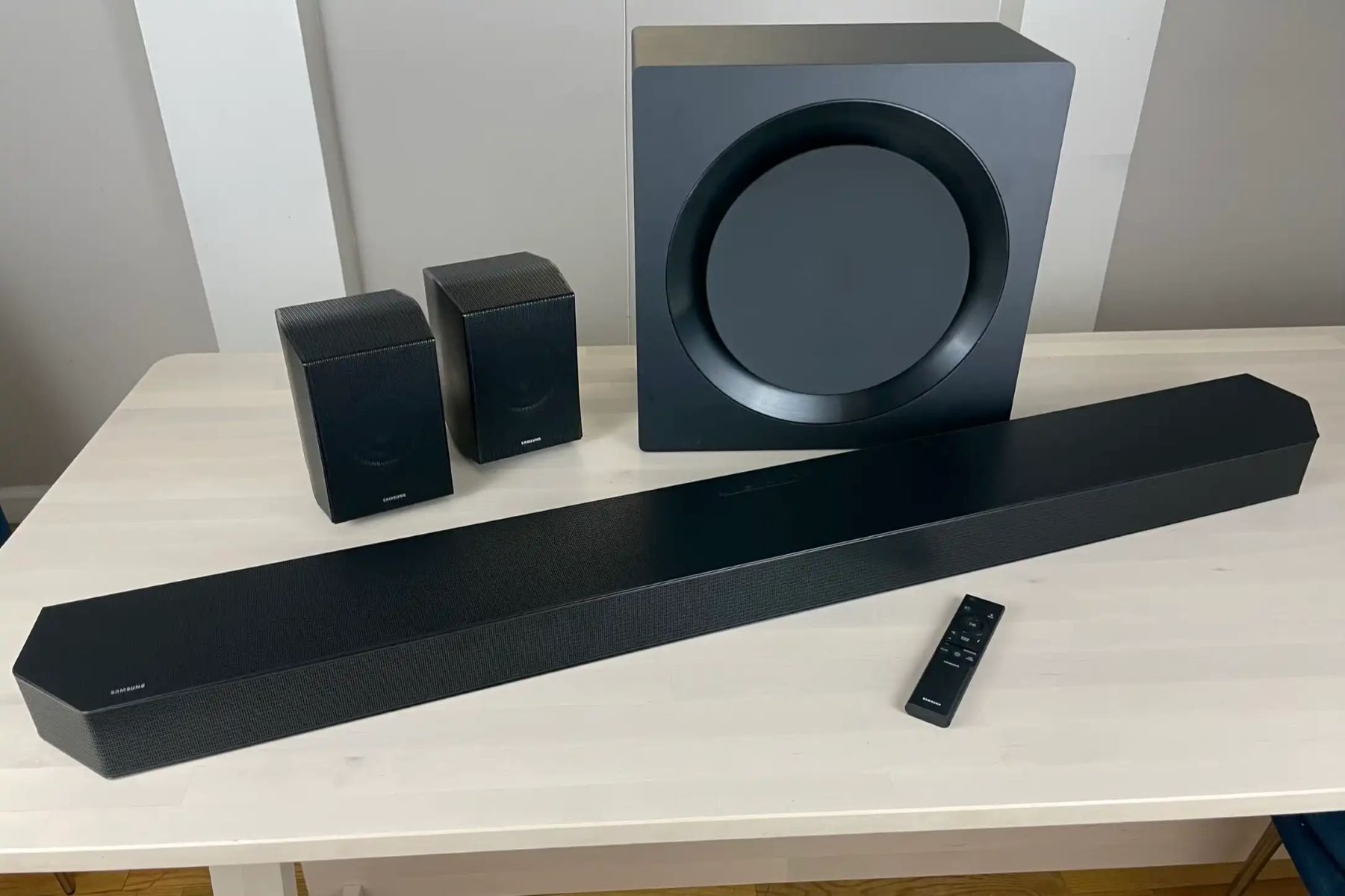
Subwoofer
How To Pair Soundbar And Subwoofer
Modified: 20 January 2024
Table of Contents
- Before you pair: what a subwoofer actually does for soundbar subwoofer pairing
- Universal pairing basics for any brand
- Pairing Samsung subwoofers
- Pairing Sony subwoofers
- Pairing Bose subwoofers
- Pairing JBL subwoofers
- Pairing LG subwoofers
- Pairing Vizio subwoofers
- Pairing Polk subwoofers
- Pairing Yamaha, Klipsch, and other audio-brand subwoofers
- Pairing TV-brand and Roku subwoofers
Before you pair: what a subwoofer actually does for soundbar subwoofer pairing
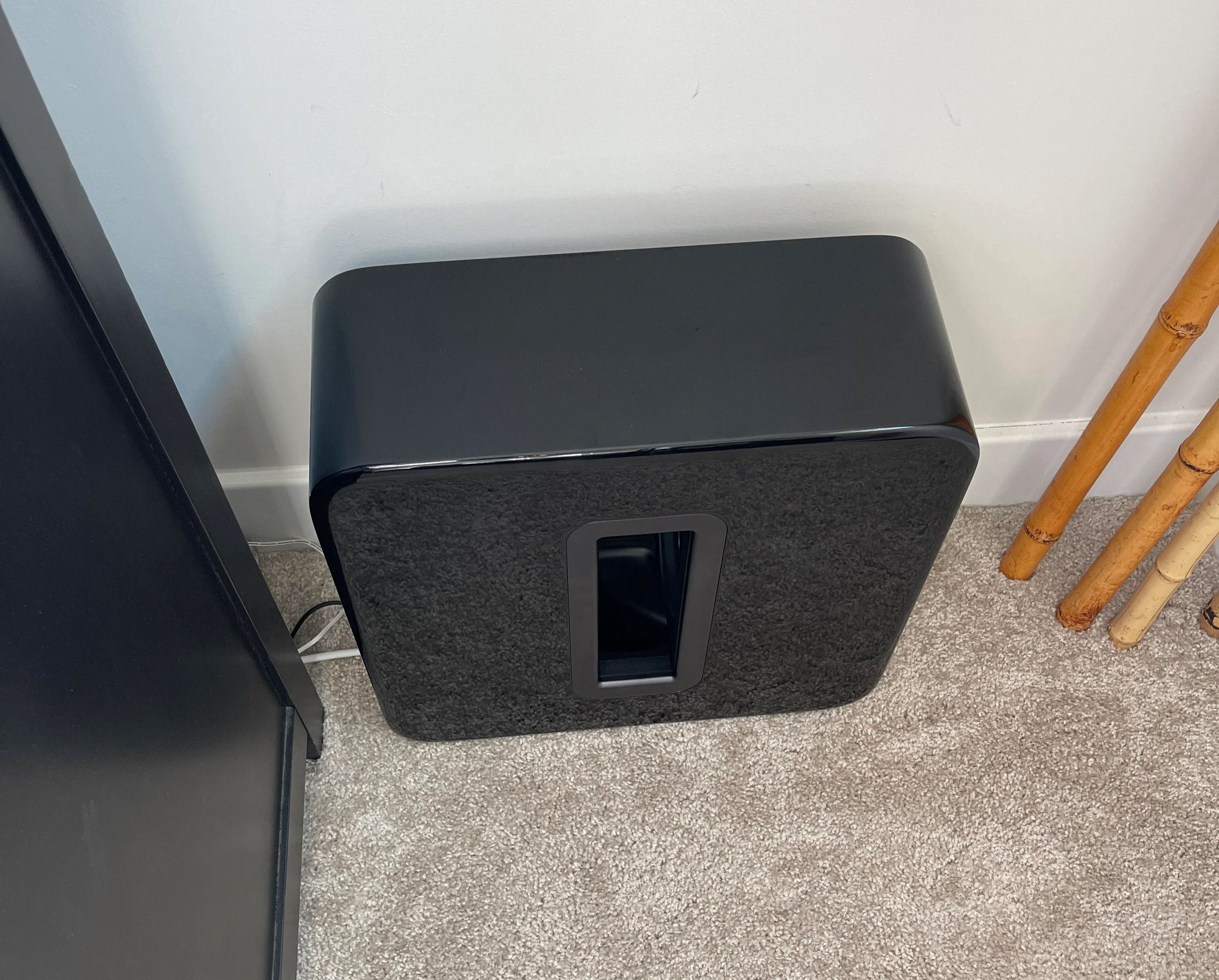
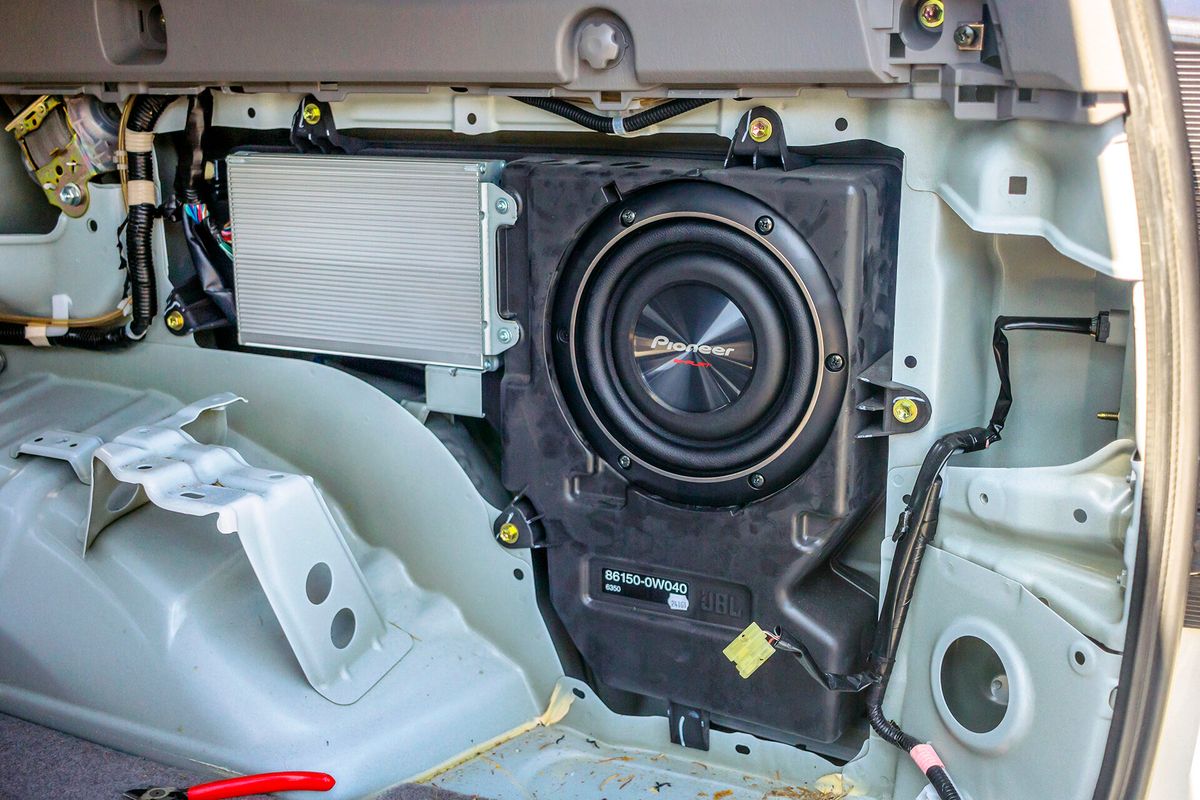
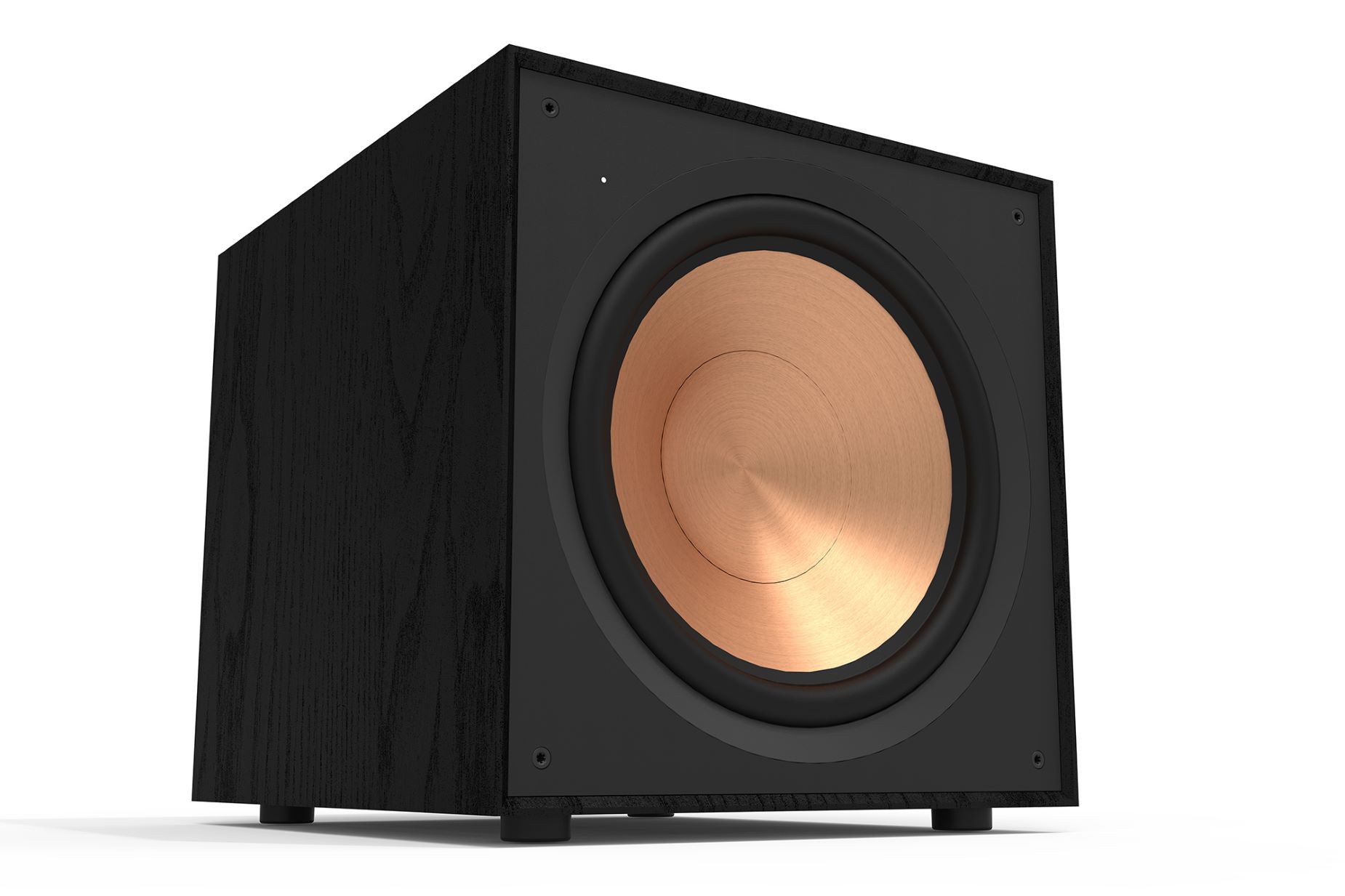
Successful soundbar subwoofer pairing starts with understanding exactly what a subwoofer do for a soundbar. It is a dedicated speaker designed solely to reproduce low-frequency bass, freeing the main bar to deliver clearer mid-range and treble and creating the deep rumble you feel during action scenes and the punch you hear in music. When shopping, you will encounter two distinct types. A soundbar with a built-in subwoofer houses the bass driver inside the main cabinet, making it a single, compact unit that requires no extra setup. In contrast, a component subwoofer is a separate physical box that links to the bar, typically without cables, allowing placement anywhere in the room for more flexible and impactful bass. While you may be looking for the best soundbar with built in subwoofer, the right choice depends entirely on your priority between a clean, all-in-one design and the stronger, room-filling low end that only a detached enclosure can provide.
Universal pairing basics for any brand
Subwoofer connection problems can feel intimidating, but the fix is usually simpler than it first appears. Before you assume a hardware fault, check that both units are plugged directly into wall power. Verify that the bass module is the one that shipped with your soundbar system, since these components are often model-specific and will not pair across different families. Move the bass unit closer to the bar and clear away any obstacles between them. Temporarily switch off nearby 2.4 GHz devices like wireless routers, baby monitors, or cordless phones that can drown out the pairing signal. The most reliable universal reset is to unplug both devices and place them close together. Reconnect power, turn on the soundbar, and wait for the indicator on the bass module to turn solid. If it still blinks, you can manually re-trigger the sync. Press and hold the PAIR or ID SET button on the back of the unit until the light flashes. Then activate the soundbar’s pairing command from its remote or top panel until the LED goes solid blue. On a Samsung bar, for instance, that means holding Mute on the remote while the bar is off until ID SET appears on the display. Many people also ask how to hook subwoofer to TV directly, but cord-free bass modules are designed to pair exclusively with their companion soundbar, not with a television’s own audio output. Understanding the root causes of subwoofer connection problems will save you time and frustration when your bass module refuses to link up.
Pairing Samsung subwoofers
Getting the bass module to rejoin the system usually requires triggering the sync manually before the brief pairing window closes. Turn off the soundbar completely. Then use a small pointed object to press and hold the ID SET button on the back of the bass unit. Keep it pressed for at least a few moments until the red standby light turns off and the blue LINK light blinks quickly. With the low-frequency speaker now actively searching, press and hold the Up button on the soundbar remote. Hold it for a short while until ID SET appears on the bar's display. The soundbar will automatically power on and the blue light should turn solid once pairing succeeds. If you specifically need to connect Samsung subwoofer model PS-WF450, the procedure is identical, hold its rear ID SET button for a few moments and watch for the same blue LINK LED behavior. When you want to reset my Samsung soundbar subwoofer, Samsung's support materials only document the ID SET re-pairing sequence and do not offer a separate factory-reset option for the bass module alone. If the indicator keeps blinking after a full attempt, the link failed and you should start again from the bass unit step, keeping both units close together and free of interference.
Pairing Sony subwoofers
When you pair Sony subwoofer to soundbar systems like the HT-CT290, the process relies on a direct wireless link between the two components. It does not use your phone’s Bluetooth settings. Start by placing both units close together and powering them on. On the supplied remote, press AMP MENU. Navigate to WS and press Enter. Select LINK or S. ON and press Enter again. Then confirm START to put the bar into search mode. Immediately take a pen tip and press the LINK or SECURE LINK button on the back of the bass module. The indicator should turn solid green and the display will show OK or SUCCEED. For Bluetooth pairing, the sequence must complete within 5 minutes or pairing mode may be canceled. That timeout often makes people assume the hardware is defective. If you specifically need to connect Sony HT CT290 subwoofer after a failed attempt, Sony notes that the linked information may have been deleted. You must run the AMP MENU setup again from scratch rather than simply power-cycling. Remember that the soundbar’s Bluetooth input, reached by pressing INPUT until BT appears, is for streaming music from a phone. It has nothing to do with the low-frequency speaker’s dedicated radio link.
Pairing Bose subwoofers
Adding a Bose Bass Module 500 or 700 to the Bose Smart Soundbar 300 starts inside the Bose app. You do not need to hunt for a button on the unit itself. Plug the bass module into a power outlet and place it near the soundbar. Open the app, select your soundbar, and go into its settings through Configure. On the Home Theater Setup screen, tap the + button below the Bass heading. The app locates the module so you can select it and add it to your system. If you are trying to turn on the subwoofer on the Bose 300 soundbar and see no separate power control, that is by design. Bose does not provide an independent on/off toggle for these modules. The app-based addition is effectively the activation step. The Soundbar 300 supports linking two modules of the same model. It only works with these official Bose bass units, not third-party alternatives.
Pairing JBL subwoofers
Most JBL soundbars and their wireless subwoofers are designed to lock onto each other automatically the moment both units power on. If you see a solid LED instead of a blinking one, you can stop right there. When the link doesn't happen within that brief initial window, the fix is a manual re-trigger rather than a hardware replacement. The exact button dance depends on which system you own. On the original Bar 2.1 and Bar 2.1 Deep Bass, you press the CONNECT button on the back of the subwoofer. Then press and hold the remote's DIM DISPLAY key for five seconds. Finally, tap BASS+ and BASS- in sequence until the display reads DONE. If you have the newer Bar 2.1 MK2, hold the subwoofer's pairing button until the light flashes white. Then press and hold the bass button on the remote until SUBWOOFER SPK appears on the bar's display. Press the minus key to confirm. Owners of the Bar 5.1 SURROUND should know the units leave the factory already paired. If that link breaks, you hold the rear panel button on the subwoofer until it flashes fast white. Then press and hold the remote button for more than five seconds. Press the minus key to finalize. Because the remote shortcut varies between generations, a selection of dedicated walkthroughs exists for other common setups. If you need to pair JBL 5.1 soundbar to subwoofer. Should you need to pair JBL soundbar to subwoofer for any other generation. For TCL owners, you can pair TCL soundbar to subwoofer to restore the deep bass that makes movies feel cinematic. If you own a Yamaha, you will want to pair yamaha YAS 207 subwoofer to get the wireless connection working again without guesswork. Polk users can pair polk signa s2 subwoofer to bring back the low end that dialogue-heavy content often misses. And if you own a Samsung system, you can pair Samsung subwoofer to ensure the two components sync up for a seamless listening experience. Pick the one that matches the model printed on your bar's back label.
Pairing LG subwoofers
Getting the two devices to recognize each other relies entirely on physical buttons, with no app or menu path involved. Start with both units powered off, then press the PAIRING button on the back of the bass module until its LED blinks green. Turn the soundbar on, and if the devices recognize each other within the initial handshake window, that light will turn solid green to confirm a successful link. A red LED means the attempt failed, so press and hold the PAIRING button again rather than assuming the hardware is defective.
Misplacing the remote does not leave you stranded. One workaround to pair LG soundbar with subwoofer without remote uses the power button on the soundbar itself: with the bass unit in pairing mode and its LED blinking green, simply turn the bar on using its onboard control. LG does not offer an iPhone or Android method for this, so the back-panel button is the primary path to pair LG subwoofer to soundbar. Keep both units close together and away from routers or other radio-frequency gear during the attempt, because interference can block the signal even when both devices are working properly.
Pairing Vizio subwoofers
Getting the units to recognize each other again relies on a manual re-trigger within that narrow handshake window rather than a hardware failure. To re-establish the link, power off both units, unplug them, place them about a foot apart and facing each other, then plug them back in and turn on the soundbar. Press Volume Up on the bar to confirm it is responding, then check the indicator light near the power switch on the bass module for a solid linked state. For stubborn cases, make sure the low-frequency unit belongs to the same system as the soundbar, as Vizio modules are model-specific and will not pair across different systems. Remove any wireless routers or large objects sitting between the two devices. On a 5.1 system you can force the link by holding the bass module’s ON/OFF button for 5 seconds until the LED blinks white, then press and hold the soundbar’s Power button for 5 seconds. The process to sync Vizio sound bar with subwoofer uses the physical controls on the hardware itself, and if the automatic handshake fails, simply repeating the power sequence is more effective than assuming a defect. When you need to pair subwoofer to soundbar Vizio, everything happens through the physical controls on the hardware itself, as no app or phone-based method is documented for this task. If you are trying to pair Vizio subwoofer without soundbar, the bass module is designed to link only to its matching Vizio soundbar system and no supported standalone use is documented.
Pairing Polk subwoofers
Because Polk ships the Signa S2 with the soundbar and subwoofer already linked at the factory, a lost link usually means the pairing window timed out before the two could handshake. To sync polk subwoofer to soundbar in that situation, turn the bar on first, then press and hold the BAR SYNC button on the back of the bass module for 3 seconds, and immediately press and hold the Bluetooth and VOL + buttons on the bar together for 5 seconds. The LEDs will stop flashing when the link is established, but if they flash five times instead, simply repeat the sequence rather than assuming a hardware fault. The MagniFi Mini uses a slightly different trigger: you can sync polk magnifi mini to subwoofer by holding the Bluetooth and source buttons on the bar for 3 seconds, then pressing and holding the SYNC button on the back of the bass unit until its LED flashes faster and turns solid green. The newer MagniFi Mini AX streamlines the process with dedicated hardware controls, so when you need to connect polk soundbar to subwoofer on that model, hold the CONNECT button on the bar for about 3 seconds, then do the same on the bass module until you hear a confirmation tone, and press CONNECT on the bar once more to save the pairing. As with the Signa S2, the most common failure point is waiting too long between power-on and the manual sync, so have both units within arm's reach and start the button sequence promptly.
Pairing Yamaha, Klipsch, and other audio-brand subwoofers
Pairing a Yamaha subwoofer to a soundbar follows a model-specific sequence. On the YAS-209, power the unit off. Then, on the remote, press and hold the Subwoofer - key for a full count of five. The HDMI indicator will flash. Within a tight half-minute window, press and hold the Pairing button on the back of the bass module for another five-count. That brief window is where most attempts fail. Have the subwoofer within reach before you start. The SR-B30A does not use a cordless link at all. You connect an amplified external subwoofer through an RCA mono cable to the dedicated output on the bar. If you need to connect a subwoofer to a soundbar from a different brand, follow the specific steps for your model to ensure a stable audio link.
Klipsch bass module synchronization varies by model, but the pattern is consistent. On a Bar 48, hold the PAIR button on the subwoofer for a count of three. Then hold the soundbar’s PAIR button for another three-count until the light turns solid blue. The Cinema 400 uses the same three-count hold on the bass unit. Follow that by pressing the pairing button near the bar’s inputs. The Cinema 800 should establish a cordless bond automatically during initial setup. Both units must be plugged in and within 30 feet of each other. If automatic linking fails, power both off and on. Then use a small tool to press the manual sequence for your model. To connect Klipsch subwoofer to soundbar, follow the pairing steps outlined for your specific model to achieve deep, room-filling bass. With Bose, everything happens inside the Bose app. Select your soundbar and tap Configure. On the Home Theater Setup screen, tap the + button under Bass to find and add the subwoofer. If you need to connect Bose subwoofer to soundbar, the app-based method ensures seamless integration without manual button presses.
The correct method depends entirely on the model sitting in your living room. Pick the approach that matches your system. Keep that half-minute handshake window in mind before you begin. For other brands, you can connect Hisense subwoofer to soundbar by checking the manual for wireless pairing instructions, or connect JBL 2.1 subwoofer to soundbar using the dedicated pairing button on the bass module. Similarly, you can connect sanyo subwoofer to soundbar by following the simple sync sequence, and connect subwoofer to onn soundbar by locating the pairing button on the bar itself. Each guide is designed to help you achieve the best bass performance for your setup.
Pairing TV-brand and Roku subwoofers
Pairing happens automatically the moment both TCL units are plugged in. If the handshake window closes before the process completes, a manual re-trigger fixes it without a replacement. On standard S Series models, unplug both devices, wait a full 60 seconds, power the soundbar back on with the Right Arrow button, and keep the bass module within about 10 feet. Q Series owners should press the ON/OFF button on the back of the bass unit until it flashes, then hit the Right Arrow on the bar or remote to lock in a solid amber LED. For the Alto 9, hold the PAIR button on the bass module until the indicator flashes quickly, then press and hold the soundbar's button until "SETUP PAIRING" appears and the display confirms "SUB CONNECTED."
Hisense systems like the HS218 also default to an automatic link, but when that fails you need a longer reset cycle. Unplug both units for a full 3 minutes, plug them back in, and press and hold the PAIR button on the bass module for a few moments until the pair indicator confirms success. When you need to connect subwoofer to Roku TV, the bass module itself must link with a compatible Roku audio host such as a Roku Streambar, Roku Streambar Pro, Roku Smart Soundbar, or a Roku TV system that already has Roku wireless speakers or a Roku TV Wireless Soundbar set up and working. Press Home on the Roku remote for 5 seconds to open the pairing menu, then choose Subwoofer from the list. Onn-specific pairing sequences were not available in the official materials we reviewed. If your system falls outside the documented paths, the same sync-timeout logic still applies: power-cycle both devices and look for a physical pair button on the bass module itself before assuming a defect.