Audio
Best Digital To Analog Audio Converter
Modified: 27 October 2023
Table of Contents
- The critical PCM limitation you must know before buying a digital to analog audio converter
- Autoutlet 192kHz dac converter
- 192kHz dac converter
- Prozor digital to analog audio converter
- Digital to analog audio converter with Bluetooth receiver
- Neoteck optical to RCA converter
- Cuxnoo digital to analog audio adapter
- How to set your source device to pcm for a digital to analog audio converter
- Frequently asked questions about digital to analog audio converters
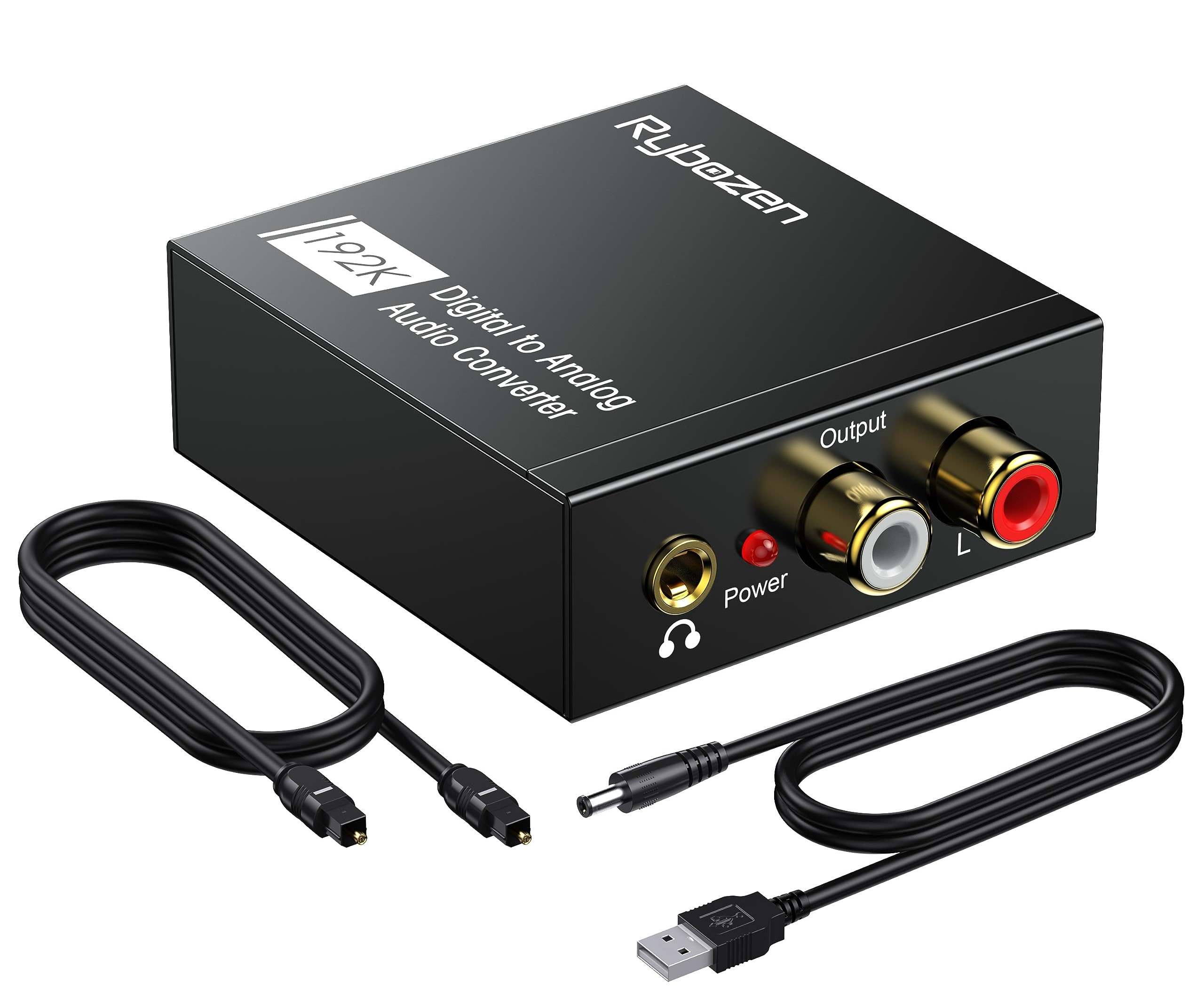
A digital to analog audio converter is the simple, reliable device you need to connect a modern TV or game console to an older stereo or headphones using an optical or coaxial cable. However, before you buy one, you must understand a critical limitation: every digital to analog audio converter on this list only supports PCM 2.0ch stereo audio and will not work with Dolby Digital, DTS, or any other 5.1 surround sound format.
The critical PCM limitation you must know before buying a digital to analog audio converter
This is a mandatory warning. All digital to analog audio converters listed below are optical/SPDIF to analog audio adapters that support PCM 2.0ch only. They support input sampling rates of 32, 44.1, 48, 96, and 192 kHz but do not support DTS, Dolby AC-3, or other 5.1-channel audio. Before using any of these converters, you must set your source device, such as a TV, game console, or streaming box, to output PCM audio. If your source sends a Dolby or DTS signal, the converter will produce no sound or garbled noise.
Autoutlet 192kHz dac converter
This is the top pick for a straightforward, high-performance optical-to-analog converter. The AUTOUTLET 192kHz DAC Converter converts optical digital audio input to RCA analog output, and a documented version also includes a 3.5 mm stereo output. It supports a sampling range of 32 to 192 kHz and 16 to 24 bit depth, with PCM support only. The converter requires a 5 V power input and has a power indicator. Its documented sampling support up to 192 kHz makes it ideal for high-resolution PCM stereo sources. Audio Cable Compatibility and Adapter Selection is straightforward, as it uses standard RCA and 3.5 mm connections. Note that it is not compatible with 5.1-channel formats such as Dolby AC-3 or DTS, and hardware details like included cables vary by listing.
192kHz dac converter
This similar high-performance optical-to-analog converter also supports 32, 44.1, 48, 96, and 192 kHz input with PCM 2.0ch only. It is documented as incompatible with Dolby AC-3 and other 5.1-channel digital audio, so the source device must be set to PCM before use. One listing claims a built-in amplifier chip for cleaner sound output. It provides analog output to RCA or, on some versions, 3.5 mm aux. Like all converters here, it is strictly PCM-only.
Prozor digital to analog audio converter
This is a popular model, but some articles falsely claim it supports Dolby or DTS decoding. The verified facts are clear: the PROZOR converter is a PCM-only device. It converts digital PCM audio signals to analog audio and supports multiple sampling rates up to 192 kHz/24 bit. It is incompatible with 5.1-channel audio. Users must set their source to PCM before use. Its true functionality is a reliable, straightforward PCM stereo converter, not a surround sound decoder. The PROZOR converter has a 20-level tuning option to adjust the output volume. Note that the volume setting resets on power cycle.
Digital to analog audio converter with Bluetooth receiver
This versatile 4-in-1 converter adds Bluetooth 5.1 transmission to the standard optical/coaxial to analog conversion. It converts optical or coaxial digital audio signals to analog L/R RCA and 3.5 mm jacks, and also features a Bluetooth V5.1 transmitter for wireless audio streaming to Bluetooth headsets and speakers. The built-in high-performance DAC chip supports up to 192 kHz sampling rates. It is plug-and-play with no drivers required. Remember, Bluetooth transmission still requires the source to be set to PCM stereo.
Neoteck optical to RCA converter
This compact, plug-and-play converter features a built-in audio amplifier chipset for clean, powerful sound output. The Neoteck 192kHz DAC Converter converts digital optical audio signals to analog RCA audio signals. It supports PCM audio formats and has a 192 kHz 24 bit DAC. It is simple to install and operate. Note that it is not compatible with 5.1-channel audio, and the TV audio output must be set to PCM.
Cuxnoo digital to analog audio adapter
This budget-friendly, compact adapter is ideal for simple home setups. The Cuxnoo Digital to Analog Audio Adapter converts digital audio signals from Toslink or coaxial to analog L/R RCA. It supports 2-channel output and sampling rates at 32 kHz, 44.1 kHz, 48 kHz, and 96 kHz. It is easy to install with no driver required. The package includes a fiber optical cable and USB power cord, but no power adapter. It is PCM-only and not compatible with 5.1 formats. Note that the adapter produces a loud pop sound when powering off.
How to set your source device to pcm for a digital to analog audio converter
To ensure compatibility, you must set your source device to output PCM stereo audio. Here are the documented instructions for common devices:
- TV: Go to the audio or sound settings menu.
- Disable any "Dolby" or "DTS" options.
- iPhone: Apple documents that to play songs at sample rates higher than 48 kHz on iPhone, an external digital-to-analog converter is needed. The documented audio settings path is Settings > Accessibility > Audio & Visual.
If your device is not listed, consult its manual for instructions on setting digital audio output to PCM. This step is mandatory for any digital to analog audio converter to function correctly.
Frequently asked questions about digital to analog audio converters
What is a digital to analog audio converter?
A digital to analog audio converter (DAC) is a device that transforms digital audio signals, such as those from optical or coaxial outputs on a TV, game console, or Blu-ray player, into analog signals that can be used by older stereos, amplifiers, or headphones with RCA or 3.5 mm inputs.
Why is PCM required for these converters?
These converters are designed to decode PCM (Pulse Code Modulation) stereo audio, which is an uncompressed two-channel format. Dolby Digital and DTS are compressed, multi-channel surround sound formats that these simple PCM-only DACs cannot decode. If the source sends a surround sound signal, the converter cannot process it, resulting in silence or noise.
What cables do I need to use a digital to analog audio converter?
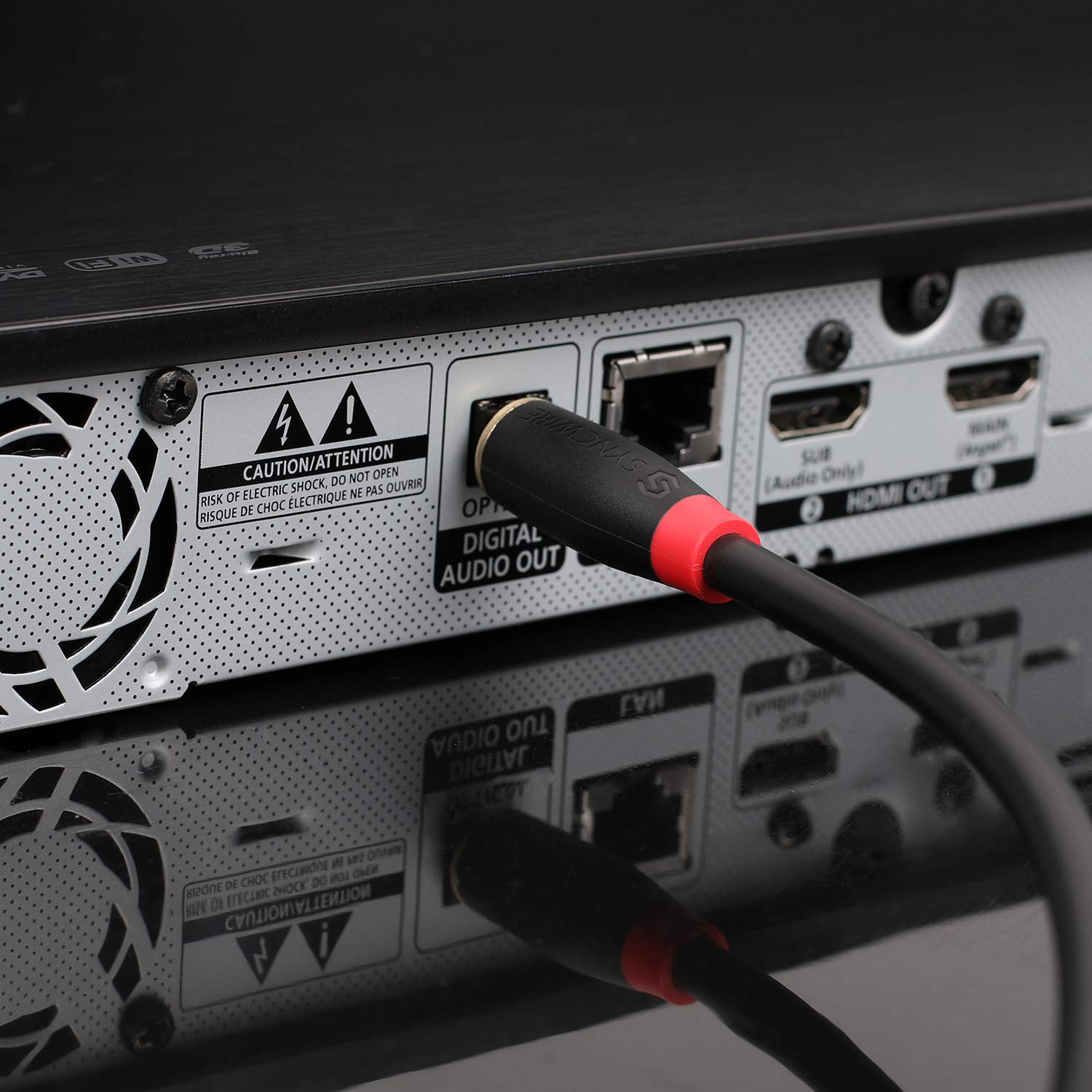
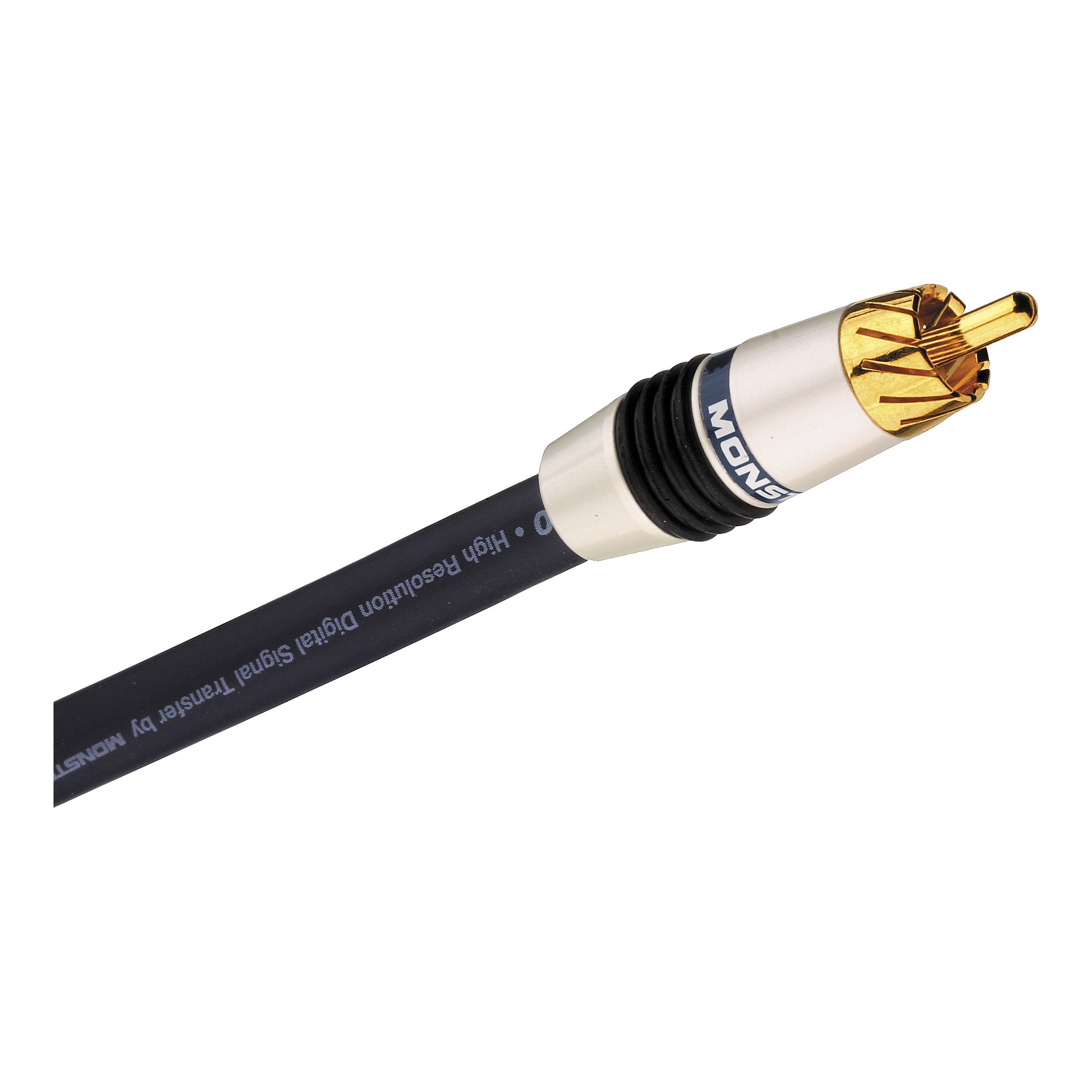
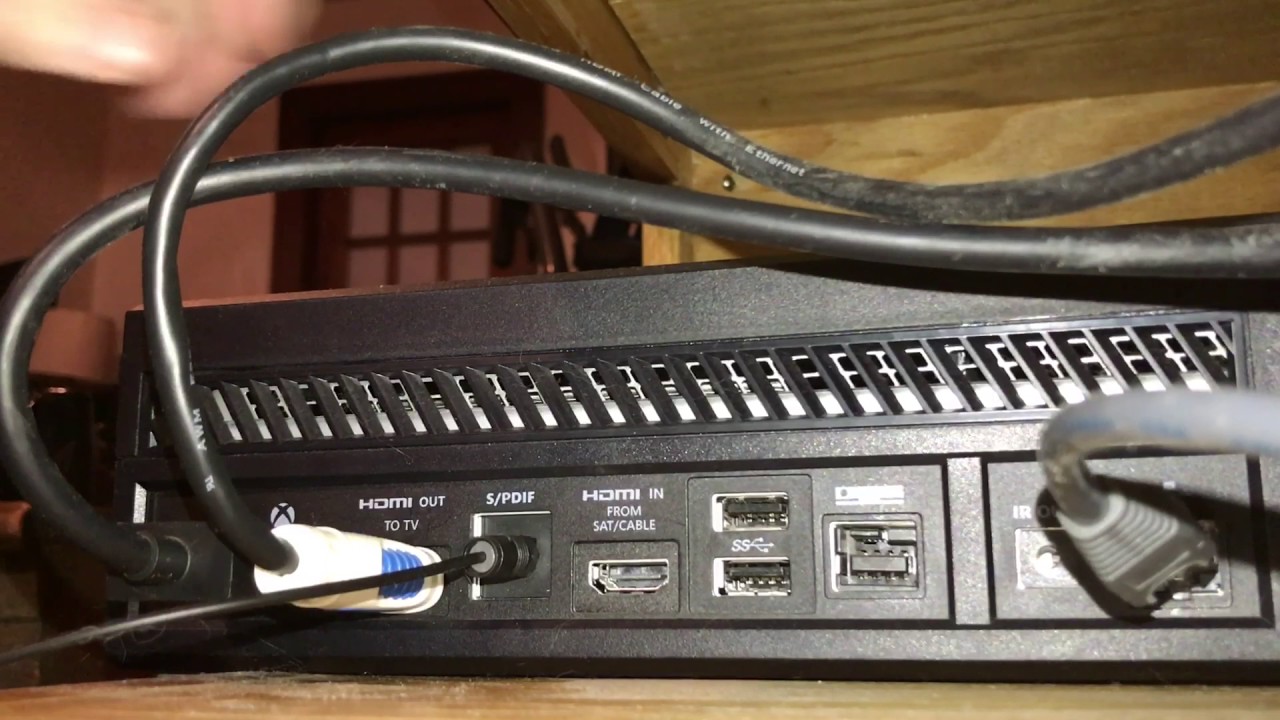
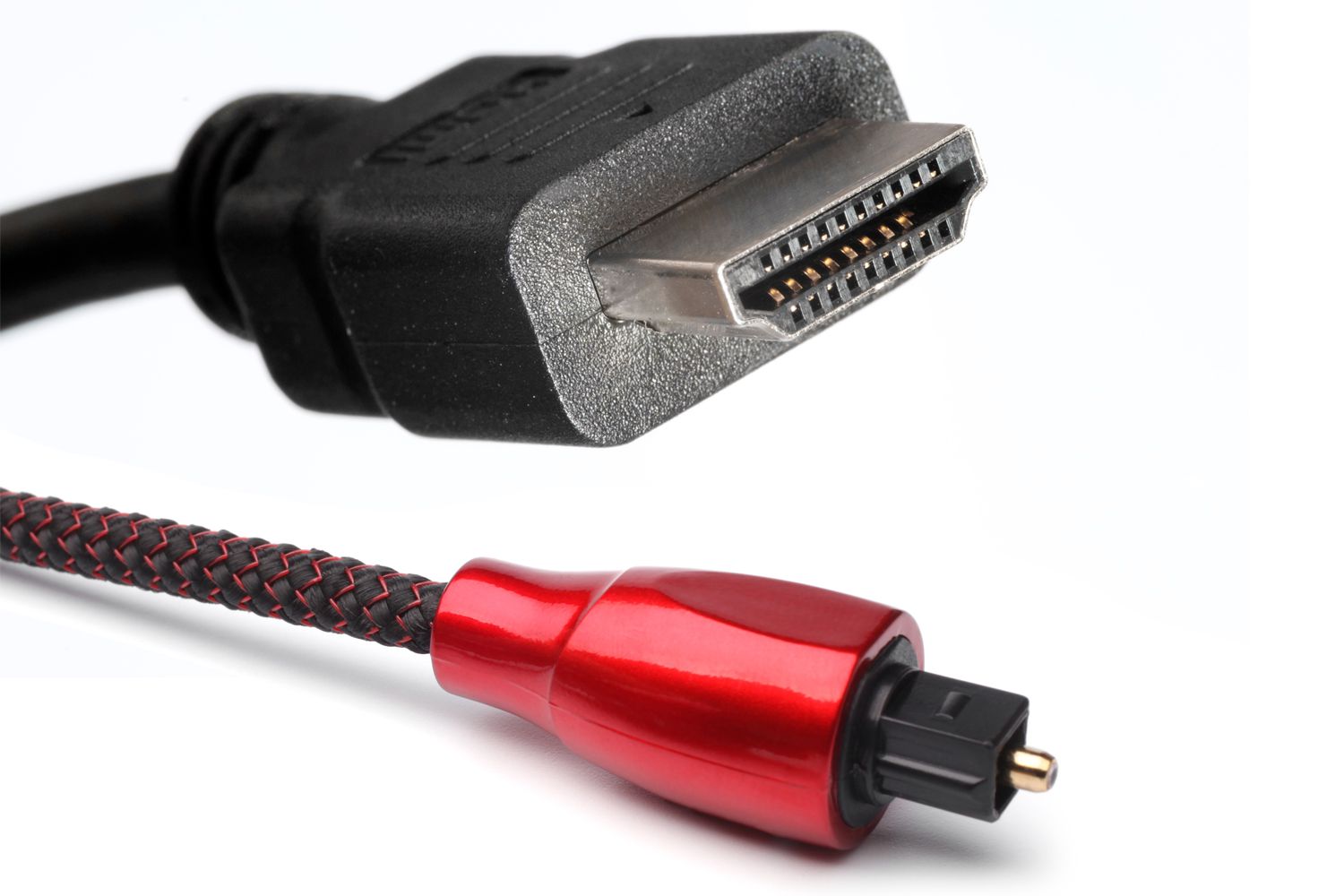
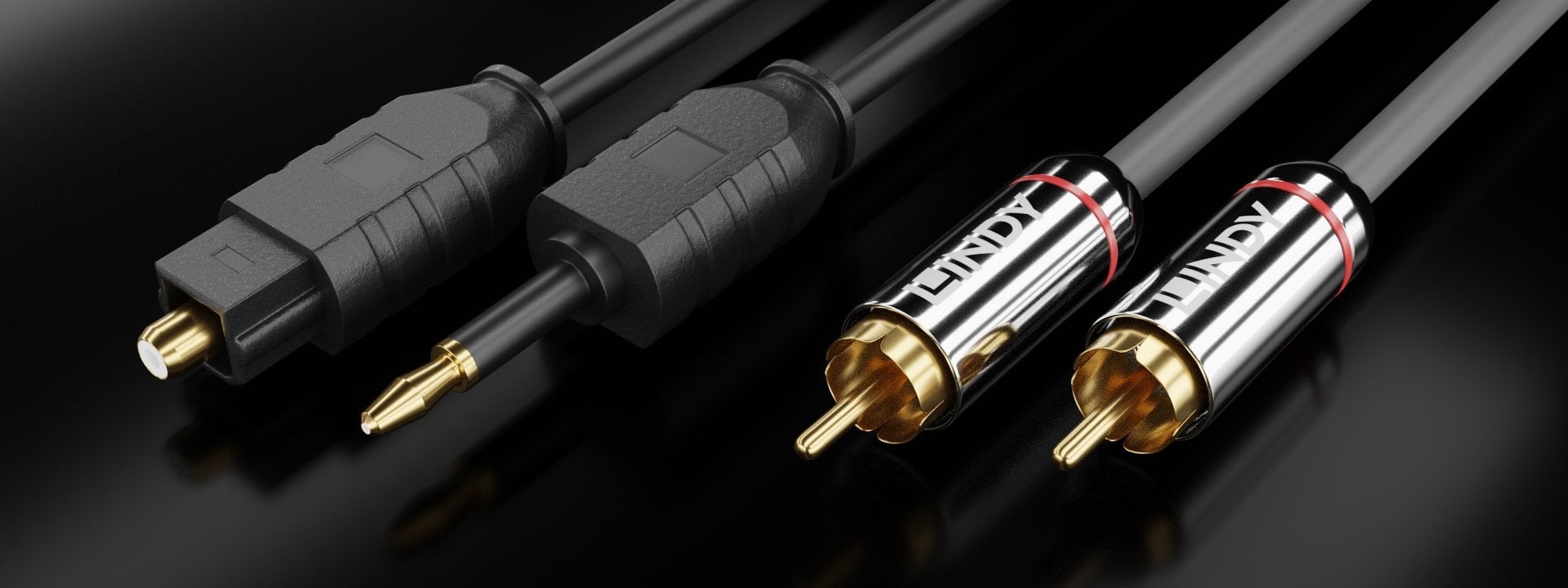
You will need an optical (Toslink) or coaxial digital audio cable from your source device to the converter's input. For the output, you will need RCA cables (red and white) or a 3.5 mm aux cable to connect to your stereo or headphones. Some converters include these cables, but many do not, so check the product details. For the 10 best HDMI audio extractor, you would use a different device that extracts audio from HDMI, but for a simple DAC, optical or coaxial is the standard.
Can a digital to analog audio converter improve sound quality?
A high-quality DAC can provide cleaner, more accurate analog sound reproduction than the built-in DAC in many TVs or older devices. However, it will not improve the quality of a low-bitrate source file. The converter's performance is most noticeable with high-resolution PCM audio (up to 192 kHz/24 bit).
Do I need a power source for these converters?
Yes, most digital to analog audio converters require external power, typically via a 5 V USB power adapter or a wall plug. Some models can be powered from a USB port on a TV or computer, but a dedicated power adapter is often recommended for consistent performance. Check the product specifications for power requirements.
Can I use a digital to analog audio converter with headphones?
Yes, if the converter has a 3.5 mm headphone output. Many models include both RCA and 3.5 mm outputs, allowing you to connect headphones directly. If the converter only has RCA outputs, you will need a headphone amplifier or an adapter.
Is it safe to leave the digital to analog audio converter connected all the time?
Yes, but unplug during electrical issues or power surges.
Can I connect multiple audio sources simultaneously to a digital to analog audio converter?
Some converters have multiple inputs for switching between sources.
Are there other converter types I should know about?
The CAMWAY converter supports HDMI ARC input for connecting a TV's sound to optical, coaxial, RCA, or 3.5mm outputs. It may produce a loud pop sound when turning on or off, and includes remote volume control. The Analog to Digital Audio Converter by Hdiwousp converts RCA analog stereo to Digital Coaxial and Toslink Optical simultaneously, supporting 48 kHz sampling rate; note it has a misleading label for the 3.5mm jack. The Digital to Analog Audio Converter by Hdiwousp has an aluminum alloy design with gold-plated sockets for durability and enhanced sound quality.