
Home>Production & Technology>Device Noise Cancellation Settings Guide
Production & Technology
Device Noise Cancellation Settings Guide
Modified: 3 October 2026
Table of Contents
- Understand noise cancellation settings and what you're turning off
- Manage noise cancellation in Windows
- Control noise cancellation on Android phones
- Adjust noise cancellation on iPhones
- Set up noise cancellation in meeting and streaming apps
- Configure Logitech headset and webcam noise cancellation
- Use noise cancellation with other audio hardware
- Disable vehicle noise cancellation systems
Understand noise cancellation settings and what you're turning off
Finding the right noise cancellation settings on a device matters because the technology works in two completely different directions. One type reduces the background rumble around you so your own music or call sounds clearer, which is what AirPods and Beats control with their Listening Mode or Noise Control button. The other type cleans up the background noise your audio pickup captures so the person on the far end of a phone call hears less of your environment. That distinction is why you might cut off noise cancellation for a call but still want playback isolation for music, or vice versa.
On an iPhone 12 or earlier model, the setting that affects the receiver during phone calls lives under Settings > Accessibility > Audio & Visual, where you turn off Phone Noise Cancellation. That single switch has no effect on what you hear through AirPods. If you need to turn off noise cancellation on mic behavior during calls on an older handset like a Nexus 6P, the hardware included active noise cancellation but a universal Android menu path to turn noise cancellation off nexus 6p was never surfaced in official support documentation. For playback audio, open Control Center, hold the volume slider, then tap the Noise Control button to select Off, which immediately disables the isolating effect on supported AirPods Pro 2 and AirPods Pro 3 models paired with compatible devices. Knowing which direction you are silencing prevents the common mistake of flipping one setting and expecting the other to change.
Manage noise cancellation in Windows
Open the Realtek Audio Console from your Apps list. Select the Microphone Array tab and look under Microphone Effects. To turn off noise cancellation on Windows 10 for your input device, look under Microphone Effects and set Multi-presenter conference call to OFF if that option is present. If you see separate toggles for Personal Call and Conference Call suppression, turn those off too. On some systems, the same function appears inside Realtek Settings as a checkbox labelled Enable HP Noise Cancellation. Leave that box unchecked when you want the raw audio signal. To turn on noise cancellation on Windows 10, enable the available noise suppression effect in your Realtek Audio Console or manufacturer utility. Check the box or enable the conference call effect. The driver then applies its filtering so that background hum is removed before it reaches your meeting app. When those built-in options are missing, the adjustment may instead live in a separate manufacturer utility. This is common if the noise cancellation controls are not in the standard Realtek interface. You would want to enable realtek noise cancellation to automatically filter out persistent background hums and fan noise from your microphone input. Check your headset’s own companion software. It often reveals a secondary noise gate that works independently of the system setting.
Control noise cancellation on Android phones
On Android, the most direct control for cleaning up your outgoing audio sits inside Google Meet. It works specifically on what your mic sends to other people. To turn off noise cancellation Android during a video call, tap your screen, open the More menu, go into Settings, and switch off the Noise cancellation toggle, which is why you would read the article on how to turn off noise cancellation Android. The same toggle lets you enable noise cancellation Android when you want the app to filter out background sounds like typing or a vacuum, which is why you would read the article on how to enable noise cancellation Android. This feature is available on most recent phones, but the official support list specifically calls out Pixel 4 and newer, along with Samsung Galaxy S10 models and later. If you need to turn off noise cancellation Google Pixel during a call, use this in-meeting switch as your only documented path, which is why you would read the article on how to turn off noise cancellation Google Pixel. Pixel phones do not expose a separate system-wide audio gate outside of the app. For Samsung owners, the path changes when you are using earbuds. To adjust Galaxy S9 noise cancellation behavior with a compatible pair of Galaxy Buds, leave the phone settings alone, which is why you would read the article on how to do noise cancellation Galaxy S9. Open the Galaxy Wearable app instead, where tapping Active noise canceling manages the isolation you hear for your own audio. On older Motorola devices, the menu locations were less standardized. To turn off noise cancellation on moto turbo, open the Phone app and look inside the call settings during an active call, which is why you would read the article on how to turn off noise cancellation on moto turbo. The option was tied to the voice hardware rather than a global sound menu. Similarly, you would turn off noise cancellation moto x by checking the in-call audio settings, which is why you would read the article on how to turn off noise cancellation moto x. Motorola placed the toggle for the dedicated noise suppression hardware there.
- Galaxy S9 noise cancellation — How To Do Noise Cancellation Galaxy S9
Adjust noise cancellation on iPhones
To activate noise cancellation on iPhone for regular phone calls, open Settings > Accessibility > Audio & Visual. Tap Accessibility, then Audio & Visual. The Phone Noise Cancellation toggle reduces ambient sound on your end of the handset earpiece. This feature is available and turned on by default on iPhone 12 and earlier models. It is not present on iPhone 13 or newer devices. If your goal is to disable noise cancellation on my iPhone during calls because the processed audio feels uncomfortable, turn Phone Noise Cancellation off. This returns the earpiece to its standard output. The situation changes completely for video chats. There is no single switch to turn off noise cancellation FaceTime in the main Settings app. During an active FaceTime call, open Control Center. Tap FaceTime or Mic Mode. Select Standard or Wide Spectrum to move away from Voice Isolation. Voice Isolation blocks ambient noise. Voice Isolation and Wide Spectrum require iOS 15 or later. Voice Isolation or Wide Spectrum requires iOS 15 or later.
Set up noise cancellation in meeting and streaming apps
On a Zoom Rooms controller, the control to turn off noise cancellation on zoom is under Settings, then Microphone, where you switch Noise Suppression to Off instead of Auto or High. On the desktop app, select High-fidelity music mode under Settings > Audio > Microphone modes to bypass the default noise removal. For Microsoft’s platform, you can enable noise cancellation in teams before or during a call by going into Settings and more, then Settings, then Devices, and choosing a suppression level. Low targets steady hums like a fan, while High tries to strip out everything except your voice. In the broadcasting tools, you can apply noise cancellation in OBS by adding a filter to your mic source on desktop, giving you a separate gate from any cleanup your headset or system is already doing. A common routing mistake is forgetting to mute audio playback on streamlabs OBS, which prevents your desktop sound from feeding directly into your mic track. On mobile, Teamspeak's noise cancellation on phones may rely on the built-in echo cancellation and handling of your handset.
Configure Logitech headset and webcam noise cancellation
When you try to turn off noise cancellation on Logitech headset models like the G933 or G930, start by identifying which direction of noise removal you are targeting. On older gaming headsets, the mic often includes hardware-level suppression that runs without a visible toggle, and the active circuitry in the boom mic is always filtering out steady background hums. There is no method to disable noise cancellation g933 or to disable noise cancellation Logitech g930, so look for audio cleanup settings inside your PC’s sound panel or your game’s voice options rather than hunting for a button on the headset itself. There is no method to enable noise cancellation Logitech h111 headphones because its noise-canceling microphone is purely a physical design feature that is always active. There is no method to turn off noise cancellation Logitech c510, and you will not find a dedicated acoustic toggle there. Similarly, when you look to disable noise cancellation logitec g430, the headset relies on its USB adapter’s built-in signal refinement, so manage any perceived noise gating through your recording device’s properties in the operating system instead of searching for a Logitech utility.
Use noise cancellation with other audio hardware
Open the Sennheiser Smart Control app on your iPhone or Android device when you want to enable noise cancellation Sennheiser. Use the app to activate and configure noise cancellation and Transparent Hearing functions. The direction of the adjustment matters here.
When you want to use noise cancellation on Snowball, apply processing inside your recording software.
In a software mixer like Voicemeeter, the same distinction applies. If your voice sounds overly gated or cut off, adjust the input channel settings. Adjust the noise gate settings to reduce the noise cancellation in Voicemeeter.
Disable vehicle noise cancellation systems
To quiet the cabin, your Honda Accord uses a sealed system that you cannot adjust from the center display. A dealership may disable ANC by programming or disconnecting wires, and an ANC bypass harness may exist for some vehicles. No official user-facing setting exists to disable noise cancellation Honda Accord cabins rely on from the vehicle menus. The hardware pushes opposing sound waves out of the speakers. Work directly with the physical components because no official user-facing setting is documented in the vehicle menus.
Performance models treat the engine note as part of the experience, yet the cabin still runs an always-on countermeasure. A dealership may disable the system by programming or disconnecting wires when you want to turn off Camaro noise cancellation in a 2.0L turbo. The system targets low-frequency drivetrain frequencies without offering a dashboard switch. No official menu setting exists, so any modification requires working with the physical hardware. This lack of an official software option means physical hardware changes or dealership programming are the available approaches.
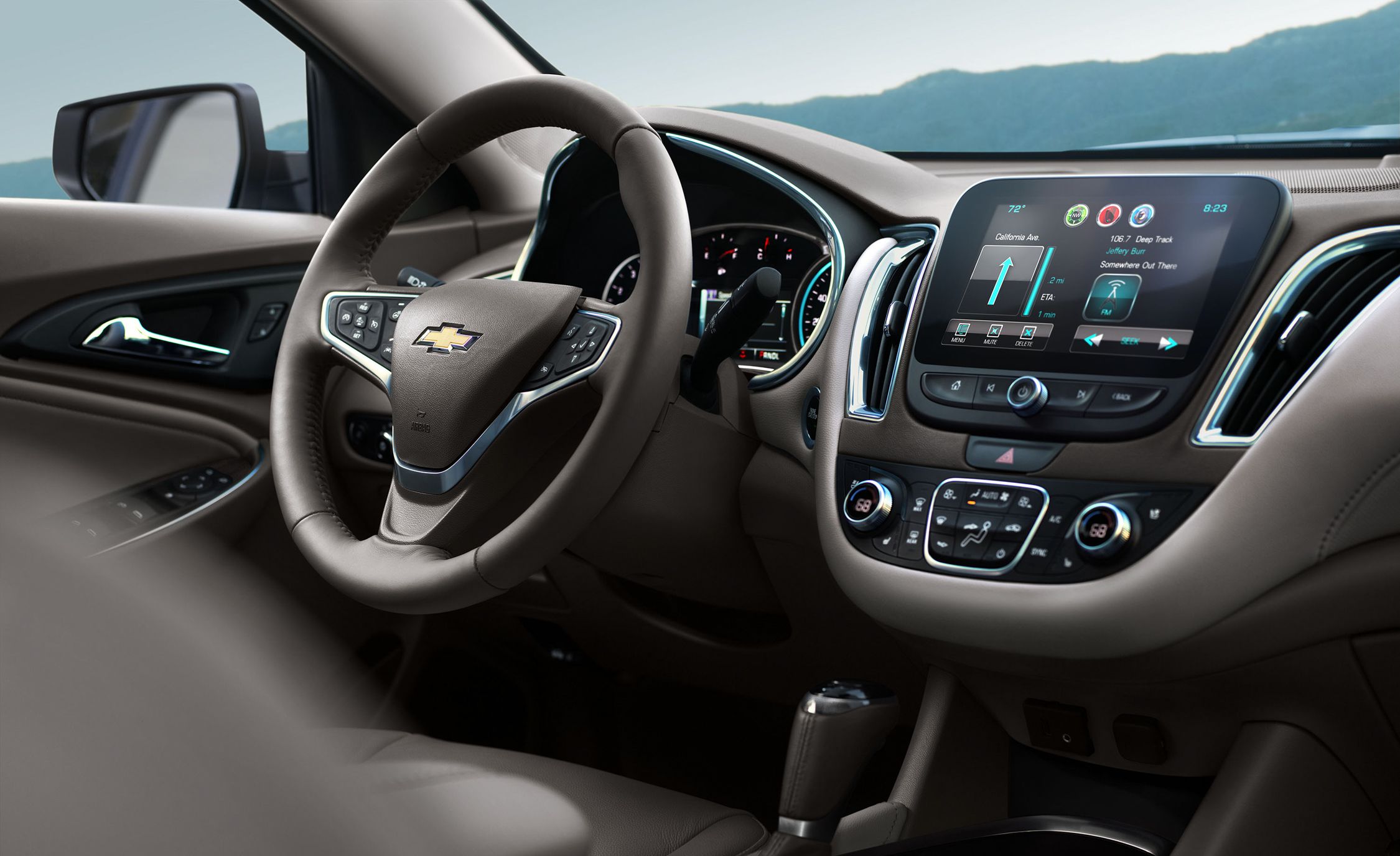
The owner's manual for the 2016 Malibu how to disable noise cancellation does not provide a menu-driven way to shut off the active noise control. A dealership may disable the system by programming or disconnecting wires. Any modification requires working with the physical hardware rather than toggling a software option. The direction of the cabin quieting is strictly environmental.











