
Home>Production & Technology>Headphone Noise Cancellation Controls Guide
Production & Technology
Headphone Noise Cancellation Controls Guide
Modified: 3 October 2026
Table of Contents
- First, understand your headphone's noise cancellation controls
- Activating noise cancellation for the first time
- Turning noise cancellation on for specific models
- Turning noise cancellation off or adjusting it
- Using noise cancellation on Beats by model
- Troubleshooting noise cancellation that won't work
- Setting up call noise cancellation on headsets
- Connecting and configuring Sony headphones
First, understand your headphone's noise cancellation controls
Before troubleshooting missing noise cancellation controls, confirm you are dealing with active noise cancellation for your listening experience, not just microphone noise reduction for calls. Many models only apply noise cancelling to the microphone so your caller hears less background hiss, leaving the music-side drivers untouched. If you bought earbuds expecting silence during playback and got only clearer phone calls, that mismatch is the most common reason the options seem absent. When the hardware does include music-side Active Noise Cancellation, switch to Transparency mode to hear your surroundings. On supported Apple or Beats models, cycle between Noise Cancellation, Transparency, or Off directly from the buds, Control Center, or the Beats app for Android. Some people get headaches from noise cancelling during long listening sessions, and the quickest way to tone down noise cancellation headphones is to move to Transparency or Off. Do this in Control Center on iPhone, or by pressing the Noise Control button on AirPods Max and the Force Sensor on AirPods Pro. For transparency mode earbuds that feel too open or too quiet on supported Apple headphones, fine-tune the experience under Headphone Accommodations in Accessibility, where sliders adjust amplification, balance, tone, and ambient noise reduction to make outside sound less overwhelming without going back to full cancellation.
Activating noise cancellation for the first time
First-time setup looks different across brands. The most important check happens before you open a menu.
If you are trying to activate noise cancellation on Jabra Evolve 20, know that this model relies on passive isolation and a noise-cancelling microphone rather than music-side ANC. Simply wearing the headset is the only required step. Skip any software hunt.
When you enable noise cancellation on Hyper X headsets like the Cloud MIX 2, the feature is built in as hybrid active noise cancelling with a transparency mode.
To activate noise cancellation in OnePlus Buds, the process depends heavily on which generation you own. The process depends heavily on which generation you own. Newer releases such as the Buds 3 and Buds Pro 2 offer adaptive modes and intensity levels like Mild, Moderate, and Max. Full functionality on the Buds Pro 2 requires a compatible OnePlus phone such as the 9 series, 10 Pro, or Nord 2T.
When you setup noise cancellation Arctis 7, the standard Arctis 7 line does not include active noise cancellation. The standard Arctis 7 line does not include active noise cancellation.
To activate noise cancellation in JBL headphones, use the available controls on your specific model.
To activate noise cancellation on Huawei Freebuds 4i, use the available controls on your specific model.
Turning noise cancellation on for specific models
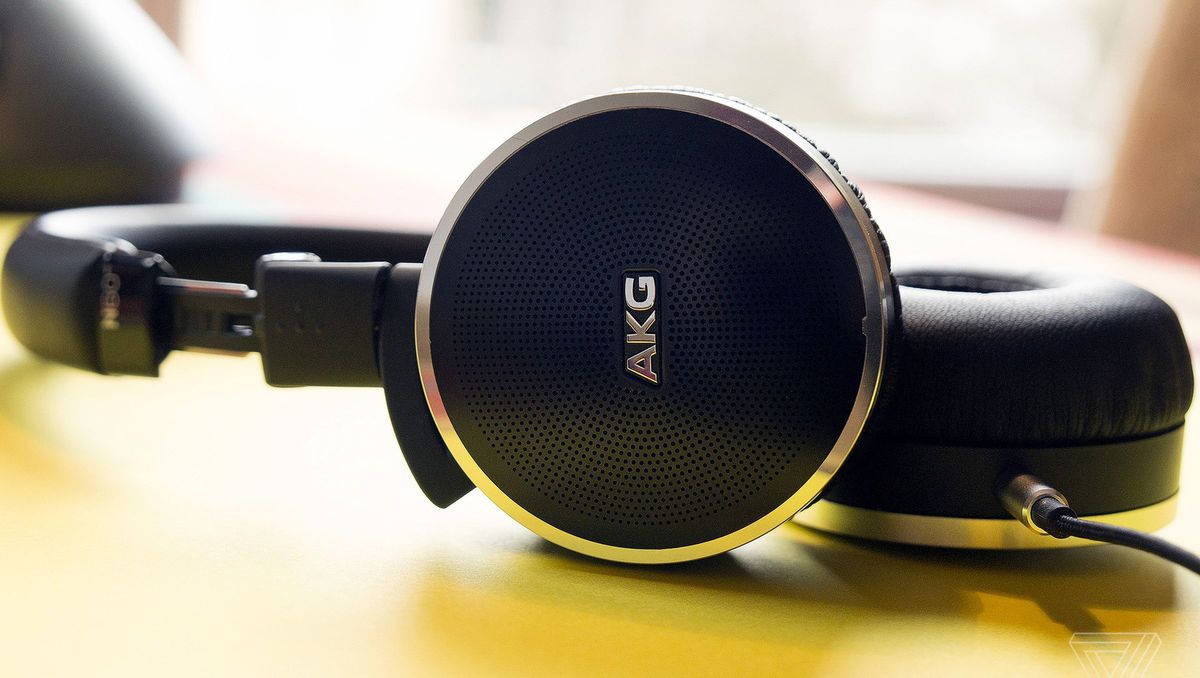
Confirm what your model actually supports before you hunt for a switch. To turn on noise cancellation on Sony headphones, check which pair you own. Many over-ear models activate the feature automatically at power-on. Others rely on a dedicated NC/Ambient button. Some earbuds require a tap on the L touch sensor to engage Noise Canceling. Open the Sony | Sound Connect app. Go to My Device, then Device settings. Tap Sound, then Ambient Sound Control. Sony notes that Adaptive Sound Control should be switched off if the effect feels weak. For Samsung users who want to activate noise cancellation on Galaxy Buds, verify your model first. The original Galaxy Buds and Buds+ lack music-side ANC entirely. On compatible Buds4 and Buds3 series, touch and hold one earbud until you hear a beep. Alternatively, open Galaxy Wearable and tap Active noise canceling under Noise controls. Plantronics owners trying to turn on noise cancellation on Plantronics earpiece may not find clear steps. When you turn on noise cancellation on beats studio 3. The exact press pattern can trip up first-time users. If you need to turn on noise cancellation turtle beach. Owners searching akg n60nc how to turn on noise cancellation oh will not find steps. That small detail is easy to overlook when you are scanning for a button.
Turning noise cancellation off or adjusting it
Managing how much of the world you let in is often the first thing you want to change once the music starts playing. If you need to turn off noise cancellation Bose headphones like the QC35 series, the control lives inside the Bose Connect app. Tap Settings, then Noise Cancellation, and choose Off. Be aware that disabling it also changes the active audio EQ. The cans will reset to maximum cancellation the next time you power them on. Owners who want to adjust noise cancellation on Bose QC35 models can use that same menu to step down to Low instead of cutting it completely. This can reduce the cabin-pressure sensation some listeners feel in full isolation.
The approach shifts when you need to turn off noise cancellation on Beats models. Not every pair surfaces an Off option by default. To turn off noise cancellation on Beats Studio Buds or the Studio Buds +, press and hold the Beats logo button on either earbud to cycle between Active Noise Cancellation and Transparency by default. You can customize the press-and-hold behavior so that Off is included in the rotation. When you want to turn off noise cancellation on beats solo 3. For Sennheiser users, here’s how to turn off noise cancellation sennheiser momentum wireless. You will need to consult the specific model's physical buttons or companion app directly.
Using noise cancellation on Beats by model
If you are trying to use noise cancellation on Beats Studio 2.0 Wireless, you may notice the option never appears in your configuration panel. Unlike the Solo Pro or Studio Buds, this model lacks Active Noise Cancellation for your listening experience. That is why a listening-mode toggle seems absent. For supported devices like the Beats Fit Pro or Studio Buds+, manage the feature on an iPhone by opening Control Center, touching and holding the volume control, tapping the Noise Control button, and choosing a mode. Touch and hold the volume control, tap the Noise Control button at the lower left, and choose a mode. On Android, open the Beats app, tap the menu icon, tap My Beats to display the device screen, then tap to turn noise cancellation on, tap to turn transparency on, or tap to turn noise cancellation off. A common point of confusion is how to know if noise cancellation is on Beats once you have made a selection. The feature is active whenever the display reads Active Noise Cancellation or Noise Cancellation. On supported earbuds and headphones, press and hold the Beats logo button or the 'b' button until you hear a chime. That sound confirms the switch between Active Noise Cancellation and Transparency.
Troubleshooting noise cancellation that won't work
A common head-scratcher is the problem bose headphones quiet comfort cant get noise cancellation to work when plugged in. The culprit is often the power state, because noise cancellation is disabled when the gear is powered off. On newer USB-C QuietComfort models, with ANC turned off the microphone arrays and noise-cancelling functionality are disabled. If the mode simply feels weaker than expected, open the app and check that it is set to Quiet mode instead of Aware mode, and verify the slider is not stuck on a low level. When you need to turn off noise cancellation on bose qc35, remember that the product returns to maximum noise cancellation every time you power it off and back on, so a fresh power cycle will undo your manual Off selection. For console players, you may look for a toggle to turn off noise cancellation on pulse 3d headset only to find it does not exist for the headphones themselves; the headset uses a dual-microphone system to clarify your voice for teammates and does not offer user-adjustable ambient blocking for what you hear. Similarly, if you are hunting for cloud stinger how to activate noise cancellation.
Setting up call noise cancellation on headsets
When you need to enable noise cancellation on Plantronics Voyager 5200 during calls, the headset's built-in microphone noise reduction handles the work on its own. It uses four adaptive microphones and a proprietary DSP that suppresses wind and background noise. You will not find a separate toggle in your phone’s Bluetooth or call menus. The same pattern holds across many communication-focused models. On these units the noise reduction is baked into the hardware rather than exposed as a user-facing switch. If you are trying to turn on noise cancellation on LG Tone 780, no official support page was retrieved that documents a call-noise-cancellation setting for this model. No companion app or device menu provides an independent command for it. There is no manual on-off command available to you. For those carrying a Plantronics M155 or M165, the question of how to turn on noise cancellation on my m155/m165 headset leads to the finding that no official support page documents a call-noise-cancellation setting. The earpiece’s noise-cancelling microphone reduces ambient sound during your conversations by default. There is no extra step required to activate it. If you are instead looking for a different brand, you would want the article "cowin headphones how to toggle noise cancellation" to learn how to manually control that feature on those models. Move on to checking your fit and updating firmware instead of hunting for a missing switch.
Connecting and configuring Sony headphones
To hook up Sony Bluetooth headphones noise cancellation, first pair the headphones over Bluetooth, because the noise-canceling function only becomes available once that wireless connection is established. On models with a physical NC/AMBIENT button, press it repeatedly until the green indicator lights up. If your pair relies on the Sony | Sound Connect app instead, open it after pairing and navigate to Device settings → Sound → Ambient Sound Control to select Noise Canceling. When the effect feels weak, check that Adaptive Sound Control is turned Off, because modes like Staying or Walking can quietly override your manual choice. For the strongest performance, run the Noise Cancelling Optimiser after putting the cans on, though this step does not apply to the WF-1000X. A quiet room may also make the processing seem absent, since Sony’s system needs ambient noise to work optimally. If you plan to use two devices, enable the Connect to 2 devices simultaneously option in the app before pairing the second one. On Android, initiate pairing from Settings → Device connection → Bluetooth, while iPhone users connect the headphones and smartphone via Bluetooth and manage everything else inside the Sony app.











