MP3
How To Download A YouTube Video To MP3
Modified: 22 January 2024
Table of Contents
Before you start: what actually happens when you use a YouTube to MP3 converter
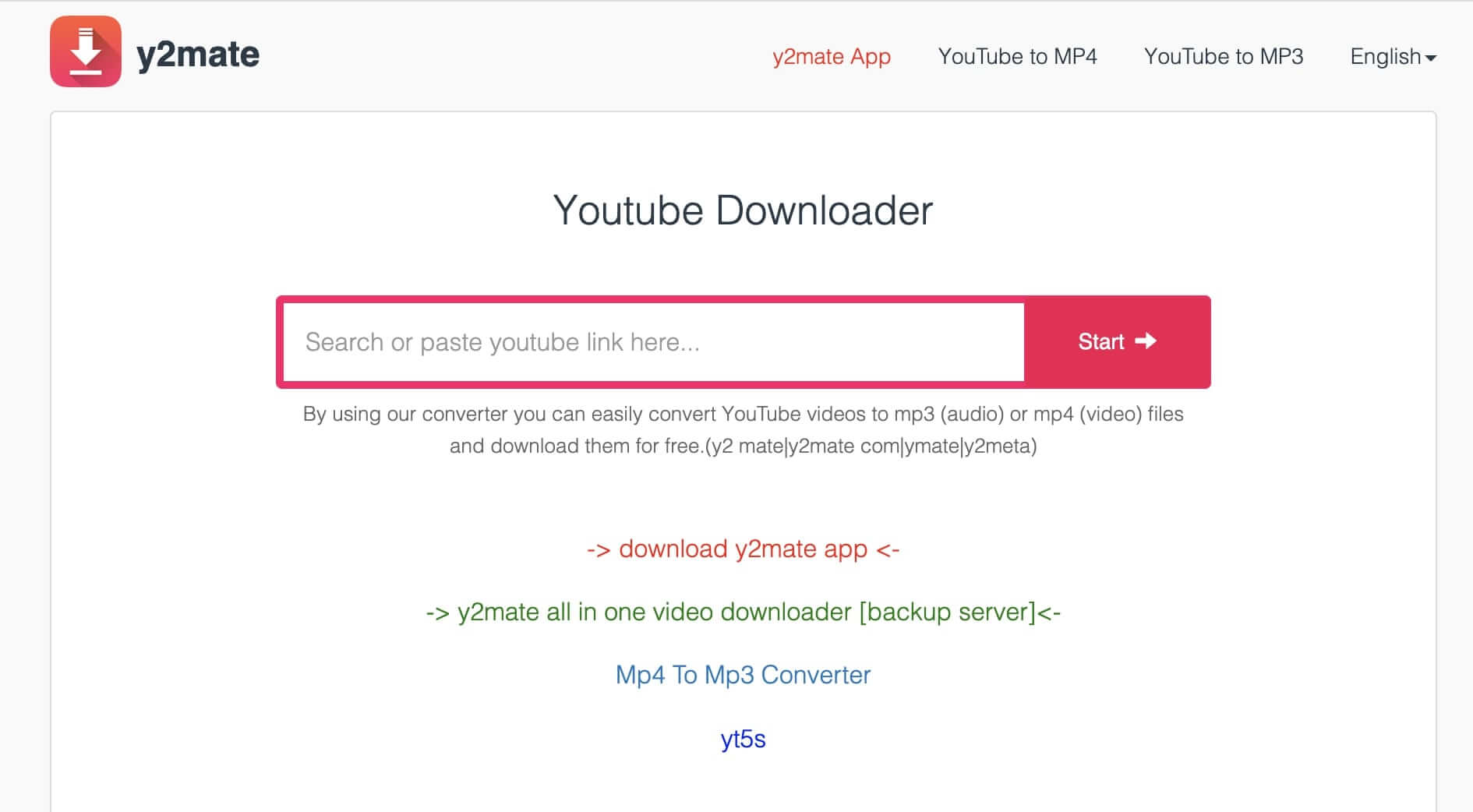
When you use a YouTube to MP3 converter, the tool typically downloads the video stream and then runs it through an audio encoder to produce an MP3 file. This re-encoding step is where quality gets sacrificed because the source stream already uses a lossy codec, so decoding it and re-compressing it introduces generational loss that dulls the clarity of the track. Finding a tool that can extract the native audio stream with no re-compression helps avoid that degradation, which is why the safest YouTube to MP3 converter is not a third-party website at all but the official download feature inside YouTube Music for Premium subscribers, where the app saves a licensed copy directly to your device.
When you encounter YouTube MP3 conversion failures on a phone, the root cause is often a weak connection, an expired Premium membership, or a data saver blocking the transfer, so confirming you have a stable 4G or LTE signal with strong bars and that your plan allows downloads usually resolves it.
Once you have the file, playback quality also depends on your hardware. Android users can fine-tune the output by opening their profile picture, going to Settings, Playback, and tapping Equalizer, which hands off to the system-wide audio controls rather than a built-in app tool. On an iPhone, that menu entry does not exist, so you will need to find the best equalizer app compatible for streaming YouTube music videos through the App Store and route your audio through it for any tonal adjustments.
Quick conversion on your computer
When you need to convert YouTube audio to MP3 on Windows, one desktop method is a dedicated extraction tool. It pulls the native AAC or Opus stream from the video container and wraps it in an MP4 or M4A file. Most modern players handle these containers natively, so you avoid forcing a re-encode.
Extraction vs. Re-encodingOn a Mac, you can convert YouTube video to MP3 on mac by using a command-line utility. Such a utility can extract audio from the video file. You can specify MP3 as the output format only when you truly need the legacy container. Doing so will trigger that quality-sapping re-compression step.
Preserving Source QualityIf your goal is simply to download YouTube videos to MP3 on PC, check whether your extraction tool can preserve the original audio codec rather than performing a conversion. Keeping the source stream intact is what preserves the clarity of the recording. Many desktop apps promise to convert a YouTube video into a MP3 file. The ones worth using display the source codec in their interface. This lets you confirm you are not accidentally transcoding a lossy stream into another lossy format.
Handling Long Audio StreamsSome longer videos, like concert uploads or DJ mixes, contain a single audio stream you can extract whole. This preserves the fluid crossfades that a re-encode would chop into disjointed segments. When you specifically want to convert a YouTube song into MP3, the same principle of extracting first applies. Extract first, then decide if your playback device genuinely requires the MP3 container. Most phones and computers play the unaltered M4A file with no trouble. You sidestep the generational loss that dulls vocals and flattens the high end.
Converting and downloading on your phone
Getting audio onto your phone without sacrificing clarity means accepting a hard truth: the app stores are not filled with legitimate tools that extract the native stream, and there is no documented official method to convert YouTube video to MP3 on Android. The primary risk is a re-encoding app that takes an already compressed Opus or AAC track and crushes it through a second lossy conversion, leaving the high end sounding brittle and artificial.
The safer path is to look for a utility that explicitly offers a demuxing or pass-through mode, pulling the native audio out of the video container rather than cooking it again. No documented official method exists to download music to MP3 player from YouTube for a dedicated offline device, because most standalone MP3 players cannot decode the modern WebM or M4A containers that these extraction tools preserve. That incompatibility forces you into a quality-sapping transcode just to get a compatible file.
Before you commit to that trade-off, check if your player supports the source format, since holding onto the unaltered stream is the only way to keep the depth intact. There is no documented official method to get MP3 from YouTube on a handset, and opening these in a mobile browser typically triggers the very re-compression you want to avoid, as the server processes the audio again to deliver a generic file. Your best move is to perform the extraction on a desktop where you can control the codec, then transfer the clean file over to your phone, bypassing the mobile conversion trap entirely.
Saving multiple tracks and playlists
When a single track is not enough, the real test of a converter is how it handles volume. Queueing up an entire album is straightforward. Grabbing a curated collection requires a tool that respects the folder structure and native track order without scrambling the metadata. The same logic applies when you want to download background music from YouTube video compilations, which is precisely why you would read the article on how to do so. These long-form uploads often contain a single audio stream you can extract whole, preserving the crossfades that a re-encode would chop into disjointed segments. If you need to download a YouTube video to MP3 for a specific moment or sample, the same principle of preserving the original stream applies, and that guide shows you how. Similarly, when you want to download music from YouTube music to MP3, you are often pulling from a high-quality source that demands careful handling, which is the focus of that tutorial. For those who prefer to download music from SoundCloud to MP3, the extraction process must account for that platform's variable bitrate streams, a challenge addressed in that dedicated article.
Before you commit to processing hundreds of files, confirm that your chosen utility pulls the native Opus or AAC stream from the container. Avoid tools that pipe everything through a lossy encoder. A batch processor that re-compresses will imprint its sonic signature across every track, leaving cymbals sounding watery and flattening the dynamics you wanted to keep. The safest workflow mirrors the single-track principle. Extract the source audio on a desktop where you can verify the codec, then move the clean files to your phone or media player. This approach also sidesteps the mobile-only limitations where official apps restrict offline saving to their own locked storage, never exposing a plain MP3 you can use elsewhere. Beyond YouTube, the same batch extraction logic extends to other platforms, though official apps restrict offline saving to their own locked storage and do not expose a plain MP3 you can use elsewhere. The choice between them comes down to matching the tool’s demuxing support to the specific service you are pulling from.
- download YouTube playlist to MP3 — How To Download YouTube Playlist To MP3
- download music from YouTube music to MP3 — How To Download Music From YouTube Music To MP3
- download music from SoundCloud to MP3 — How To Download Music From SoundCloud To MP3
- download music as MP3 — How To Download Music As MP3
- download a YouTube video to MP3 — How To Download A YouTube Video To MP3
- download background music from YouTube video — How To Download Background Music From YouTube Video
- save streaming music to MP3 — How To Save Streaming Music To MP3
Working with audio from any video source
When your source file lives outside of YouTube, the same quality rules apply. Knowing how to extract MP3 from video on a phone starts with picking an app that processes locally, which is why you might read the article on how to extract MP3 from video to understand the best local tools for the job. On Android, Video to MP3: Audio Converter runs entirely on your device and the app page says videos are never uploaded, letting you pick a clip, trim the section you need, choose the quality, and save it as MP3, M4A (AAC), OPUS, WAV, or M4R. On iPhone, MyMP3 Converter Videos to MP3 can pull audio from video formats including MP4, MOV, AVI, and MKV, outputs to MP3, M4A, WAV, FLAC, OGG, AIFF, and AMR, and requires no internet connection.
If you need to turn a video into MP3 from a different streaming service, the safest path mirrors the YouTube workflow: perform the extraction on a desktop where you can verify the codec, confirm the tool is demuxing the source stream rather than re-encoding it, then transfer the clean file to your handset. For a complete walkthrough, learn how to turn a video into MP3 without quality loss. This sidesteps the mobile-only trap where official apps restrict offline saves to their own locked storage and never expose a plain MP3 you can move freely between devices.
Choosing the right tool for the job
Before you pick any tool, it helps to know what you are actually getting. When you convert YouTube to MP3 through a typical web service, the server almost always re-encodes the audio, even if the final bitrate looks high on paper. That extra processing step strips away transient detail and can leave cymbals sounding smeared, which is precisely the generational loss you want to avoid. The real differentiator when searching for the best YouTube to MP3 converter is whether the software pulls the source Opus or AAC stream straight from the video container, skipping another lossy encode. On a desktop, utilities that demux rather than transcode give you a perfect copy of what YouTube delivered, and you can then transfer that clean file anywhere.
The same quality rule applies when you need to turn YouTube videos into MP3 in bulk. A batch tool that re-compresses every track will imprint the same sonic signature across an entire playlist, flattening dynamics that a direct stream copy would preserve. If you are working from a phone, the safest local option on Android is an app that processes your clips entirely on-device and never uploads your footage. On iPhone, some offline tools can pull audio from files already sitting in your library and output to MP3, WAV, or FLAC, requiring no internet connection and keeping you in control of the codec while sidestepping the mobile conversion trap that browser-based services create. If instead you land on what is described as the best MP3 download site, verify that it is not simply re-encoding the stream server-side before handing you a degraded file, because the convenience of a web page means nothing if the audio has already been compromised.
Going the other way and niche tasks
Not every task follows the standard extraction direction. Sometimes you want to upload MP3 to YouTube, but the platform blocks direct audio uploads for standard videos, so the practical workaround is combining your file with a static image in any video editor to produce a compatible MP4 container.
For your personal music locker, the path is different. YouTube Music lets you drag files onto the music.youtube.com page, or you can click your profile picture and choose Upload music. The service accepts FLAC, M4A, MP3, OGG, and WMA files for streaming across your devices.
A more experimental niche arises when you take a YouTube video and create a MIDI file, though no official YouTube documentation supports this conversion. This process strips away audio entirely and attempts to reconstruct the notes and timing as performance data, with results depending heavily on the clarity of the source recording and the algorithm interpreting the pitches.
As you explore older techniques, you might stumble across forum threads where people sought to convert YouTube to MP3 yahoo answers, advice that now points toward workflows that YouTube's current upload rules have rendered obsolete. MP3 is only accepted as a personal-library format inside YouTube Music on the web and never as a video source.